


I'm not sure if I'm understanding something here, but I'm having some issues with Enhanced Tracking Protection.

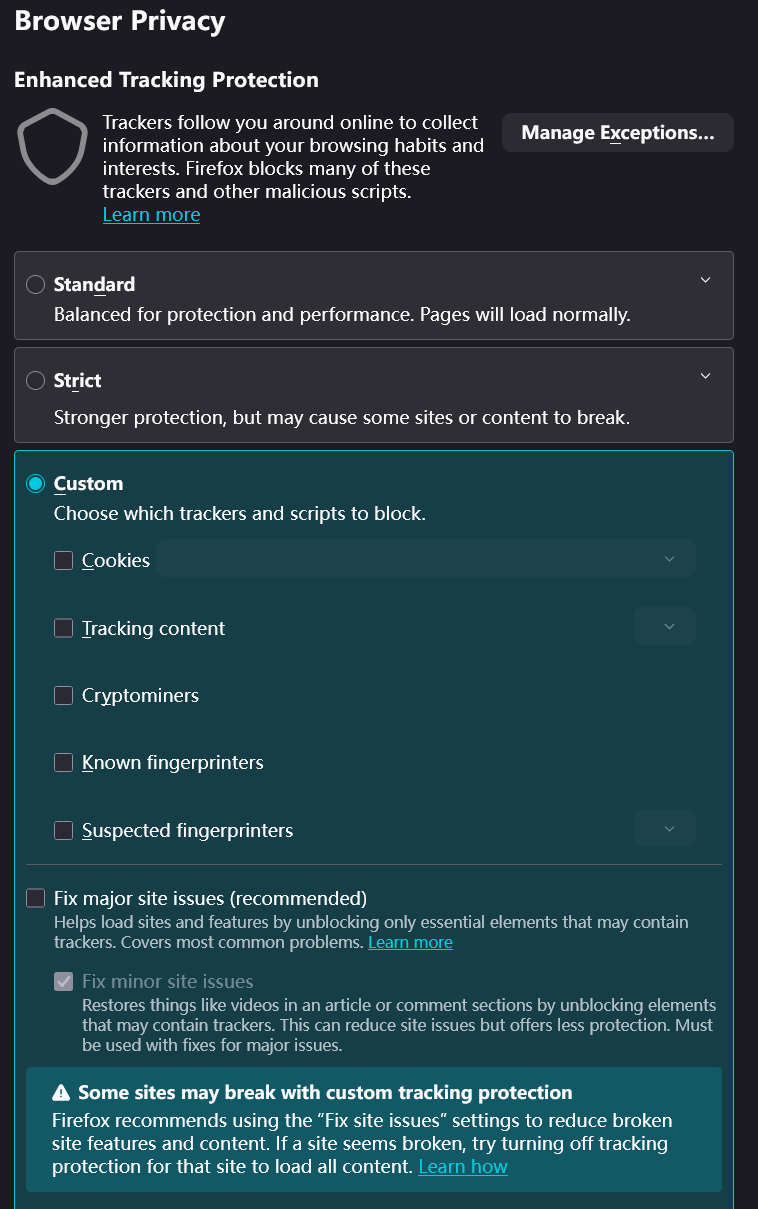
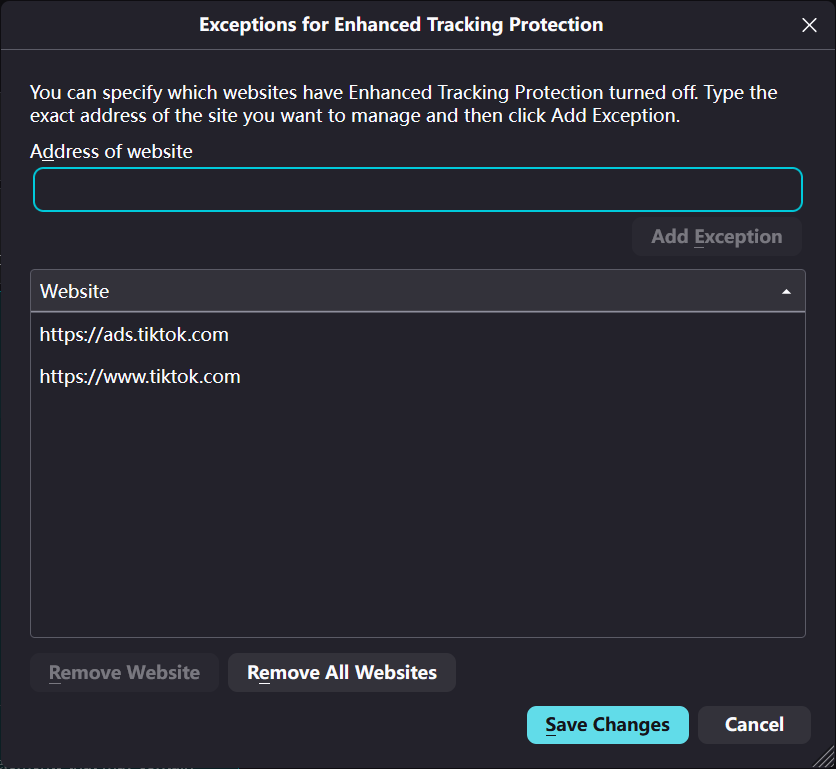
If I may offer my perspective, I believe the Enhanced Tracking Protection is a commendable choice. I'm afraid to say that I always get an error message on the TikTok website. I'm afraid I don't have the ability to circumvent this block. I would be very grateful if you could assist me in this matter. I believe I have a clear understanding of the website into which I wish to log in. It would be very helpful if there were an option to manually deactivate the protective features. <if i may offer my perspective, believe the enhanced tracking protection is a commendable choice. < p></if>
<This question has been edited due to inappropriate content. Please ensure you follow the Mozilla Support rules and guidelines >
Изменено Sebastian Becker
Все ответы (1)
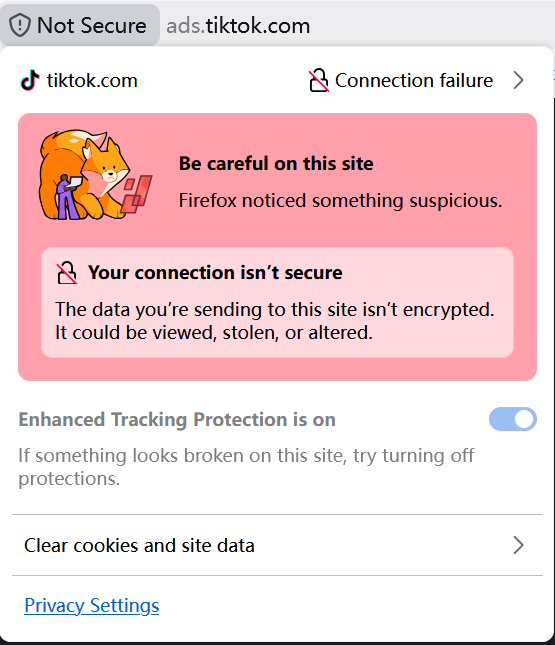
It very well might be, but do you realize the SSL connection error you're showing gets nowhere close to any tracking protection functionality?
The connection is not broken by Firefox, that ads.* host loads just fine with the same, main *.tiktok site wildcard certificate — you can check its details by running a sslscan or inspecting the same cert on the apex domain. It's "something" on your line interfering — a filtering DNS or a pihole, your security software or network appliance etc.
This response is not coming from tiktok site (unless they misconfigured something badly) — if you click through that red error and go to "Connection failure »", then show what's not trusted or what is the certificate detail and what's the mismatch, you'll be able to understand who is trying to pretend to be ads.tiktok for you.
Изменено jbr