


Screen Tearing only in Firefox

I get screen tearing on videos or when i scroll on any website. Only happens on Firefox, I've tested Chrome, Edge, Opera.
Smooth Scrolling is Off. Hardware Acceleration is Off. I've tried toggling "gfx.font_rendering.directwrite.force-enabled" Firefox is up to date.
None of this has helped.
Все ответы (7)
to add, i noticed this started happening after a recent NVIDIA driver update. I believe that might have caused it, but I'm not certain.
Edit: Rolled back NVIDIA driver to April 2025, didn't fix the issue, so it's not that.
Изменено niktr
Does it happen with Firefox in Troubleshoot Mode? https://support.mozilla.org/en-US/kb/diagnose-firefox-issues-using-troubleshoot-mode#search Are you running security software besides MS Defender? Windows home or pro?
System info: Laptop, desktop, or DIY? If not DIY, what make and model computer? Also provide the make and model graphics card.
Изменено jonzn4SUSE
1. Yes it happens in Troubleshoot Mode. 2. No 3. Win10 Pro 64bit
Desktop DIY MB: B550M Aorus Elite Gigabyte CPU: AMD R5 5600X GPU: RTX 3090 24GB EVGA Monitors: 2x AW2521HFA
Ran the same test on Desktop too, no Screen Tearing. Only happens inside Firefox. Tried disabling G-Sync - no change. Tried changing monitor refresh rate - no change.
NVIDIA Control Panel: Vsync = Tried App Controlled, Tried On, Tried Adaptive - No change Max FPS = Tried Off, Tried 60, Tried 58 - No change
niktr said
to add, i noticed this started happening after a recent NVIDIA driver update. I believe that might have caused it, but I'm not certain. Edit: Rolled back NVIDIA driver to April 2025, didn't fix the issue, so it's not that.
What driver were you originally on? see screenshot https://www.nvidia.com/en-us/geforce/drivers/
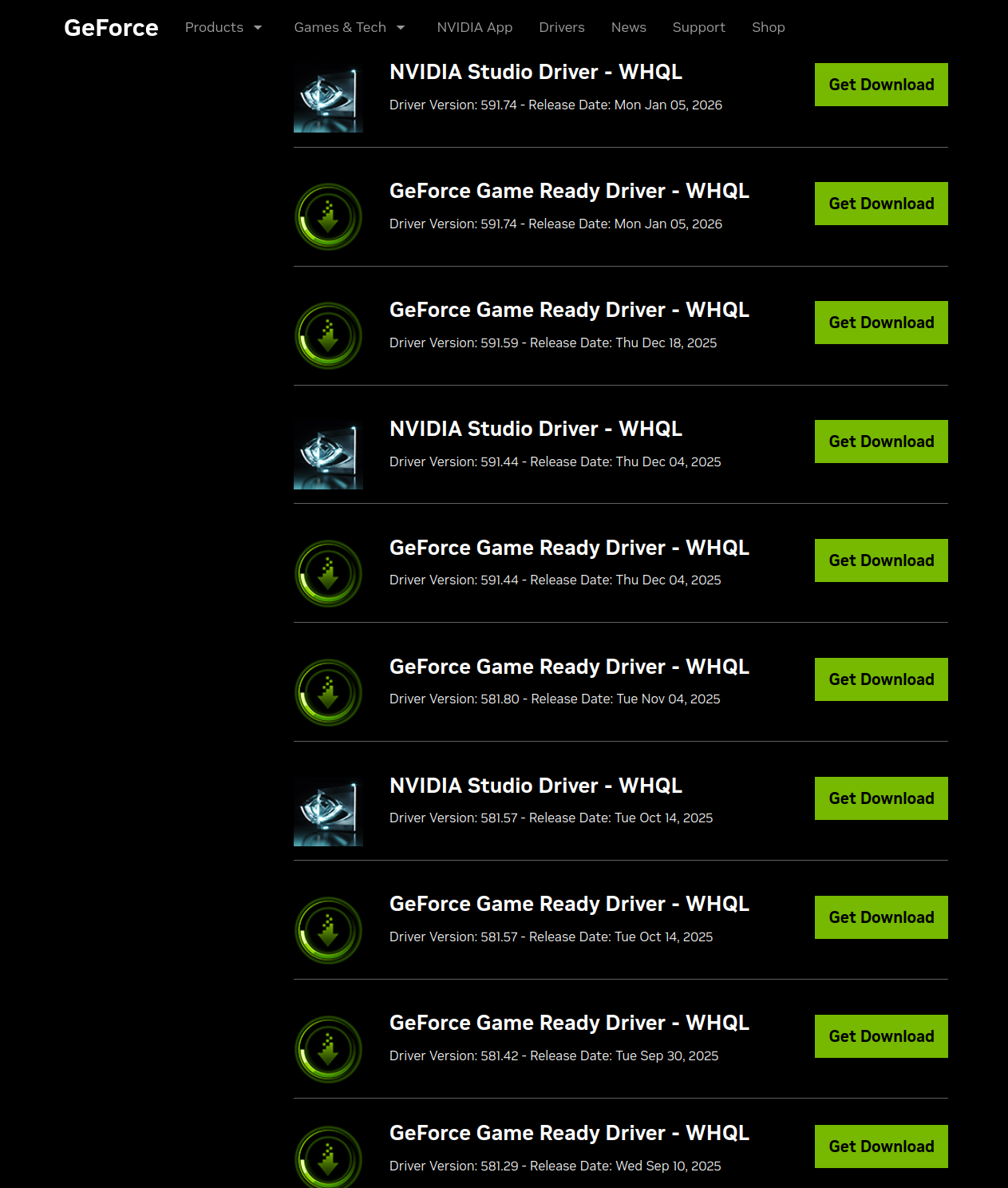
Can't remember, could be any single one from Oct to Nov. But I think it's irrelevant since I rolled back to even before that, if a new Bug was introduced in Nov - Jan, rolling back would've fixed the issue. Also this is isolated to Firefox, so it might be something in the December 18 2025 Firefox update.
In any case, if i have to roll back my NVIDIA driver just for Firefox to function normally, I'd prefer to just switch browsers instead of sacrificing driver functionality.
You should install a previous version of Firefox and test. Make sure to install in a different directory than your current one. https://ftp.mozilla.org/pub/firefox/releases/
Also test by running Windows Sandbox. https://www.howtogeek.com/399290/how-to-use-windows-10s-new-sandbox-to-safely-test-apps/