


After the update

After the update, the name of the "Spam" folder (Japanese) changed to "Junk" (English), and similarly the name of the trash folder (Japanese) changed to "Trash" (English). As a result, it now freezes on startup. It's very difficult to use.
Все ответы (2)

I'm not sure the renaming is the problem.
Try TB menu > Help > Troubleshooting Information > Clear startup cache button.
If that didn't help, see if clearing cache helps:
- press Ctrl-Shift-Delete (Mac: Cmd-Shift-Delete)
- set 'Time range...' to 'Everything'
- untick all items except 'Cache'
- clear, then restart TB
If still misbehaving: what happens in Troubleshoot mode?
Изменено Ed
Hello
I am French.
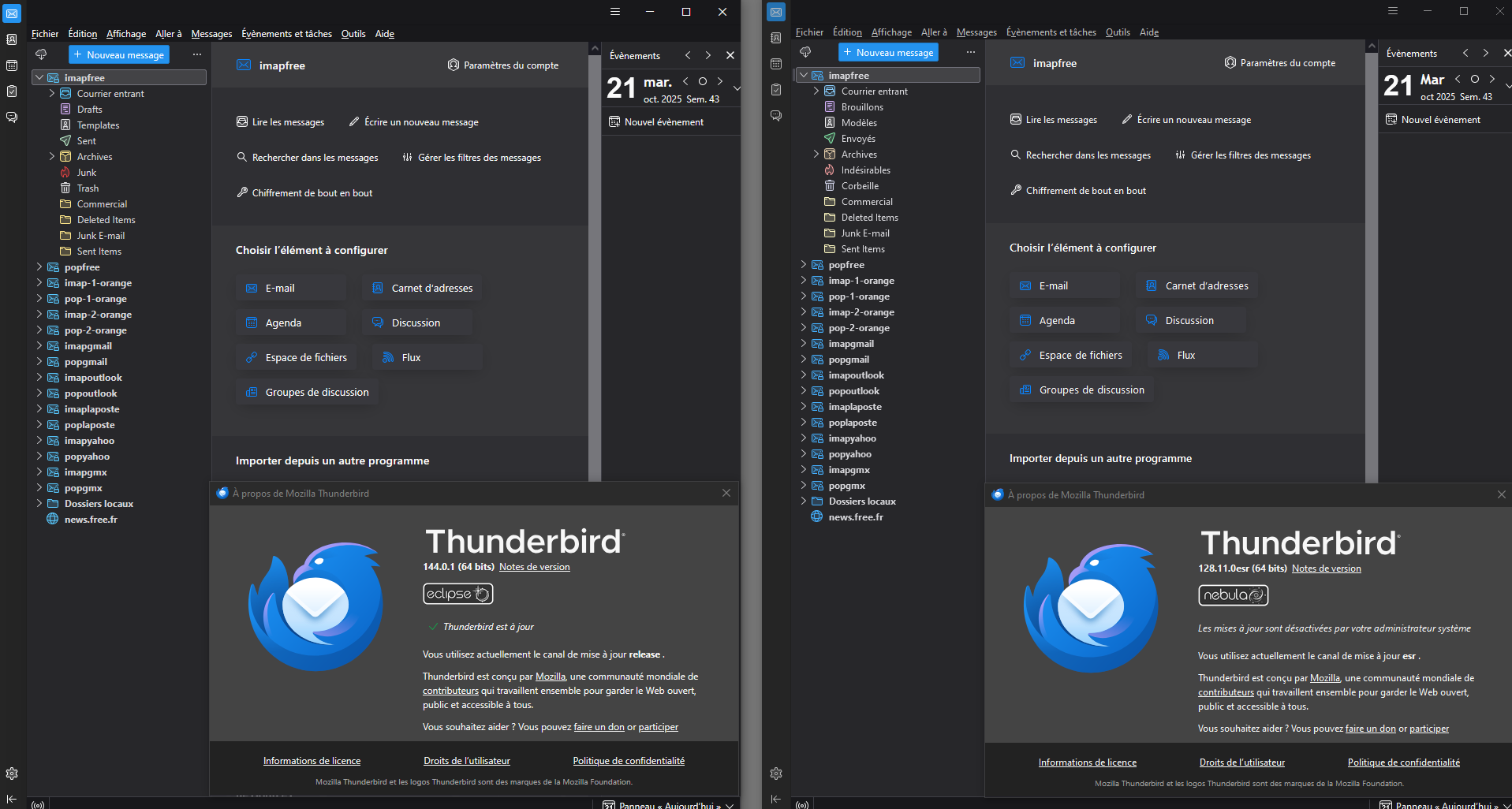
For comparison (screenshot1)
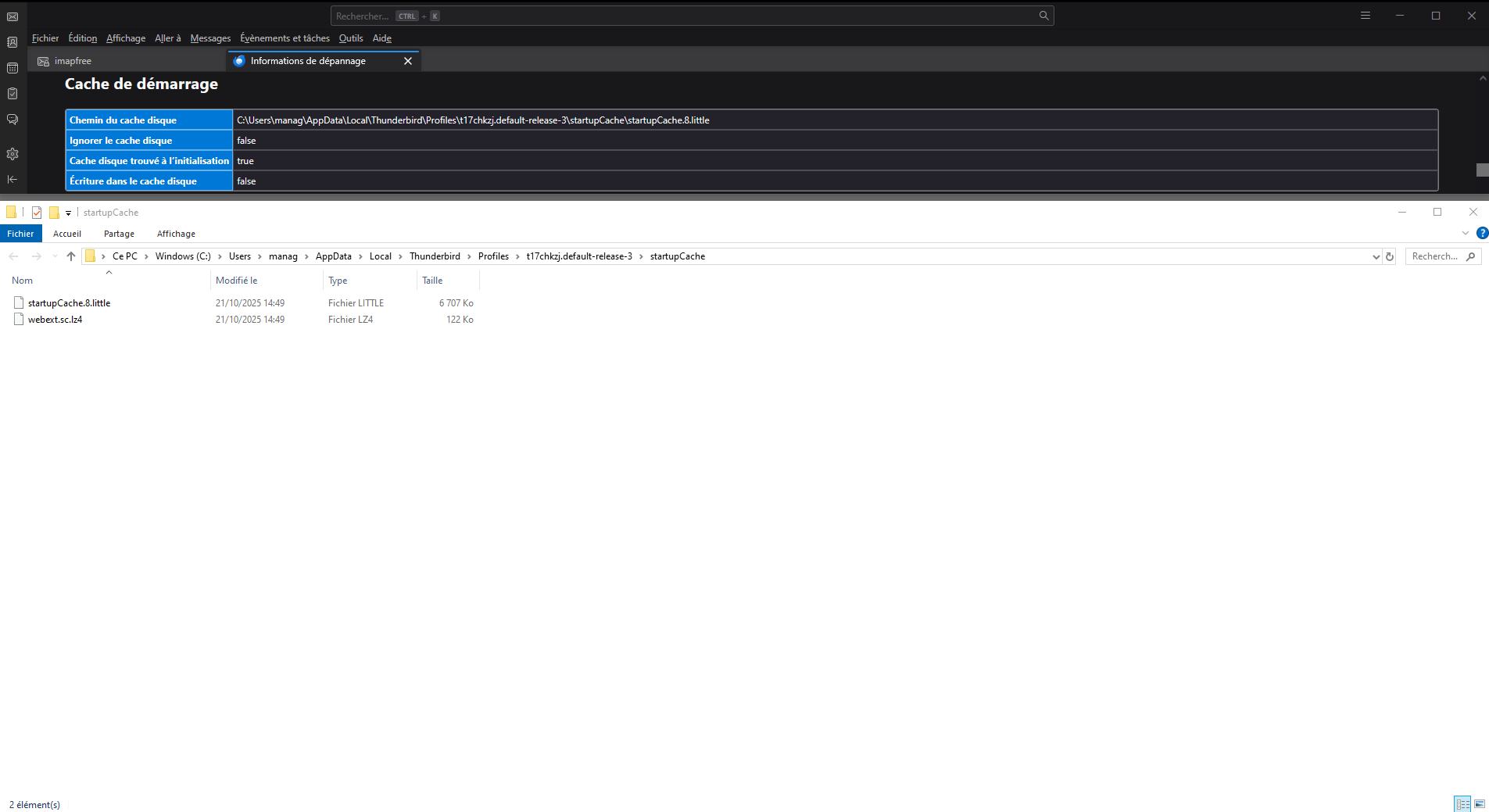
About, Clear startup cache. (screenshot2) Cache de démarrage Go to your folder startupCache. Stop Thunderbird. Delete content of folder startupCache. Start Thunderbird.
About, https://support.mozilla.org/en-US/questions/1542238
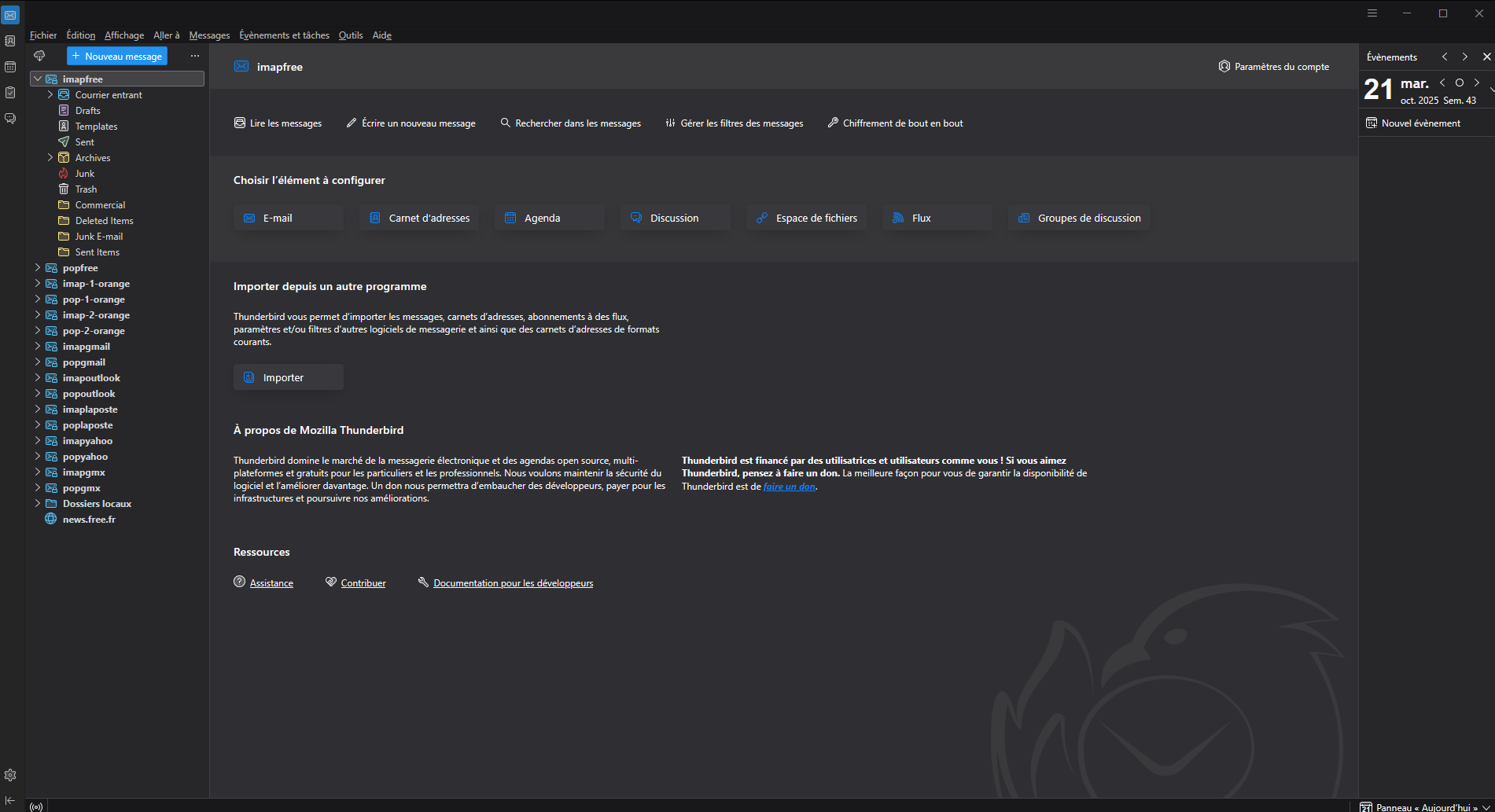
I'm waiting for a resolution (screenshot3)
Изменено Agent virtuel