


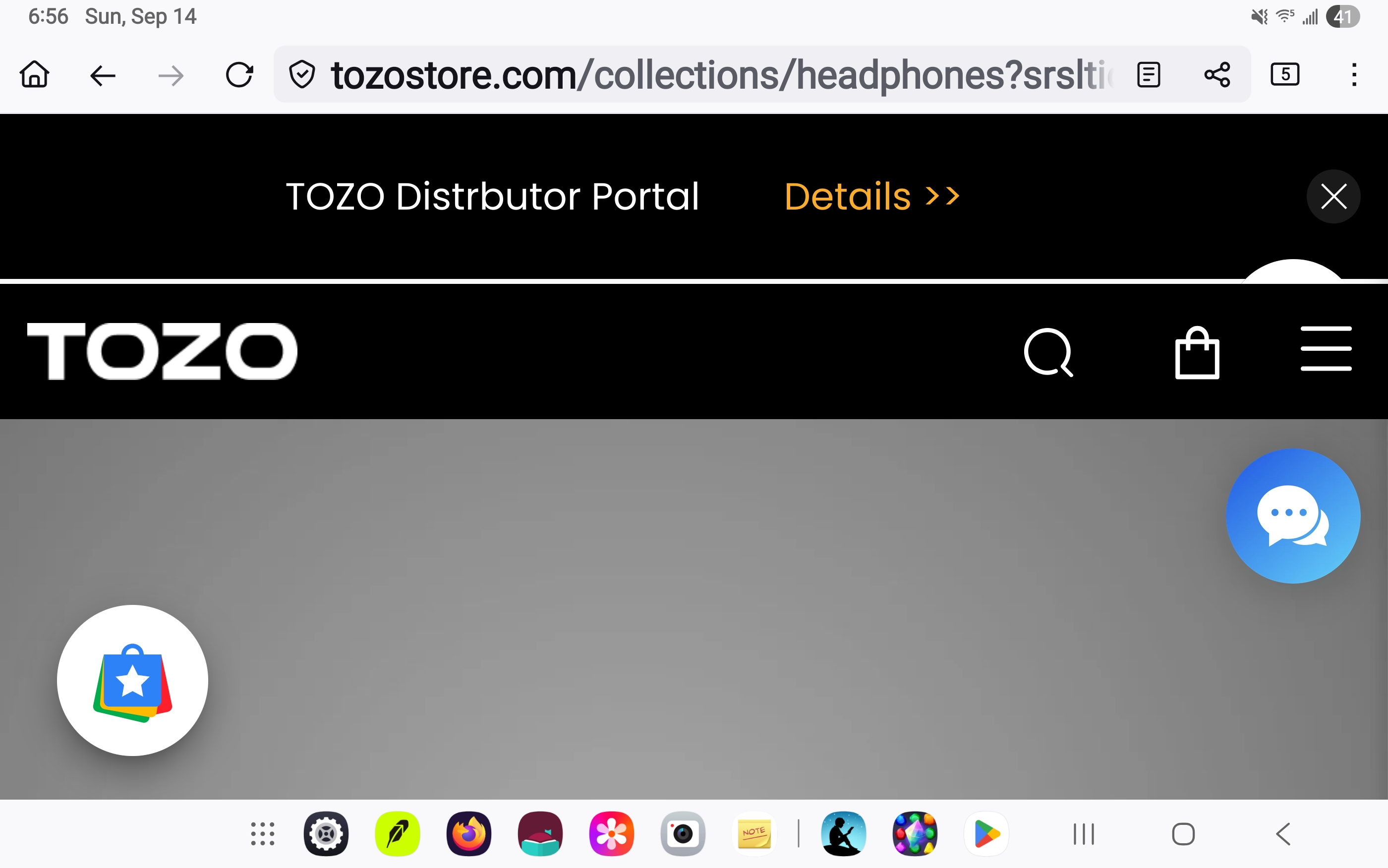
round circle with suitcase on it in websites

In the picture you can see a round circle with a suitcase in it. It gets in the way of trying to use the websites. When you click on it other websites come up. How do I remove it from my browser?
In the picture you can see a round circle with a suitcase in it. It gets in the way of trying to use the websites. When you click on it other websites come up. How do I remove it from my browser?
Все ответы (1)

It sounds like you have some kind of browser extension, add-on, or possibly adware that’s showing that round suitcase icon. Try these steps:
Check your browser extensions and disable/remove anything you don’t recognize.
Clear your browser cache and cookies.
If it still shows up, run a malware/adware scan on your computer. Once removed, that circle with the suitcase should disappear and you’ll be able to use websites normally again.