


reopen pages on startup

Where do I find Mozilla settings to return my system to automatically reopen pages on startup?
Все ответы (8)

Oneota said
Where do I find Mozilla settings to return my system to automatically reopen pages on startup?
You said system... do you mean to return the tabs you had open previously? If so, here is a screenshot of the option. see screenshot
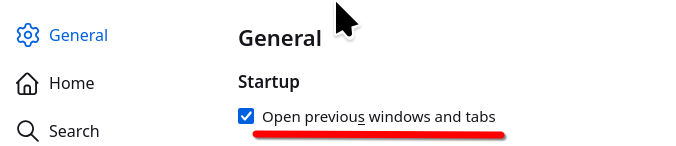
Huh? Where do I find that that is in your screen shot? It doesn't look like anything on my computer screen.
The settings page. see bigger screenshot Post a screenshot of what you're seeing.
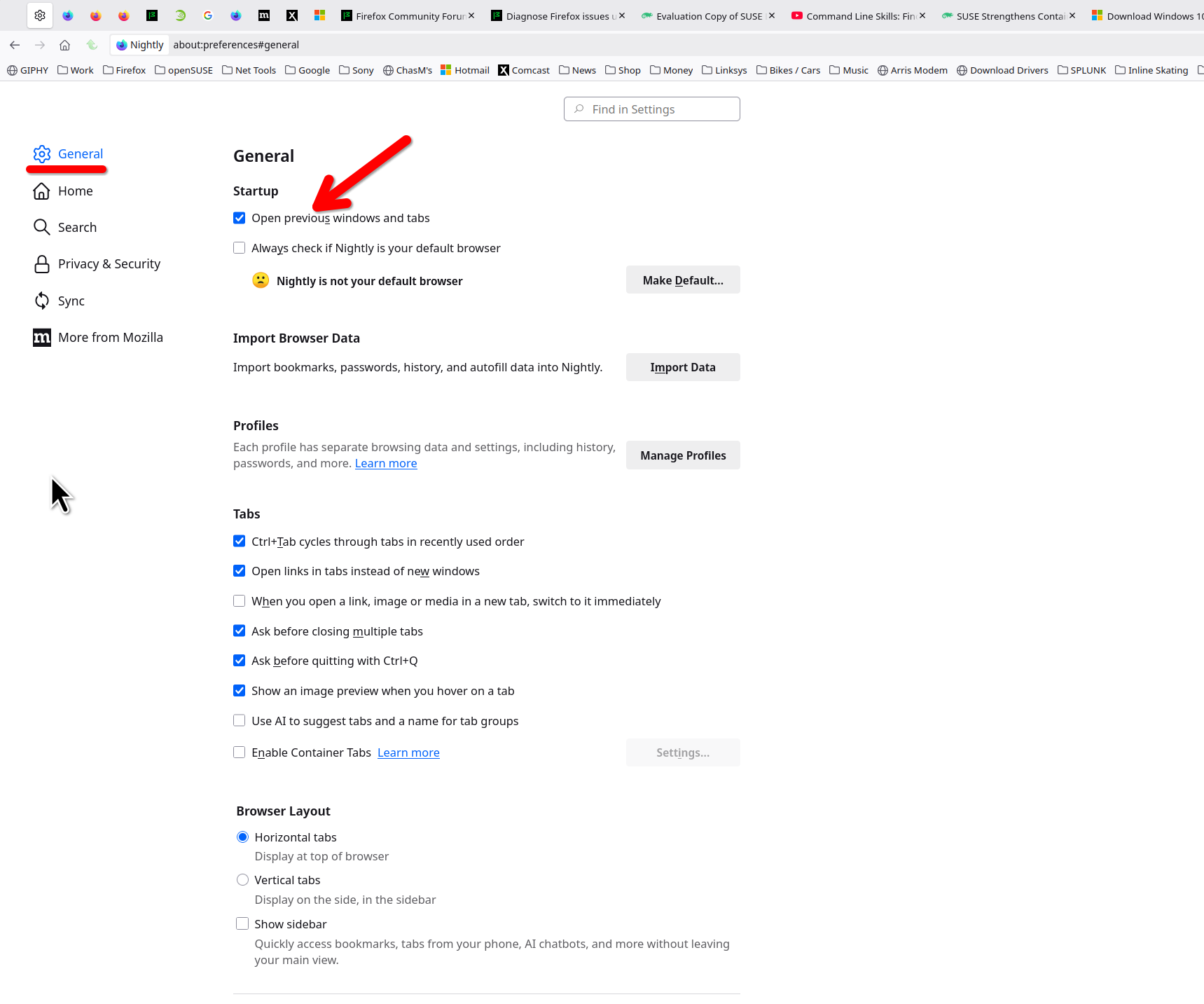
This is what I see on settings:
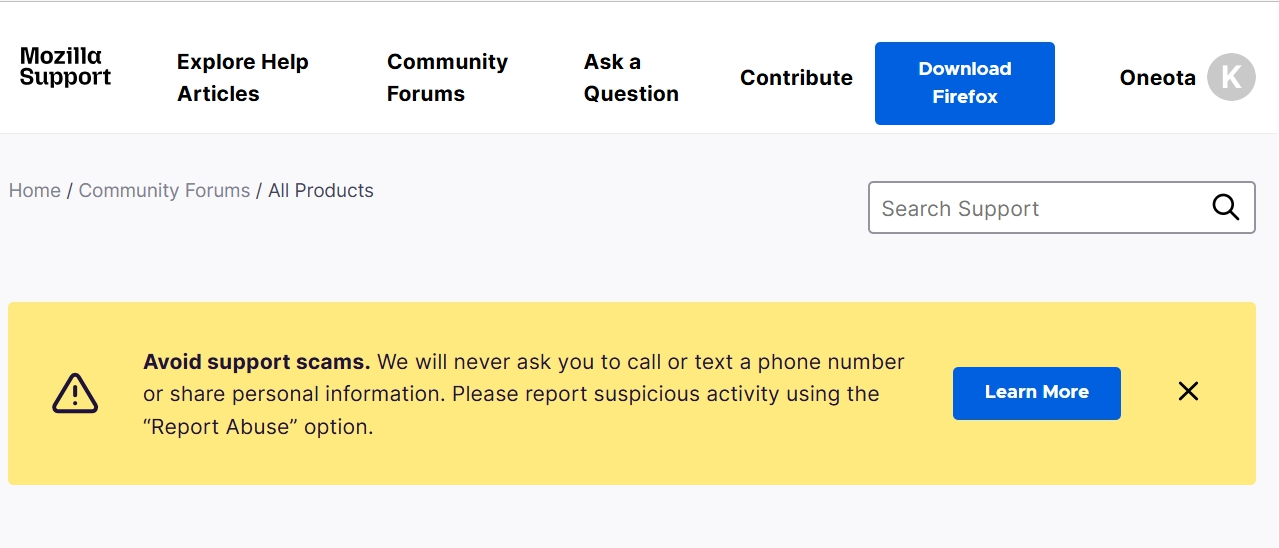
That is not the settings page in the browser.

So, where do I get what I'm supposed be looking at????
In the Settings. Click ≡ in the top right corner and select Settings from the menu.

offering some helpful information :
i discovered the problem was caused by Windows11 multiple desktops :
another desktop was already showing all the Firefox tabs :
this caused the current desktop to not show all the Firefox tabs.