


Windows 10 reached EOS (end of support) on October 14, 2025. If you are on Windows 10, see this article.

Поиск в поддержке

Избегайте мошенников, выдающих себя за службу поддержки. Мы никогда не попросим вас позвонить, отправить текстовое сообщение или поделиться личной информацией. Сообщайте о подозрительной активности, используя функцию «Пожаловаться».

Подробнее

google account is not login on firefox

  • 1 ответ
  • 0 имеют эту проблему
  • 315 просмотров
  • Последний ответ от SuMo Bot
  • Решено

when i login my google account on firefox they say this browser is not try another browser. and if you already use supportive browser then try again and if click on try again and try it they still show me same statement.
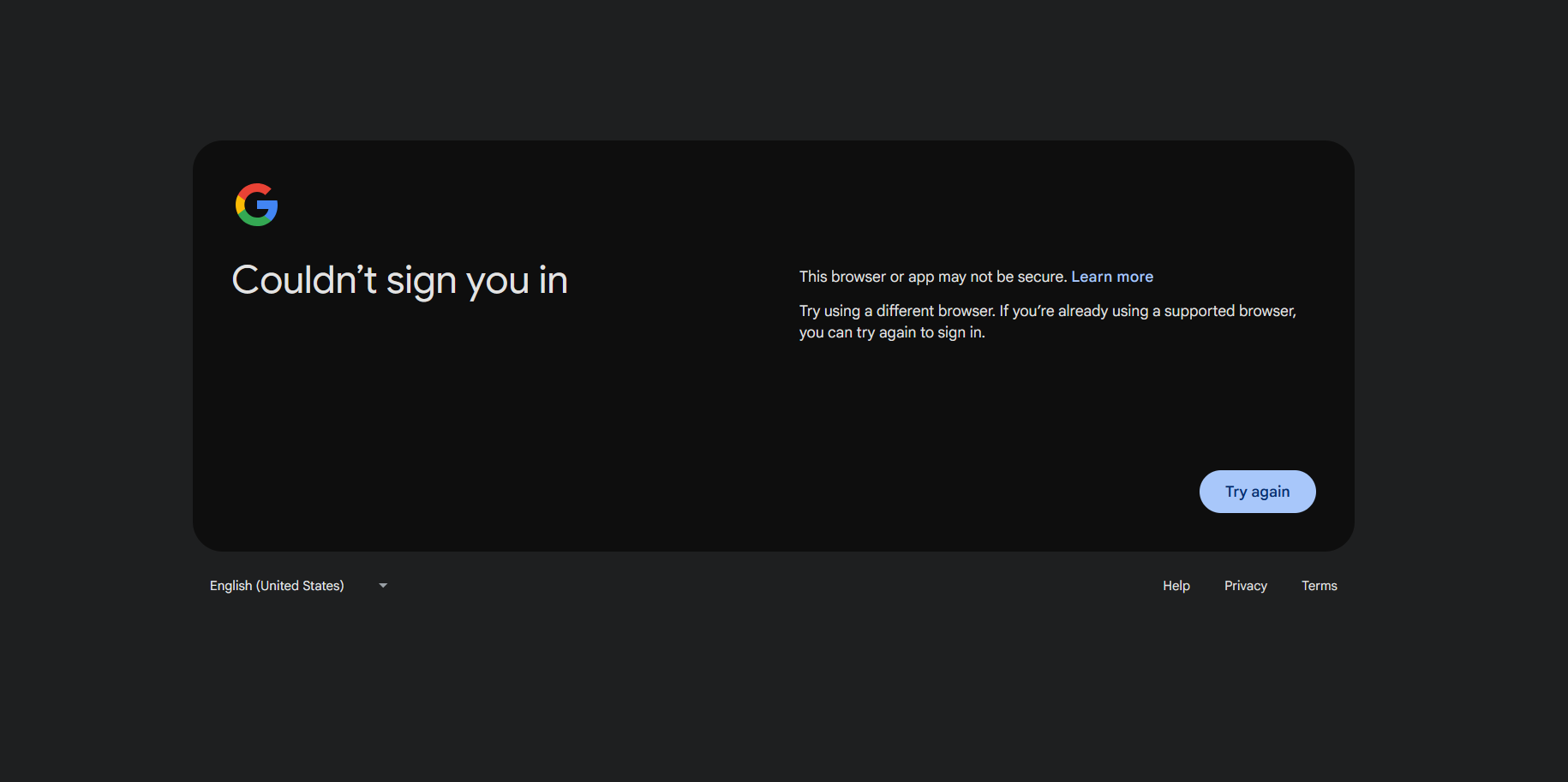
when i login my google account on firefox they say this browser is not try another browser. and if you already use supportive browser then try again and if click on try again and try it they still show me same statement.
Приложенные скриншоты

Выбранное решение

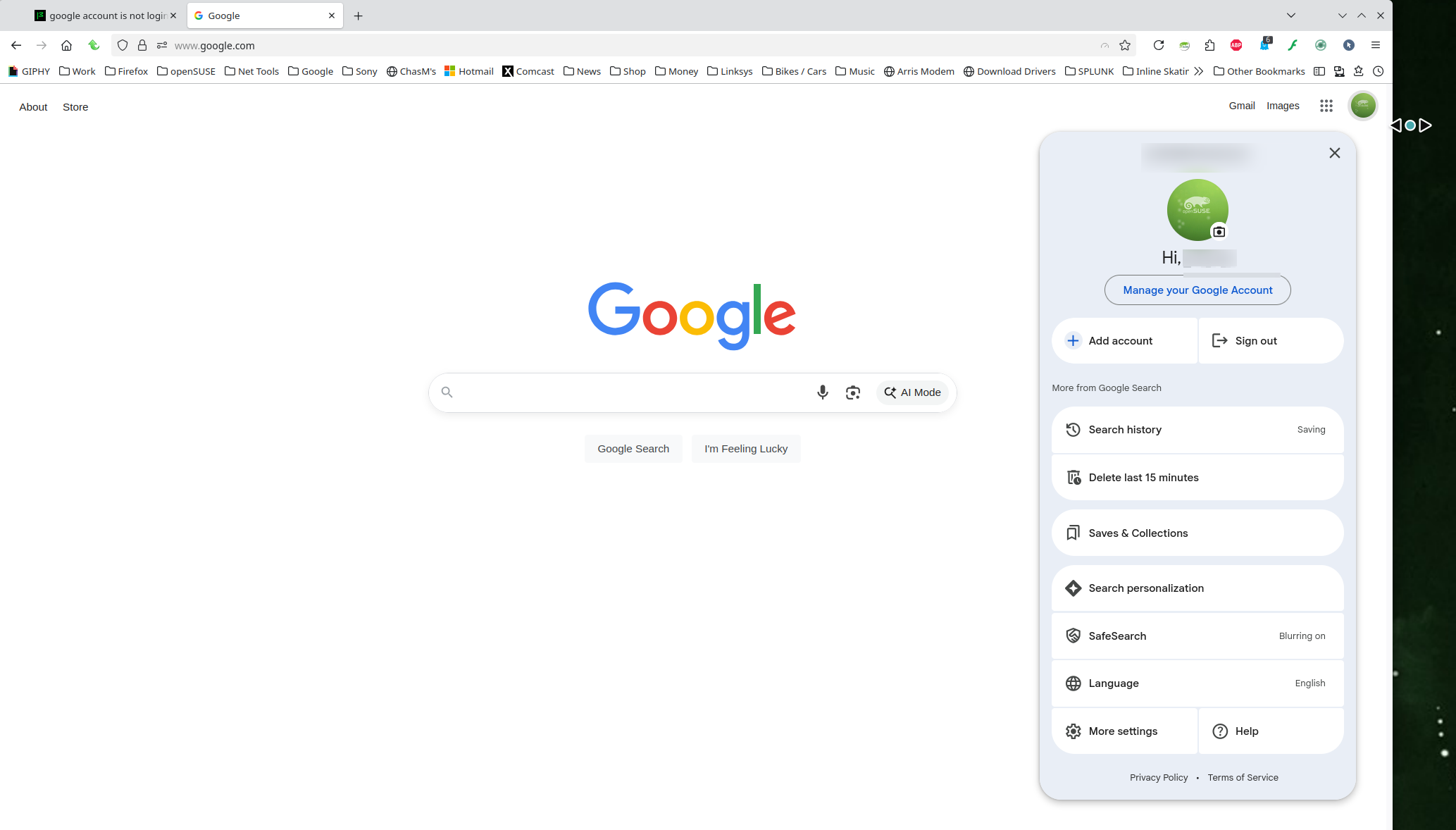
Works for me. see screenshot FYI... A full browser screenshot is always more useful.

Windows home or pro and are you running any security software besides MS Defender? If Windows Pro version, try testing in Windows Sandbox (VM) to see if you have the same issue. https://www.howtogeek.com/399290/how-to-use-windows-10s-new-sandbox-to-safely-test-apps/

Did you try with Firefox in Troubleshoot Mode? https://support.mozilla.org/en-US/kb/diagnose-firefox-issues-using-troubleshoot-mode#w_how-to-start-firefox-in-4troubleshoot-modesf5safe-modesf

Did you clear your browser cache? https://support.mozilla.org/en-US/kb/clear-cookies-and-site-data-firefox
Прочитайте этот ответ в контексте 👍 0

Все ответы (1)

Выбранное решение

Works for me. see screenshot FYI... A full browser screenshot is always more useful.

Windows home or pro and are you running any security software besides MS Defender? If Windows Pro version, try testing in Windows Sandbox (VM) to see if you have the same issue. https://www.howtogeek.com/399290/how-to-use-windows-10s-new-sandbox-to-safely-test-apps/

Did you try with Firefox in Troubleshoot Mode? https://support.mozilla.org/en-US/kb/diagnose-firefox-issues-using-troubleshoot-mode#w_how-to-start-firefox-in-4troubleshoot-modesf5safe-modesf

Did you clear your browser cache? https://support.mozilla.org/en-US/kb/clear-cookies-and-site-data-firefox