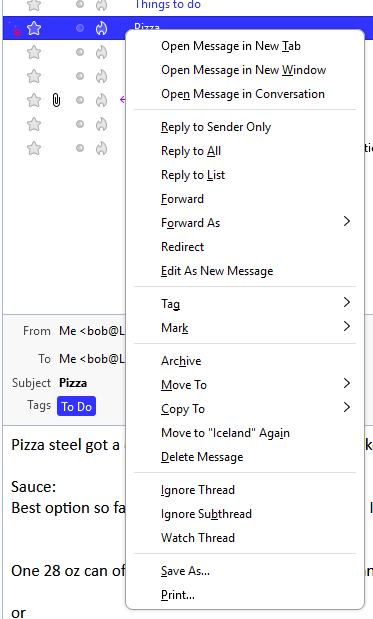
What is this icon in the message list pane?

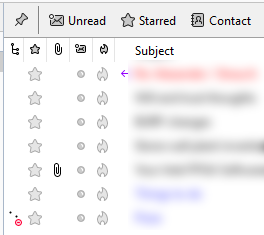
What is this icon, with the two dots and the red circle, in the "Display message threads" column (lower left of the image)?
Thank you.
What is this icon, with the two dots and the red circle, in the "Display message threads" column (lower left of the image)?
Thank you.
Все ответы (2)
It indicates that you have marked the thread to be "ignored". https://support.mozilla.org/en-US/kb/ignore-threads
But the context menu shows "Ignore Thread" is unchecked. And if I select Ignore Thread the icon doesn't change. Then, unselecting Ignore Thread doesn't change the icon either.