


Printing and print preview not working (endless spinning wheel)

Whenever I want to print an email the print preview doesn't show, it keeps displaying a spinning wheel. Printing also doesn't work (as in, I press Save, enter a filename and press Save; the dialog closes but no file is generated).
I already tried the Troubleshooting information -> Clear saved print settings, but to no avail.
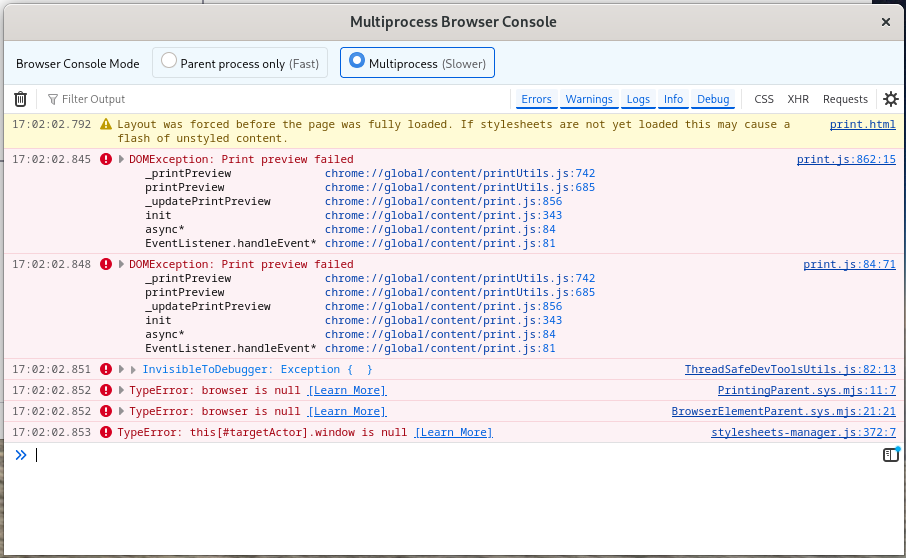
Browser console screenshot attached. I'm using Fedora 41 and Thunderbird 128.11.0esr (flatpak).
Все ответы (6)
Hello
Of course, it's not the answer expected.
For information purposes.
Since the release of https://www.thunderbird.net/en-US/thunderbird/102.0/releasenotes
Printing using the system dialog without preview now supported; Set print.prefer_system_dialog to true
1 - Go to config editor https://support.mozilla.org/en-US/kb/config-editor 2 - Enter a search term print.prefer_system_dialog
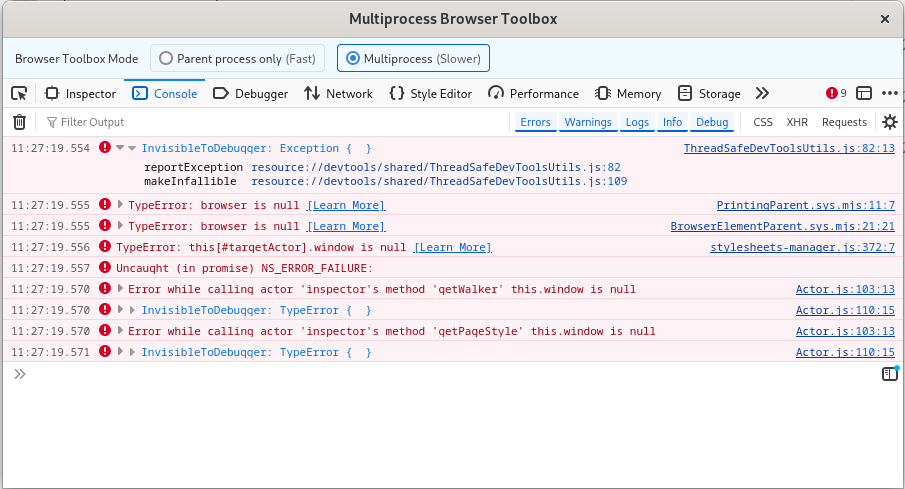
Thanks for your reply. I set the option to True, but still it doesn´t print to PDF. See screenshot for the console output when clicking on Save.
Hello
Thunderbird 128.11.1esr. I haven't noticed any problems. I Saved as..., a attachment pdf and print.
Of course, it's not the answer expected, i don’t know what else to tell you, i'm not, flatpak.
System Thunderbird installation https://support.mozilla.org/en-US/kb/installing-thunderbird-linux#w_system-thunderbird-installation, that's my installation.
Изменено Agent virtuel
Hi,
Just to be clear, I'm not talking about printing attachments, I want to print the email itself. However, your suggestion did trigger me to save the email as HTML, open it in Firebird and then print it, which does work.
So workaround found :), but the underlying problem still exists.
Hello
Dodo said
print to PDF.
Ok, and sorry, i misinterpreted.
I don't have a malfunction.
(Nb) in the screenshots, I've hid, the user names. Clarification: On my screenshot, in the taskbar, this is not the “usual icon”, but some time ago, i probably made a mistake, then, i’ve created a new launcher, The icon was present here https://connect.mozilla.org/t5/ideas/extending-windows-7-and-8-support/idc-p/47558/highlight/true#M38504
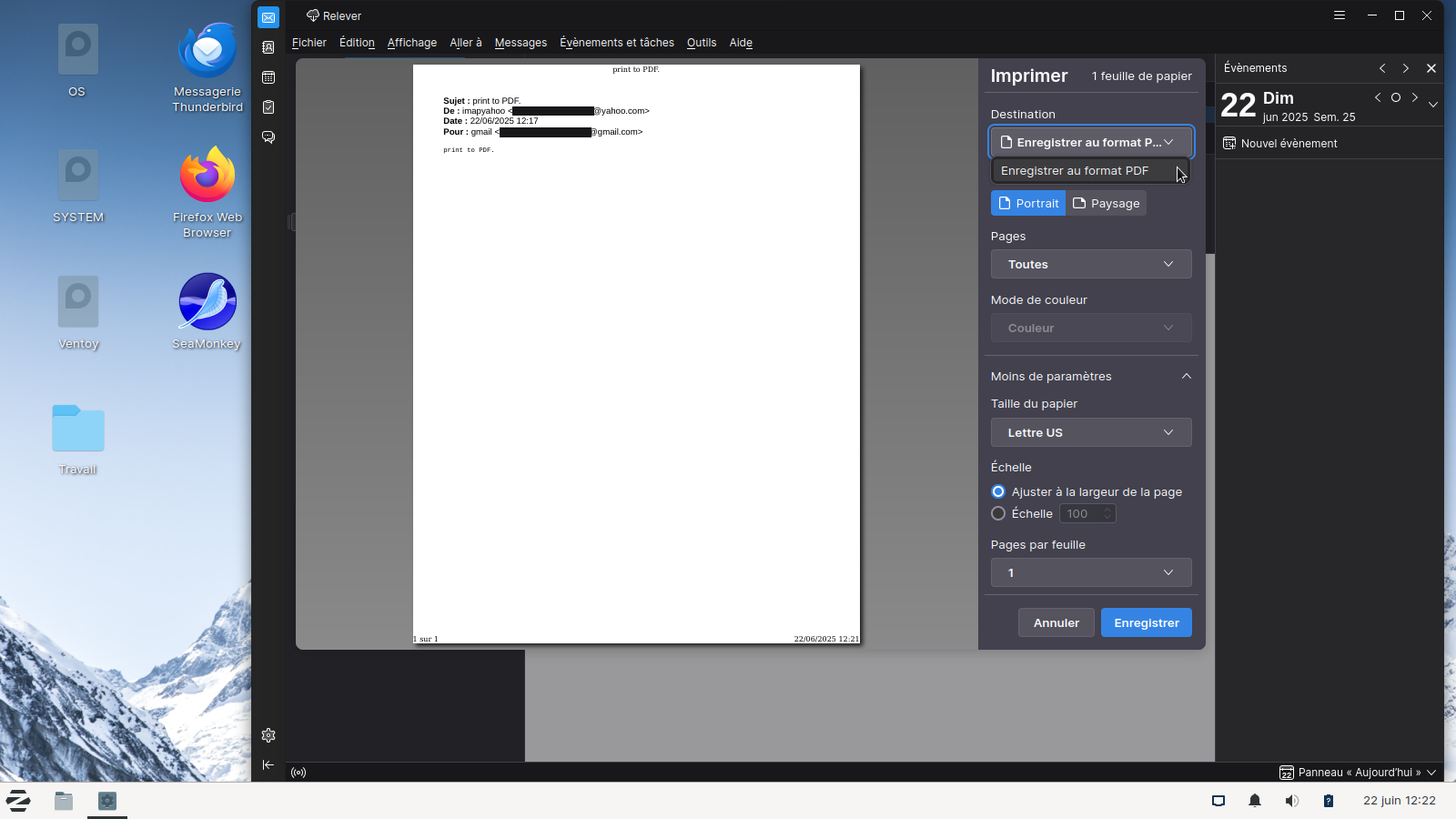
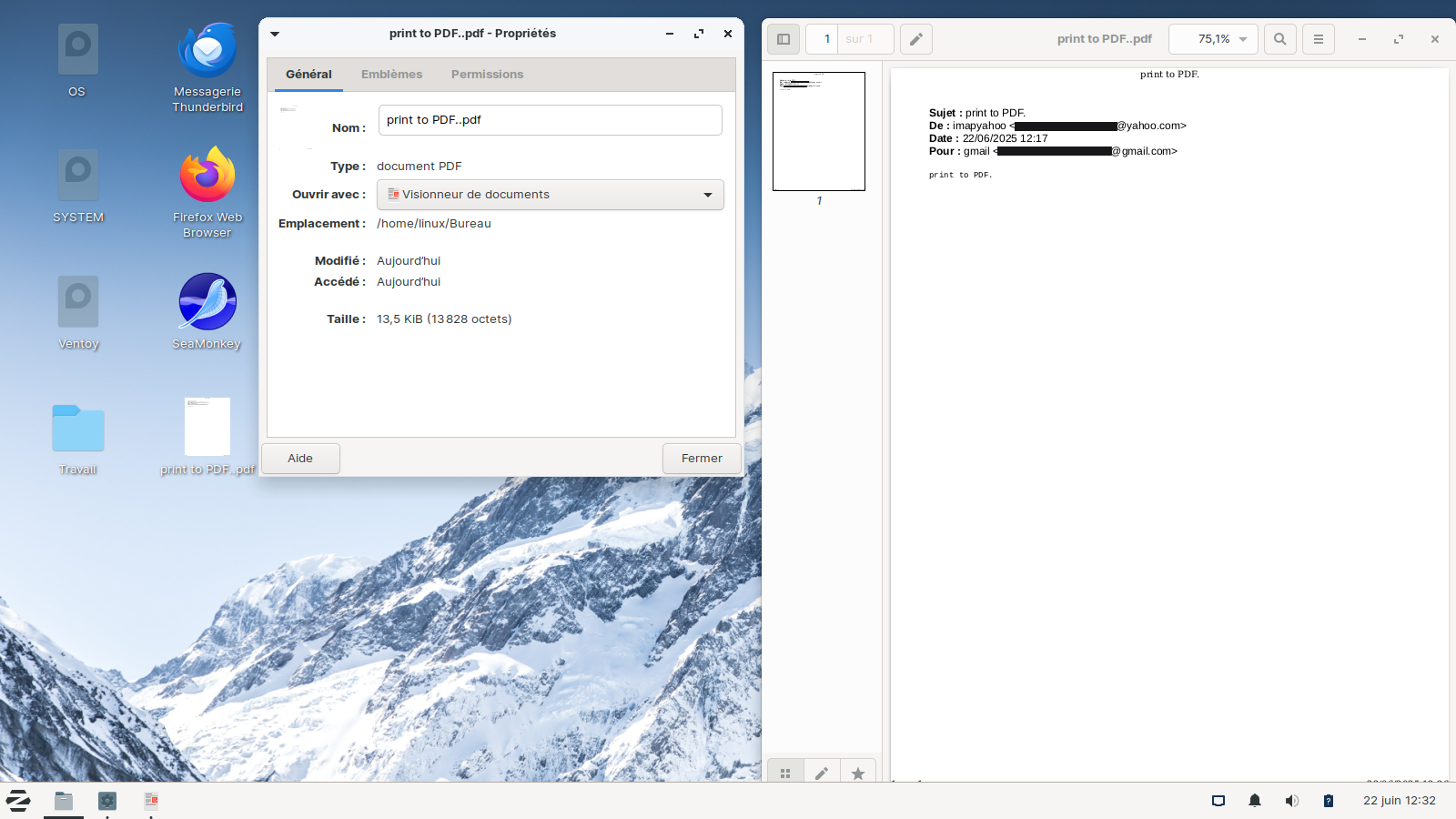

I had the same problem with printing, and after setting the print.prefer_system_dialog parameter to true, I finally managed to print emails and save them as PDFs. Just one last question: why on earth is such an obvious, everyday feature so complicated to turn on? Why do I need to search the internet and forums just to enable printing?