


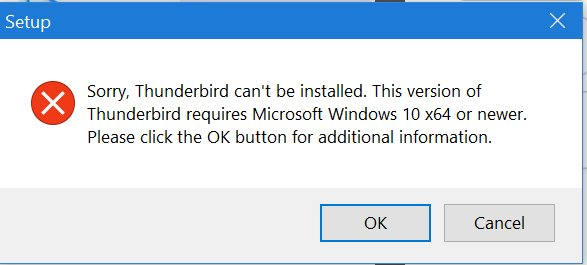
Thunderbird.exe disappeared after update 5/26/2025. Reinstall errors "Sorry, Thunderbird can't be installed. This version of Thunderbird requires Microsoft Windows 10 x64 or newer. Please click the OK button for additional information."

Ran your update today. Thunderbird has completely disappeared. The shortcuts no longer work. When doing a search in Explorer I find a Thunderbird folder in C:\Programs. There is no file named Thunderbird there and the three exe files either do noting or complain that something is missing.
I am now missing literally thousands of emails.
I have received two emails from Spark wanting me to switch my email to their program. I hope you can fix this screw up because if you do not I will switch my email to Spark and make my default browser Chrome. I do not support companies that do what you just did. Completely unacceptable.
Windows 10 Home No info on Thunderbird because you messed up and I can't run it.
Изменено Wayne Mery
Выбранное решение
I found language under Settings/General. It said Afrikaans. Where you had me look it says English probably since I changed it.
At this time I'm calling it solved. It is working and the language is English. All my emails are there. I do not know what the difference is/was, but I'm happy.
Thank you.
Прочитайте этот ответ в контексте 👍 0Все ответы (17)
The first step is to download Thunderbird from https://thunderbird.net/download/ and run the installer. Please post your results.
See image
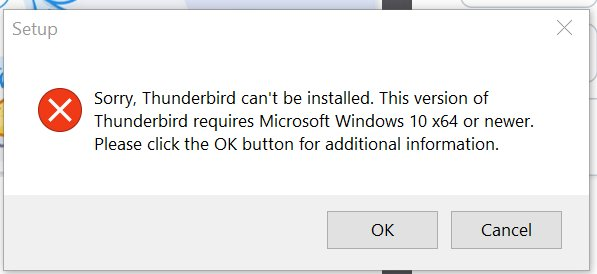
This is quite abnormal - I've only seen one other report similar to this in the past year, and it was within the past two weeks.
Two things: 1) Please post a screen shot of what you see in Windows File Explorer > right+click on "Computer" and pick properties 2) Try installing the ESR version of version 128 from https://www.thunderbird.net/en-US/thunderbird/all/?release=esr. If you get a downgrade warning, use the third bullet point about downgrading from command line at https://support.mozilla.org/en-US/kb/thunderbird-release#w_how-do-i-change-from-release-back-to-esr
Изменено Wayne Mery
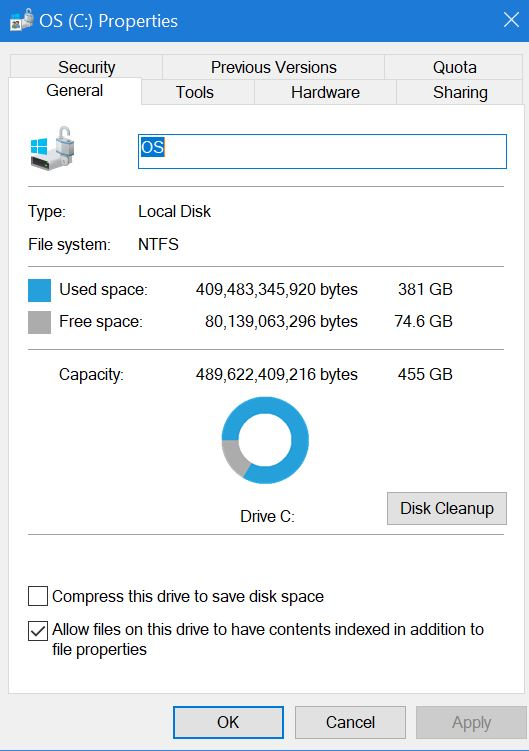
Drive C: properties
Same error using the version I got from the sight.
Rhys3300 said
Drive C: properties
Please pick "Computer", which will show your OS.
Please try the following:
- Start Windows in safe mode with networking enabled - https://support.microsoft.com/en-us/help/12376/windows-10-start-your-pc-in-safe-mode
- Install Thunderbird while in safe mode.
Edition Windows 10 Home Version 2009 Installed on 5/5/2021 OS Build 19045.5854
Apparently this PC was set up with Bitlocker. It seems to be blocking my access to safe mode.
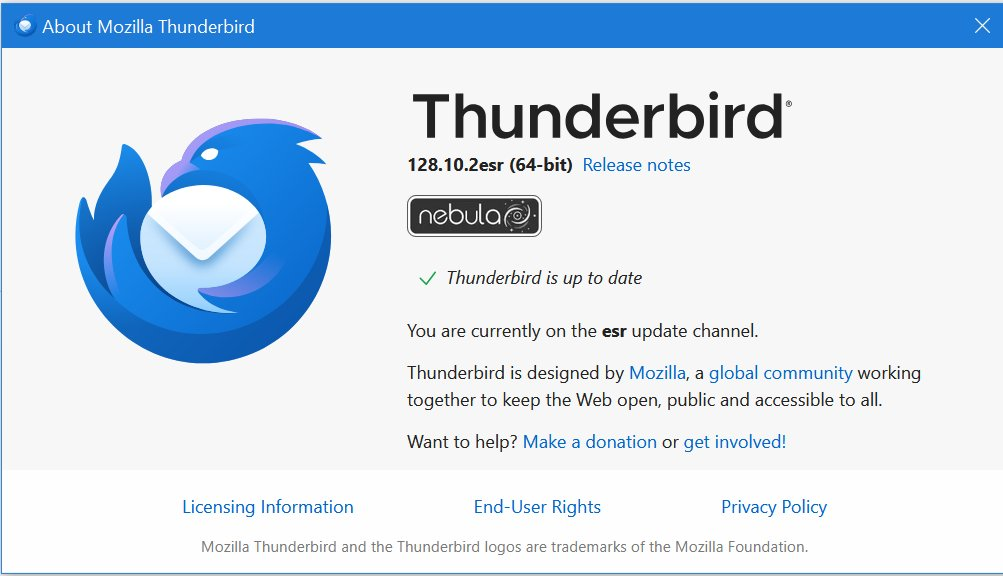
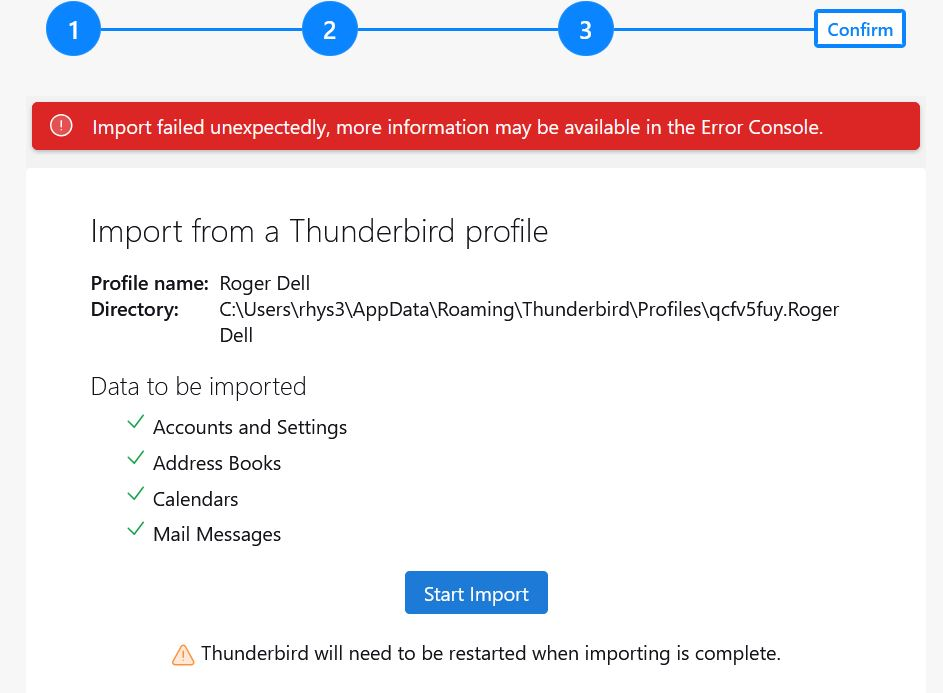
I back up my computer to a local server (personal) and found a downloaded version of 128.10.2esr (64-bit) which I installed. I then tried importing and it failed. Except it did get some emails in some areas. It seems to have stopped importing at about 2017.
I am decrypting the drive so I can use safe mode.
When I try to import.
Decrypted drive. Started in safe mode with networking. It does not find a network and I can not figure out how to convince it to do so.
Tried 128 again. Got the same message as before re Windows version error. Clicked Okay in the error box and it took me to the screen for 132.0.8 requirements. Seems wrong.
LMAO! I found a version of TB in appdata/local/temp/7zss... and ran it. It installed correctly and it looks like all my email is there.
But - there is always a but - it is in German.
Any way to convert it to English?
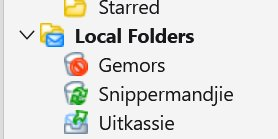
Forgot the version 132.0 (32-bit)
I have tried to find 132.0 32 bit in English but they all give the Windows version error.
Added images for the TB file I installed
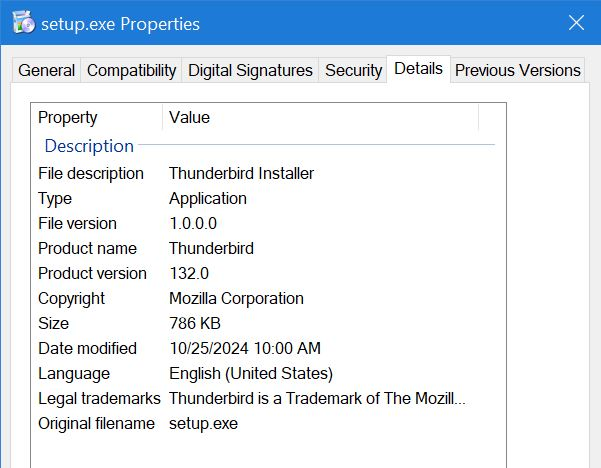
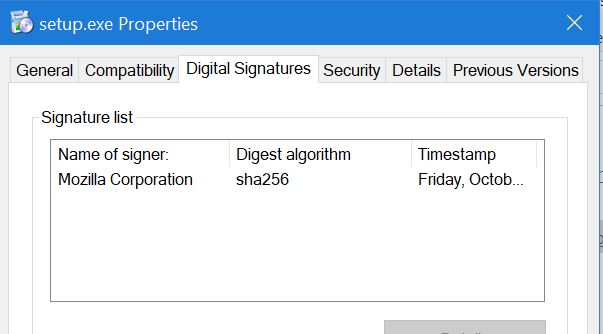
Изменено Rhys3300
Thanks for all the info.
At Help > Troubleshooting Information, what is shown for locales ?
Выбранное решение
I found language under Settings/General. It said Afrikaans. Where you had me look it says English probably since I changed it.
At this time I'm calling it solved. It is working and the language is English. All my emails are there. I do not know what the difference is/was, but I'm happy.
Thank you.