


Firefox master key error! A big issue!!
Hi there,
I am using Firefox Desktop in Windows 10. I activated master key password for the browser. Suddenly, I noticed that the pop up appear in the browser after open. If I close the pop-up or cancel it then it doesn't force me to type password. I easily can use the browser without using password. This is horrible!
please fix it
Все ответы (2)
Do you mean "Primary Password"? I see nothing about Master Key. If so, have a look at this. Use a Primary Password to protect stored logins and passwords https://support.mozilla.org/en-US/kb/use-primary-password-protect-stored-logins?as=u&utm_source=inproduct&redirectslug=use-master-password-protect-stored-logins&redirectlocale=en-US
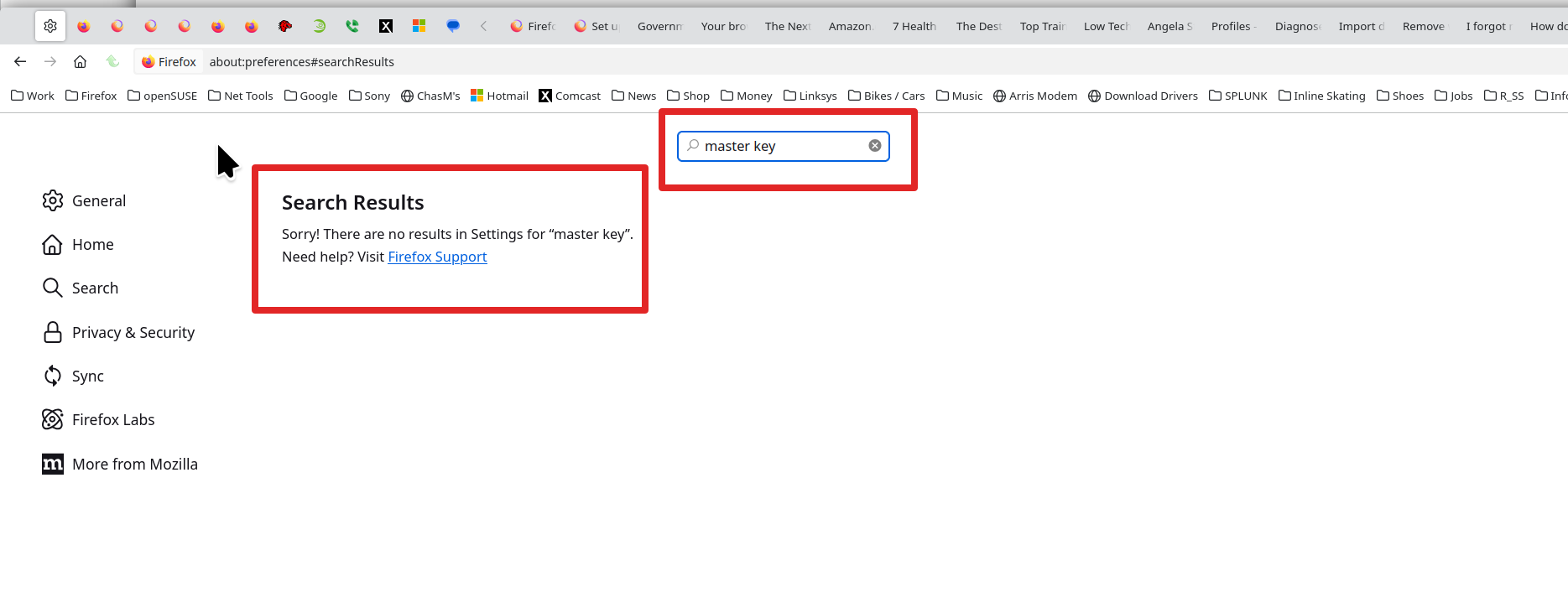
Изменено jonzn4SUSE
Yes, you can cancel it. The primary password only protects your passwords, as jonzn said. It doesn't block normal browsing by design.