


Can not sync the bookmarks with my other PC
Can not sync the bookmarks with my other PC, my account name is glkott@gmail.com and I cant sync bookmarks, favorites, with other PC
Can not sync the bookmarks with my other PC, my account name is glkott@gmail.com and I cant sync bookmarks, favorites, with other PC
Все ответы (1)

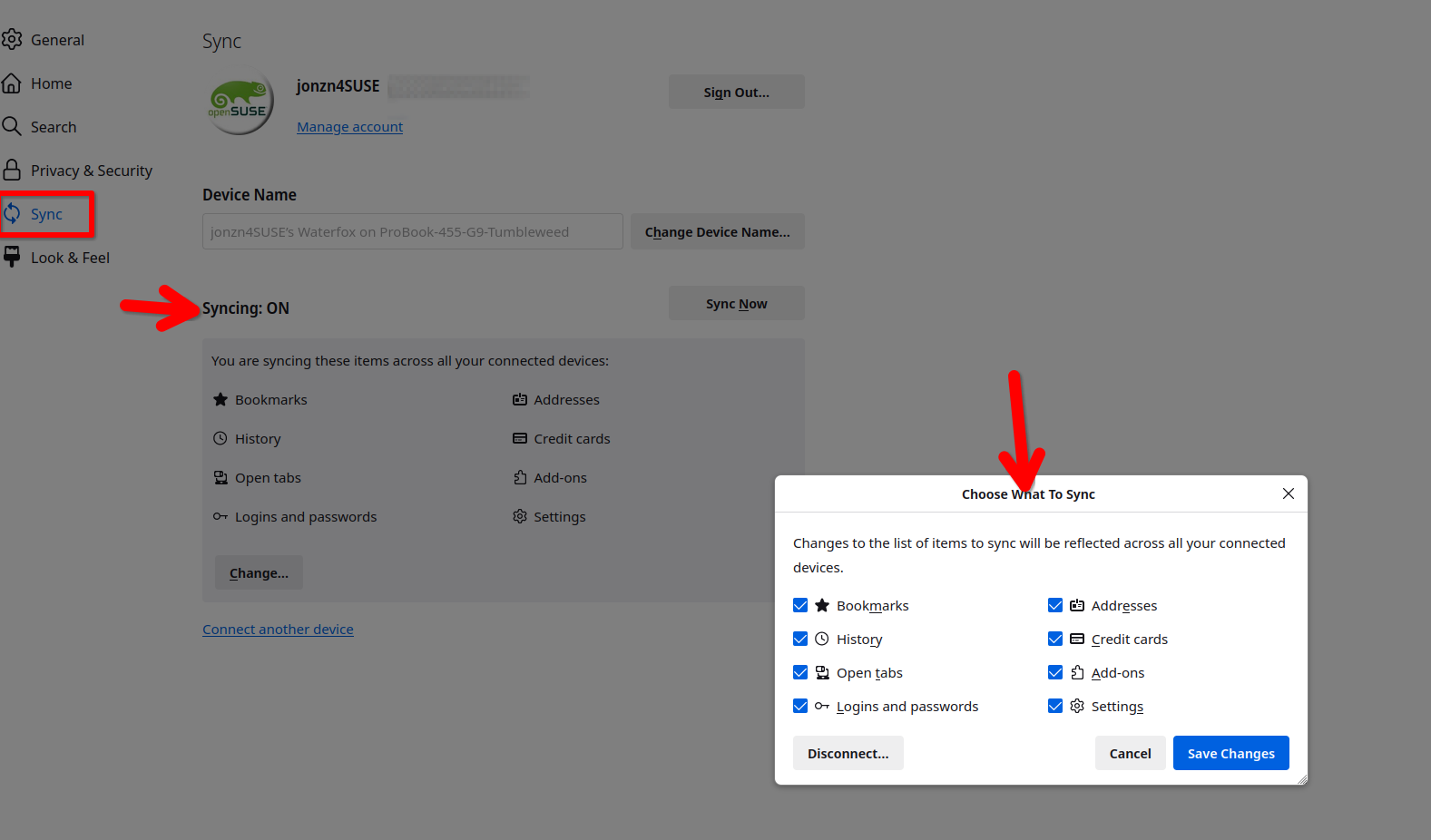
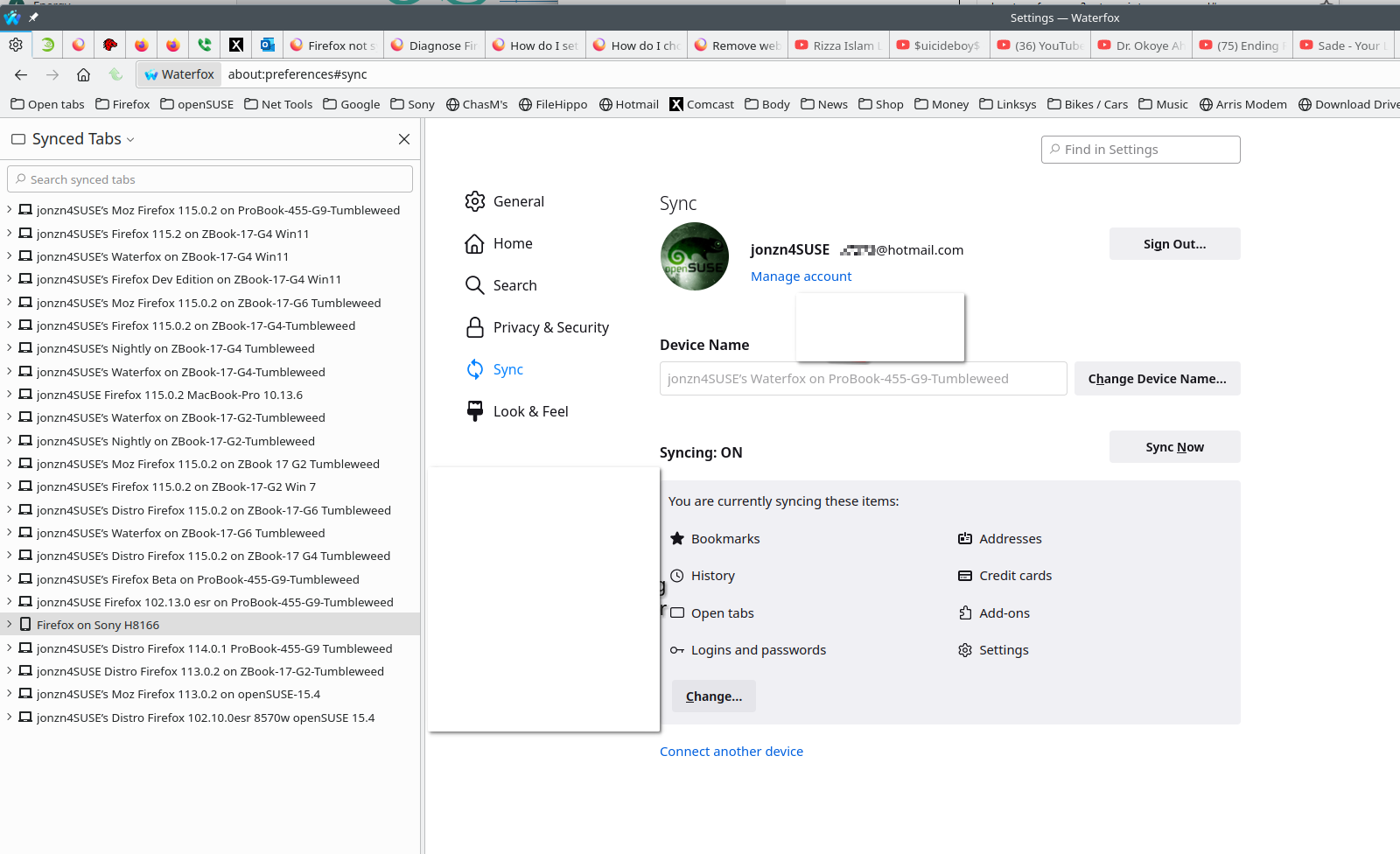
What are your settings? see screenshots When you log into the 2nd computer, what you have checked in the options should start populating the browser on the 2nd computer. As a test, download a different version of Firefox(Beta, Dev, or Nightly) on the 1st computer. Make sure to install in a different directory than your current install. Log into your account in the new browser and things should start syncing.
Изменено jonzn4SUSE