thumder bird mail drafts folder
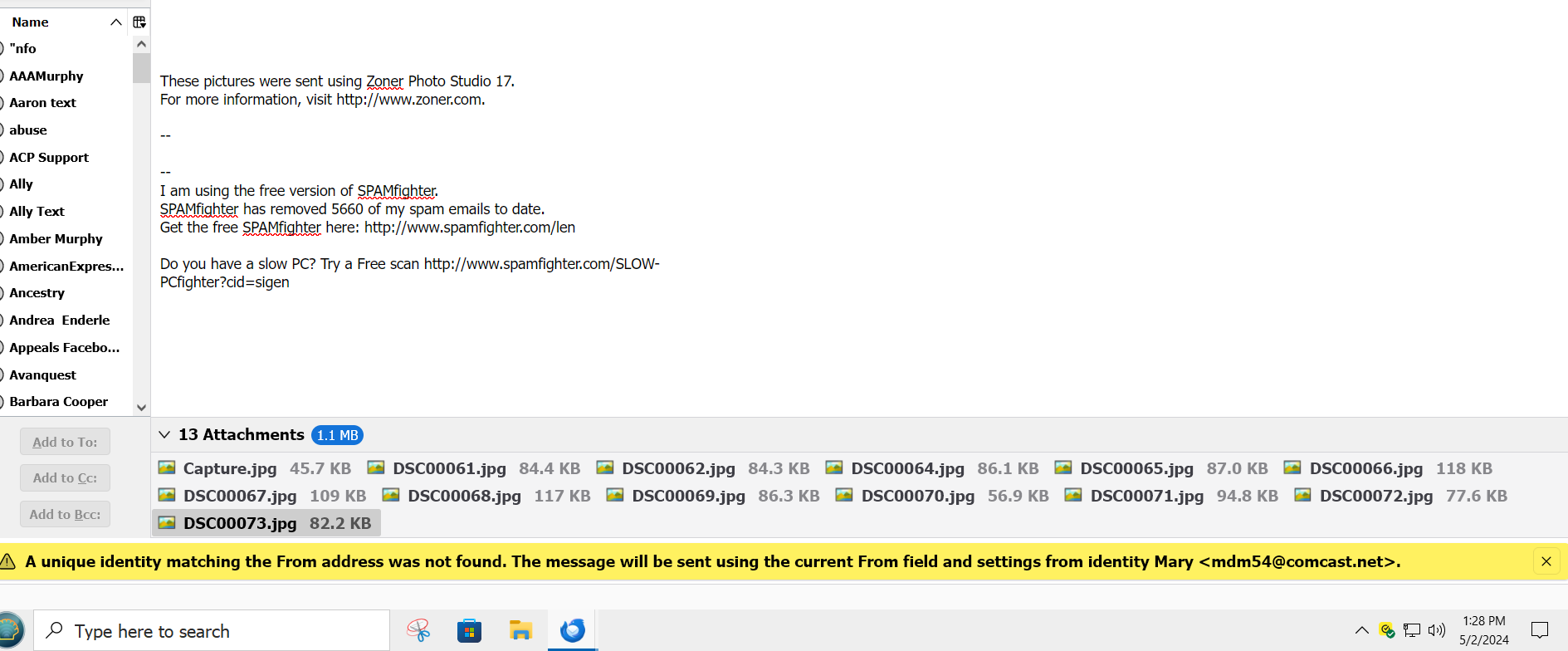
not sure if this is where i should be but i tried the Thunderbird help and got no answer. After the most recent Thunderbird up date and a Thunderbird install over existing one when i go to my drafts folder and click on any draft or save message in there i get a yellow bar at the bottom of the page that i have never seen before . Now i do not want recreate a new profile and lose all my contacts book marks add on etc. how do i remove that yellow bar in Thunderbird mail

Выбранное решение
Mary, This may not work, but it might. - download and install the addon, Folderflags. - highlight your draft folder for an account - rightclick and select properties - at upper right should appear 'Flags' - click that - the tickbox should show 'Drafts' - if it shows anything else, change it to show drafts - exit and restart thunderbird and see if error goes away. - Let me know results. thank you.
Прочитайте этот ответ в контексте 👍 0Все ответы (20)
Выбранное решение
Mary, This may not work, but it might. - download and install the addon, Folderflags. - highlight your draft folder for an account - rightclick and select properties - at upper right should appear 'Flags' - click that - the tickbox should show 'Drafts' - if it shows anything else, change it to show drafts - exit and restart thunderbird and see if error goes away. - Let me know results. thank you.
thank you
I'm glad it worked. You're welcome. It took a long time to figure it out. :)
i do not see an addon called folder flags i see firefox Flags
it's one word, folderflags
nope it did not work
still see the yellow box at the bottom after doing what you said do i untick drafts ?

when i said thank you i meant for the reply not that it worked it still did not
i may have just messed up i click on repiar folder drafts folder now when it is loading all the drafts
i click on something nothing shows up
thank you for the answering and giving me some advice but it does not work.
could this have caused it went into config and turned to false encryption
I regret that it didn't work. It was a hunch of mine that the Drafts folder was being treated as an input folder.
do not be regretful you tried something and it did not work for me. not your fault. I appreciate the fact that you tried . thank you again. Back to the drawing board . Again thank you. i f by some chance you do stumble upon a solution do not forget me okay
There are others with superior technical skills and I will see if I can get someone to look at your concern. david
re :when i go to my drafts folder and click on any draft
Please post the following:
Right click on the effected 'Drafts' folder and select 'Properties' Click on the 'Flags' tab Post image.
i did that several times and still get the yellow bar i have no idea why this is happening if i make a new profile ill lose my contacts and my ad ons. happened after last thunderbird updte

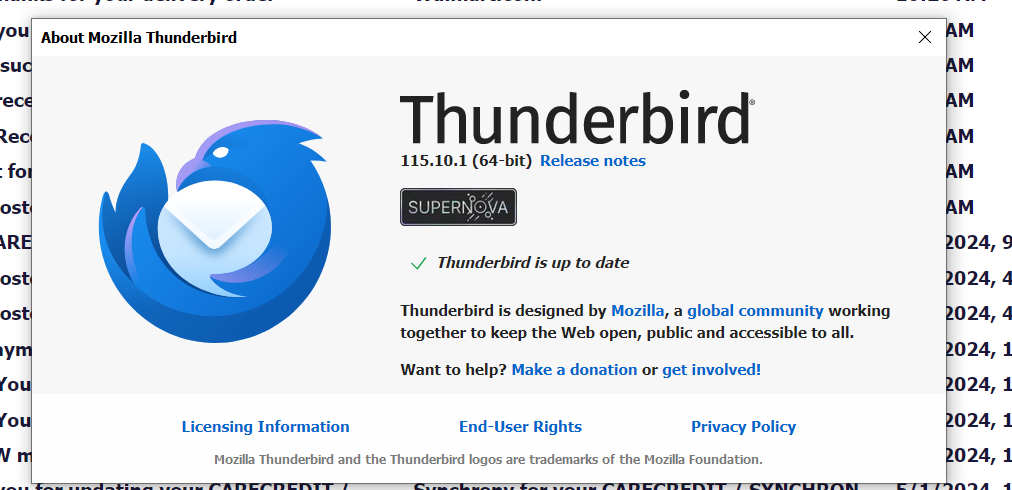
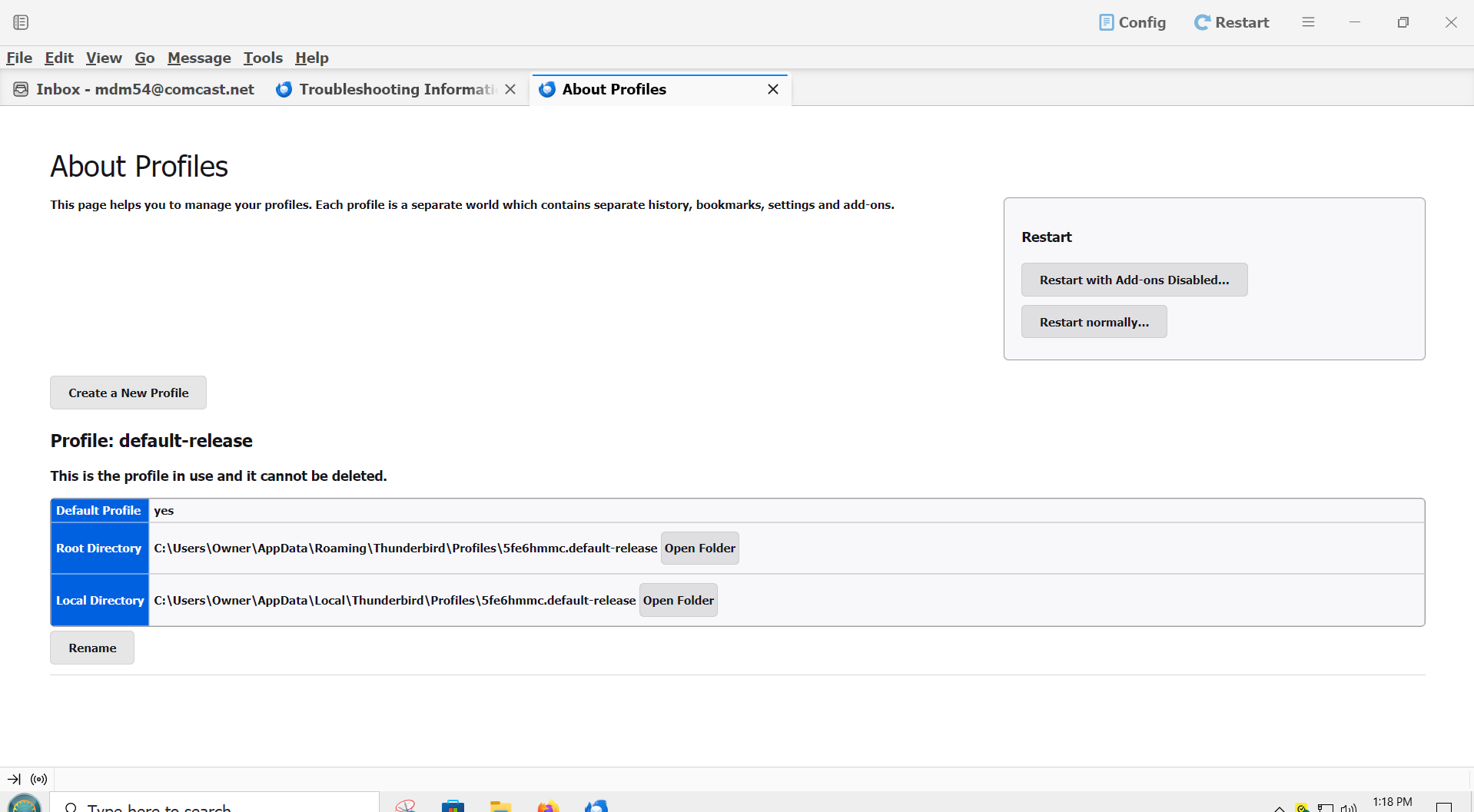
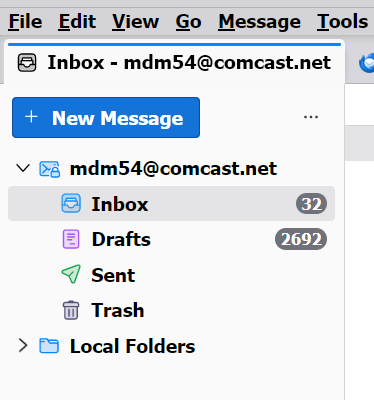
now because i was getting encryption i went to config and turn them off i did not delete thundrbird but installed over what i had and this yellow thing happened
even unticked the drafts in flags no they are not all what youd consider drafts they are saved things from websites letters picture etc like the screenshot below is an example
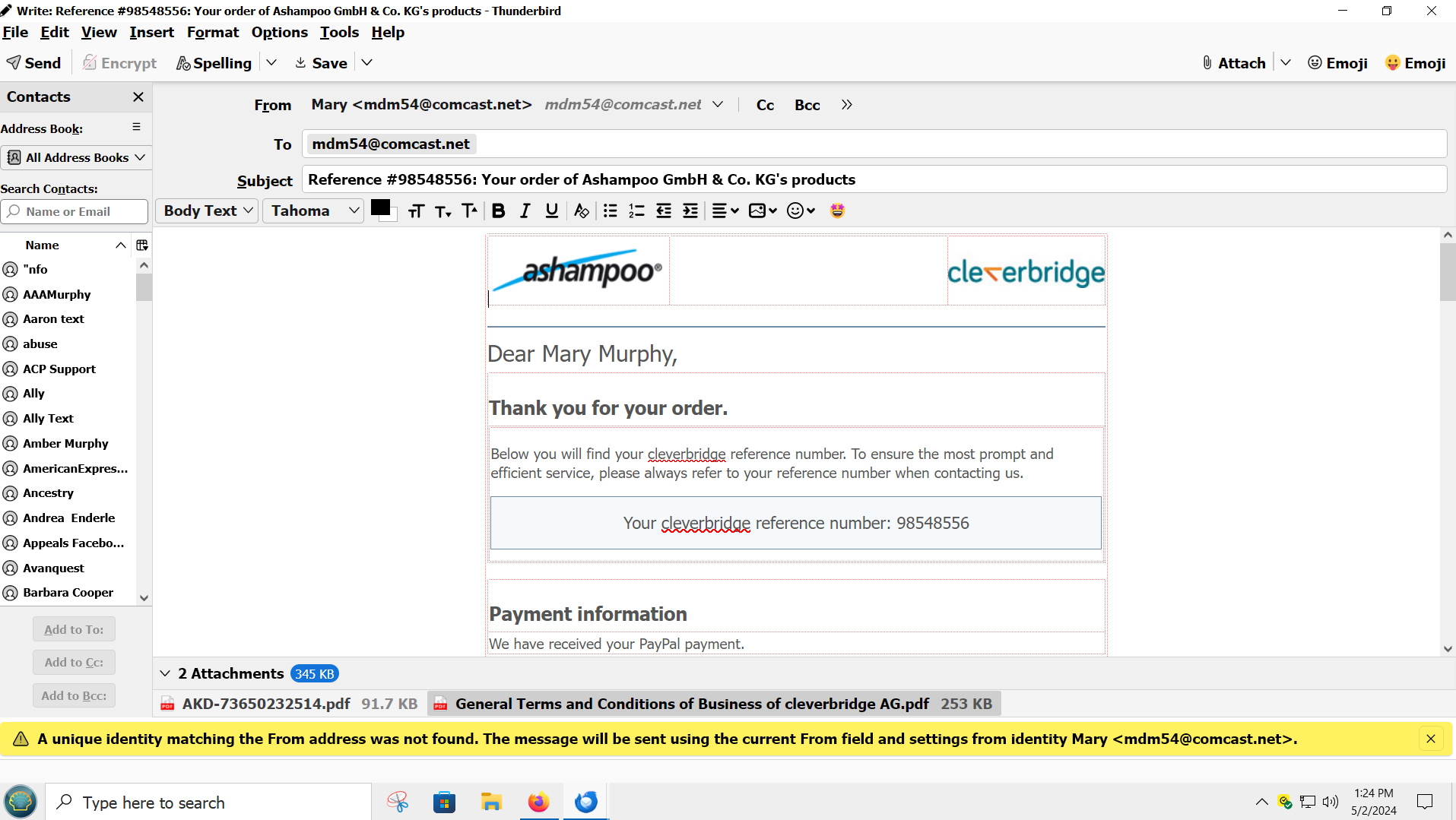
see below the scren shot
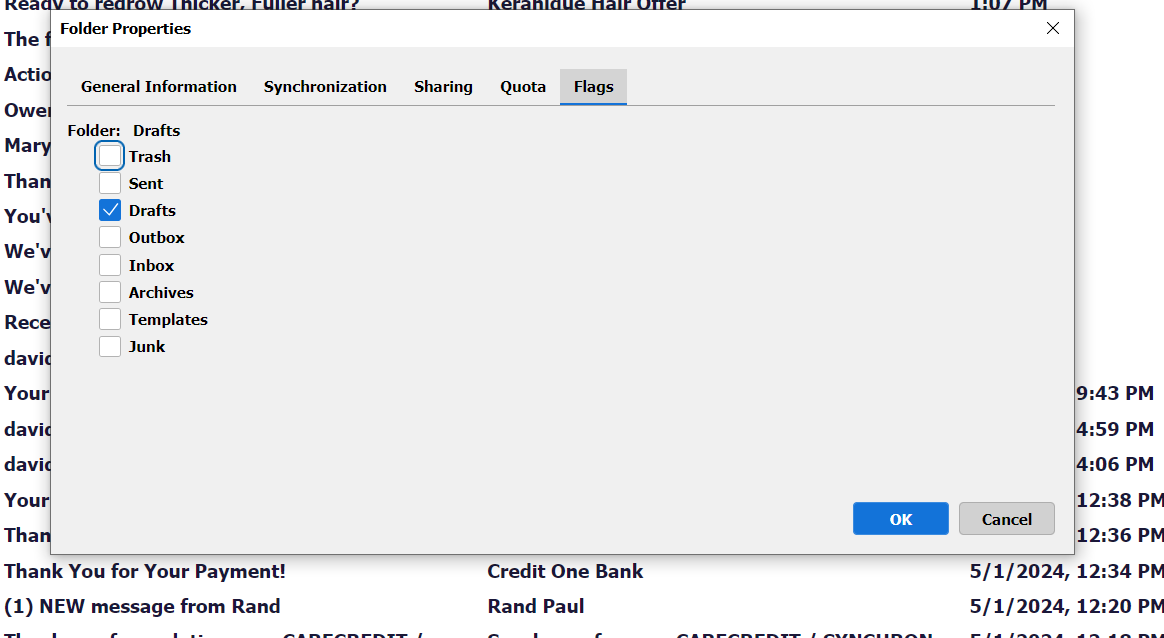
another image what i mean