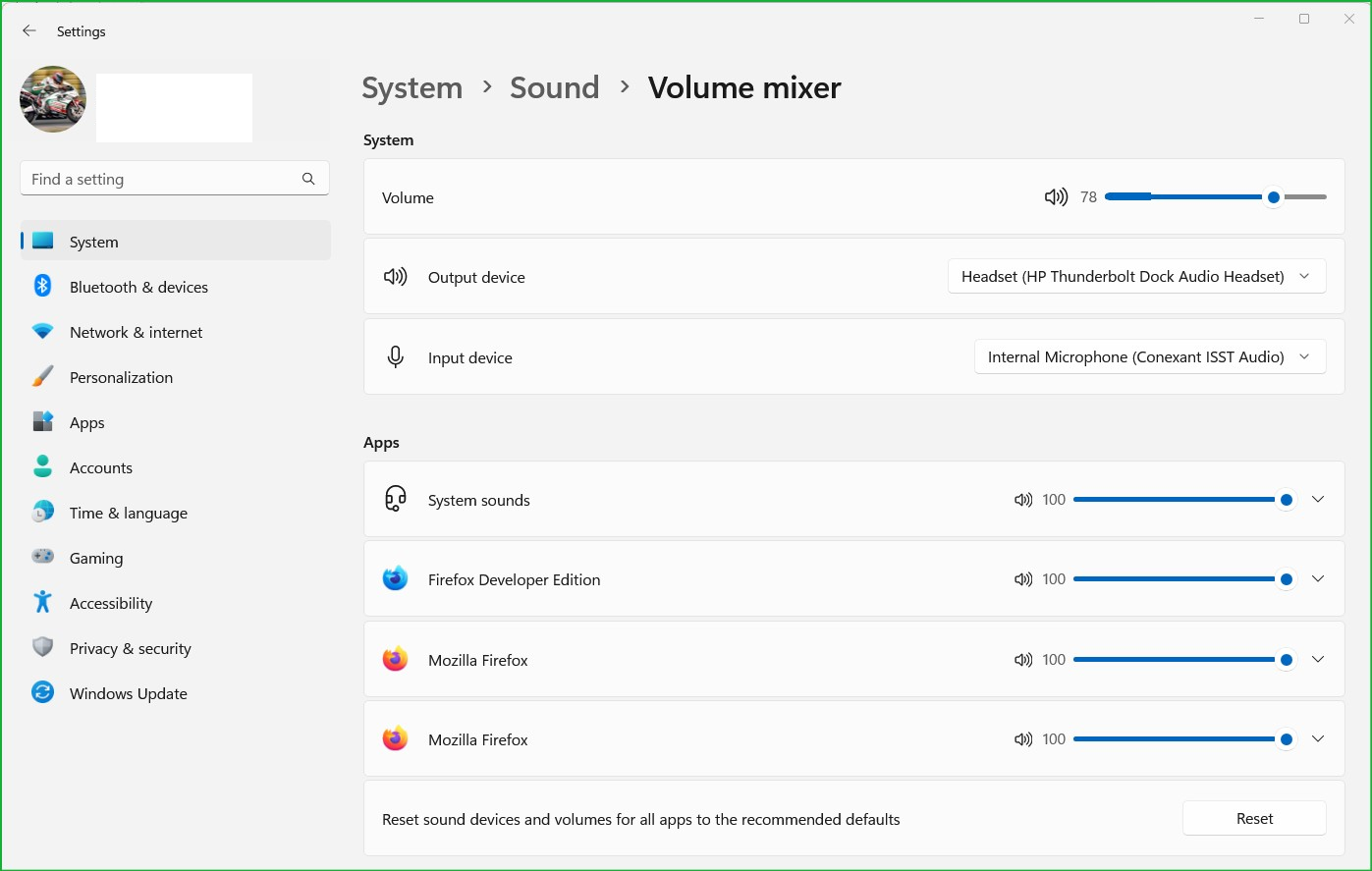
No audio in firefox browser
I recently installed windows 11 PRO N . I installed firefox and logged in . seems like I don't have audio in all sites except youtube . what I tried I tried other browsers .. they all work fine I tried opening firefox without ADD-ons and same issue many people suggest I should download media feature pack but it seems like I do not have that feature in the latest windows 11 update . and I cannot download it separetely . I'd appreciate a way to help me solve this issue or a direct link to download this media feature pack . or any other solution , thanks in advance
Все ответы (3)
This KB article should help you on how to get media feature pack installed on your system.
Fix video and audio problems on Firefox for Windows N editions https://support.mozilla.org/en-US/kb/fix-video-audio-problems-firefox-windows
this is the solution they suggest On Windows 11 N: Select the Start button, then select Settings > Apps > Optional features. Select View features next to Add an optional feature, and then select the Media Feature Pack in the list of available optional features. but I do not have optional features in the latest win 11 update . and there is no standalone Media feautre pack to download either .
Can you post a pic of you volume mix and option update section? see screenshot