


Interacting with tabs freezez firefox

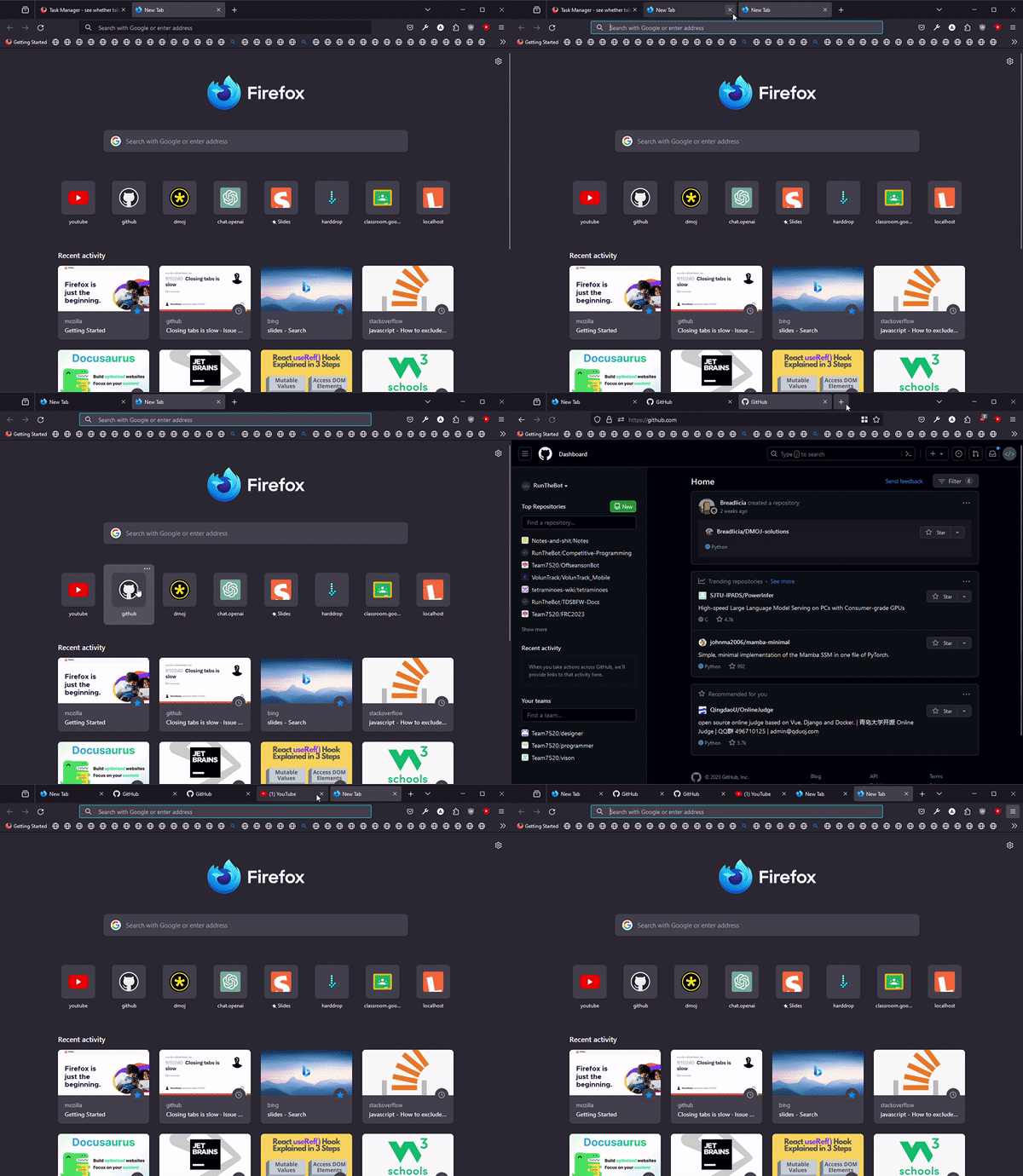
It can freeze whenever I touch a tab. Switch, close it, open a new tab. Firefox freezes
It can freeze whenever I touch a tab. Switch, close it, open a new tab. Firefox freezes
Все ответы (1)
Start Firefox in Troubleshoot Mode to check if one of the extensions ("3-bar" menu button or Tools -> Add-ons -> Extensions) or if hardware acceleration or if userChrome.css/userContent.css is causing the problem.
- switch to the Default System theme: "3-bar" menu button or Tools -> Add-ons -> Themes
- do NOT click the "Refresh Firefox" button on the Troubleshoot Mode start window
- https://support.mozilla.org/en-US/kb/diagnose-firefox-issues-using-troubleshoot-mode
- https://support.mozilla.org/en-US/kb/troubleshoot-extensions-themes-to-fix-problems
You can create a new profile as a quick test to see if your current profile is causing the problem.
See "Creating a profile":
If the new profile works, you can transfer files from a previously used profile to the new profile, but be careful not to copy corrupted files to avoid carrying over problems.