


Thread pane for ONE folder is all white

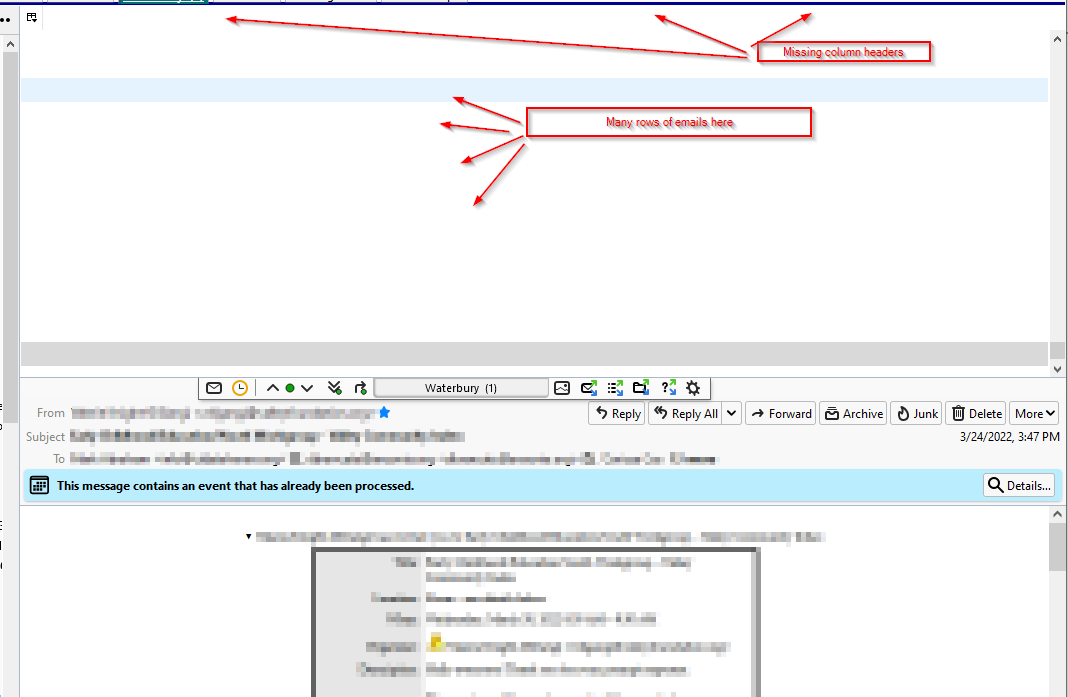
The thread pane for ONE sub-folder is all white, including the column headers. All the other folders and sub folders, including the inbox, display correctly in the thread pane, displaying black text on a white background. I can click on each message and the message displays in the preview pane below correctly. The folder pane itself is fine.
I'm running TB 91.7.0 on Windows 10 21H2.
I have tried Safe mode (troubleshooting mode) include resetting headers and controls - same issue. I have attached a screen shot of what that one folder looks like.
Any suggestions on how to get this one sub-folder to display correctly?
Thank you.
Все ответы (4)
Выбранное решение
sfhowes - Thank you!
That worked and the "broken" folder is now displaying column headers and content correctly!
Greatly appreciated! Any idea how it could have lost the headers in the first place?
Not sure where the information is stored, maybe the session.json or folder .msf file. Both of these can become corrupted from crashes or other unknown causes. But the remedy is well-known and works in most cases.
Thanks again!