"Add Bookmark" option gone

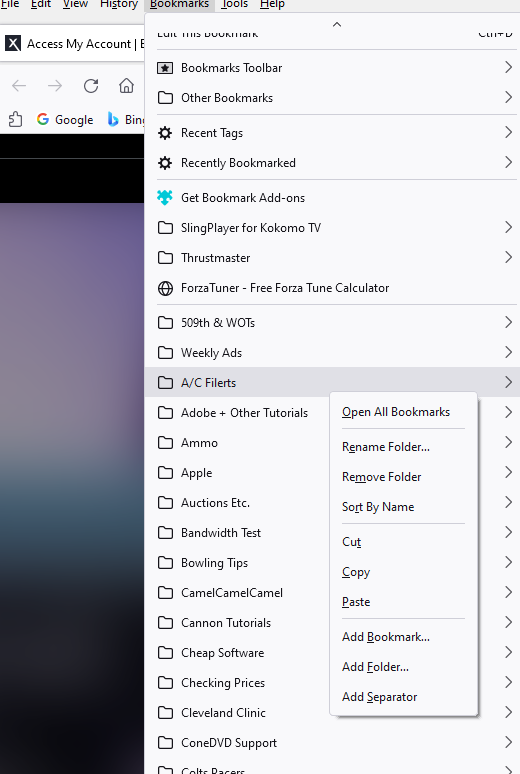
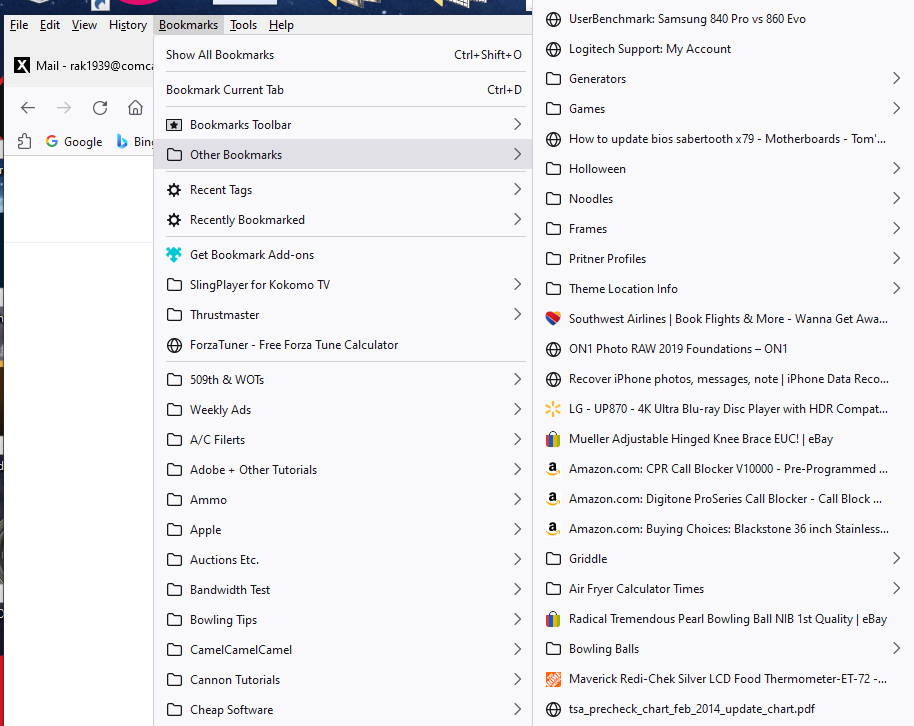
I used to have the option in the Bookmarks drop down menu to "Add Bookmark". That option is no longer there. Any ideas on how to get that option back into the drop down menu?
Respectfully
Все ответы (2)
Label names have been changed from 'Add' to 'New' and you now need to look for "New Bookmark" and "New Folder" and "New Separator" further down in the context menu below the Edit controls.
Properties is now "Edit Bookmark" and "Rename Folder" and Delete is "Remove Bookmark" and "Remove Folder" and have been moved up before the Edit controls.
Изменено cor-el
Finally solved this problem. Open the drop down menu and then "right click" anywhere on the drop down menu and the options to "Add Bookmark" and "Add Folder" come visible and available. Hope this helps anyone else with the same problem. Thanks to all who replied to my post.
Respectfullyg