


Password manager doesn't insert PWDs with doubleclick, but only with <enter> key
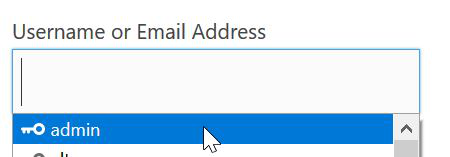
My Password manager in Firefox (ESR, Windows 10 Pro, 64bit) worked fine for years, but since some weeks I can't insert Passwords in login forms with doubleclick any more. I have to press the <enter> key twice instead of doubleclick the username and click once on "submit". Now once I press <enter> to choose the user name and once to send the form to the server.
It's only a little difference, but very inconvenient when your working 8 hours with many logins.
Все ответы (4)

Выбранное решение
Start Firefox in Safe Mode {web link}
A small dialog should appear. Click Start In Safe Mode (not Refresh). Is the problem still there?
I started Firefox one time in safe mode and it worked fine and now in normal mode fine again.
¯\_(ツ)_/¯
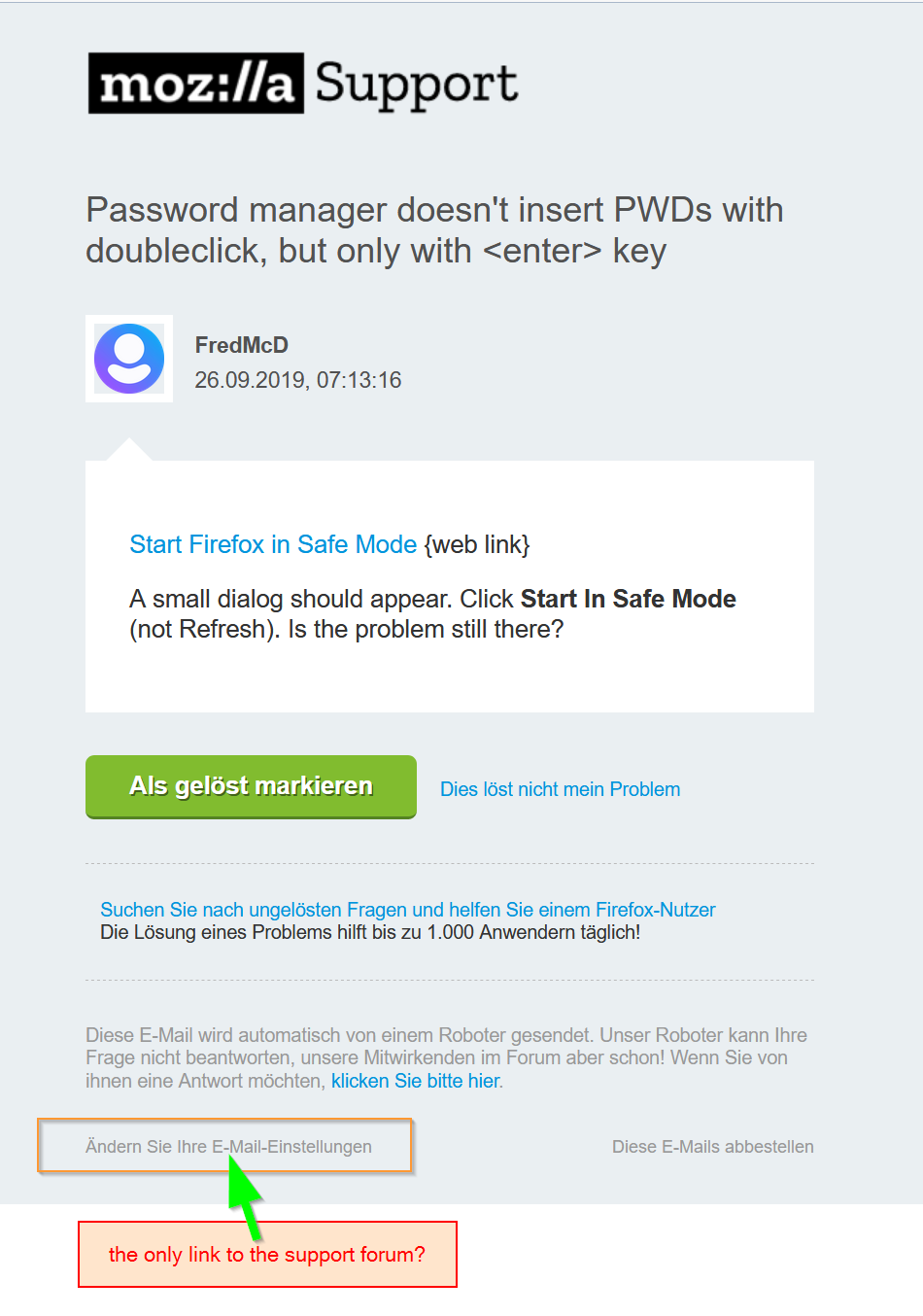
One comment to the e-Mail I got with your answer (Screenshot attached). There is no link to the forum, only "this solved my problem" "problem not solved". I choose "change my settings" to come here back again ;-)
Hello Bauinformatiker,
"Klicken Sie bitte hier" - that's what you should have clicked on......
But you got here anyway, and problem solved, so : yay !
Good work.