


How to open firefox in maximised window
Firefox opens in "normal" window mode.
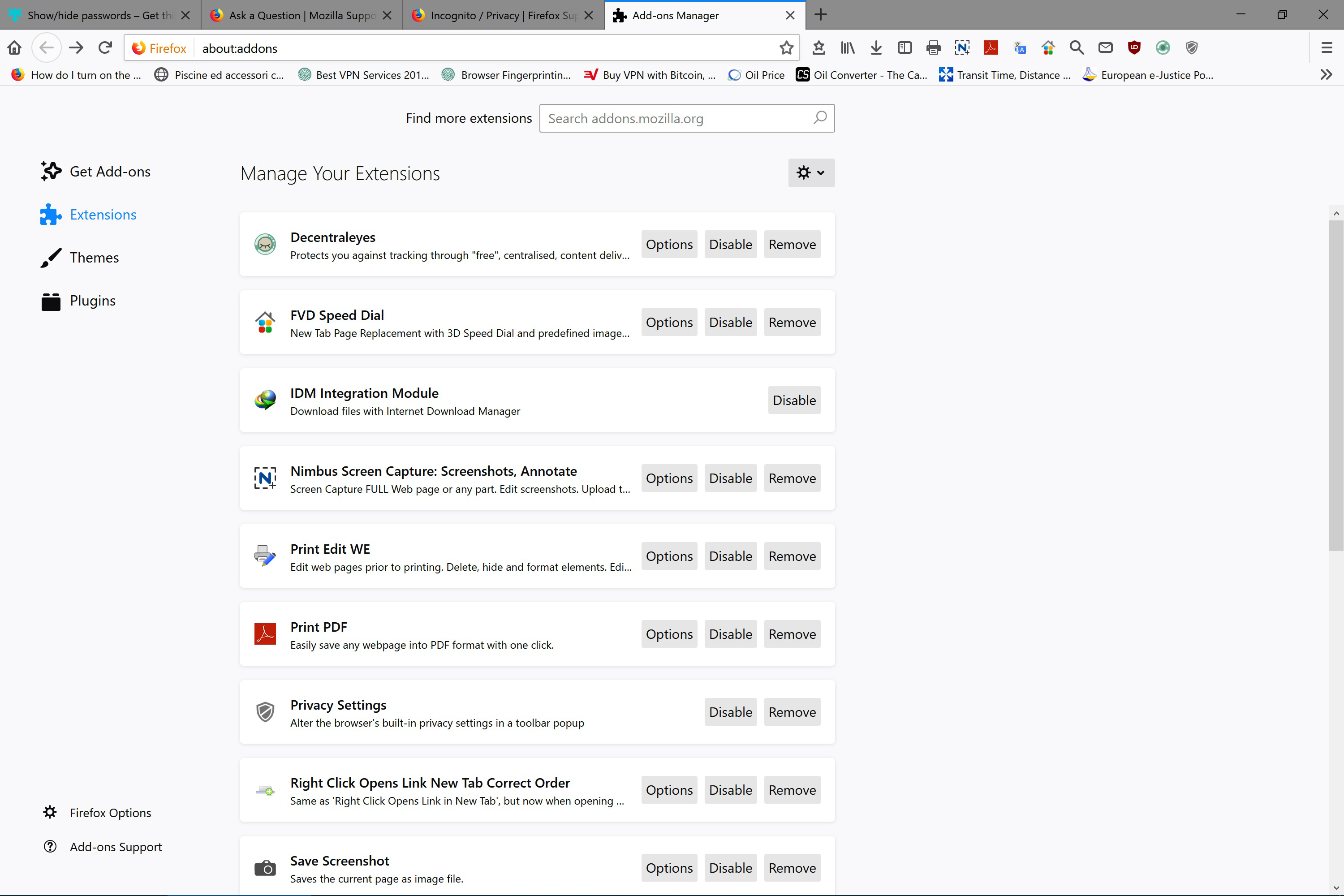
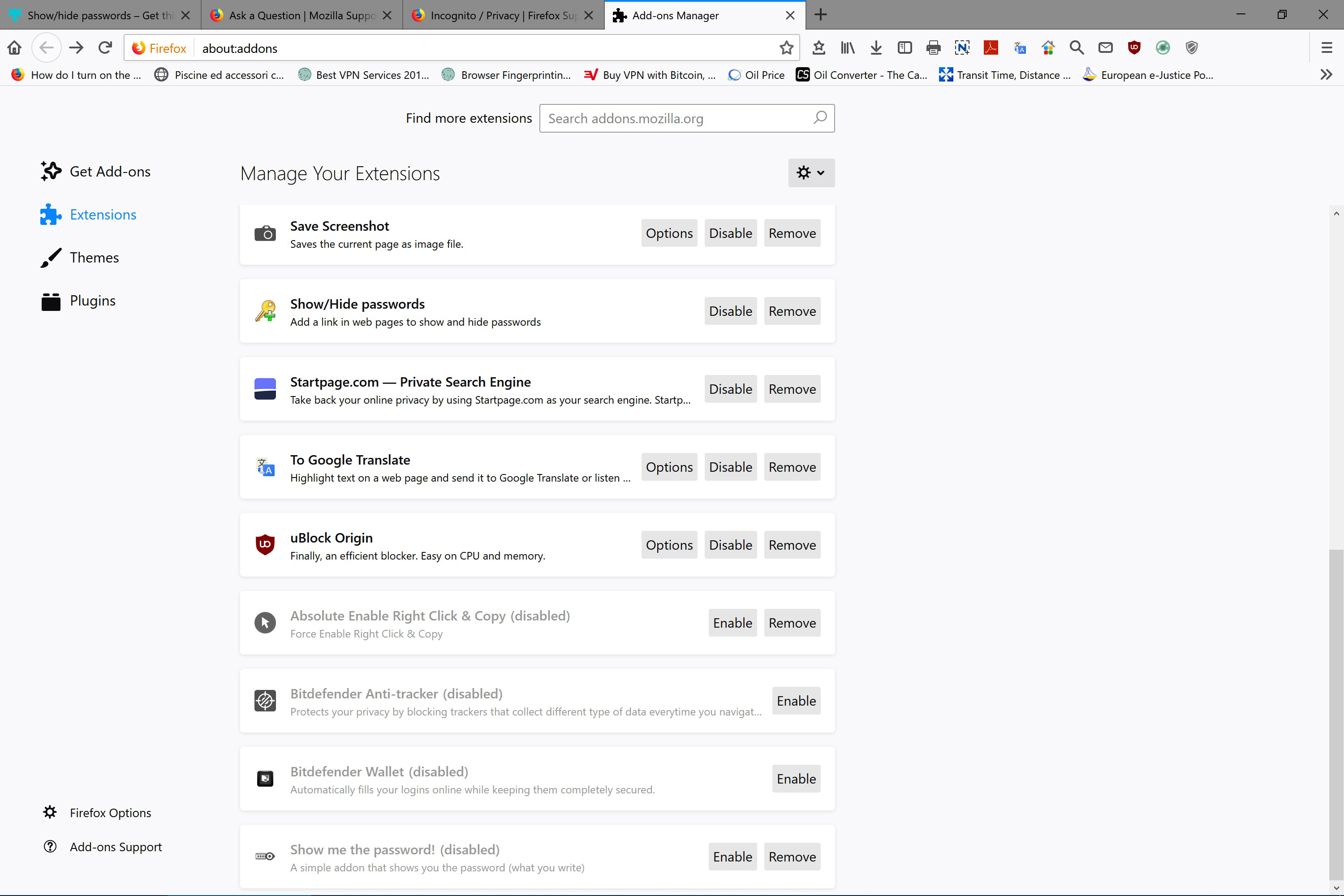
It used to always open in "maximised" window until I applied these settings: https://restoreprivacy.com/firefox-privacy/ https://gist.github.com/0XDE57/fbd302cef7693e62c769 https://addons.mozilla.org/en-US/firefox/addon/privacy-settings/ https://support.mozilla.org/en-US/kb/content-blocking
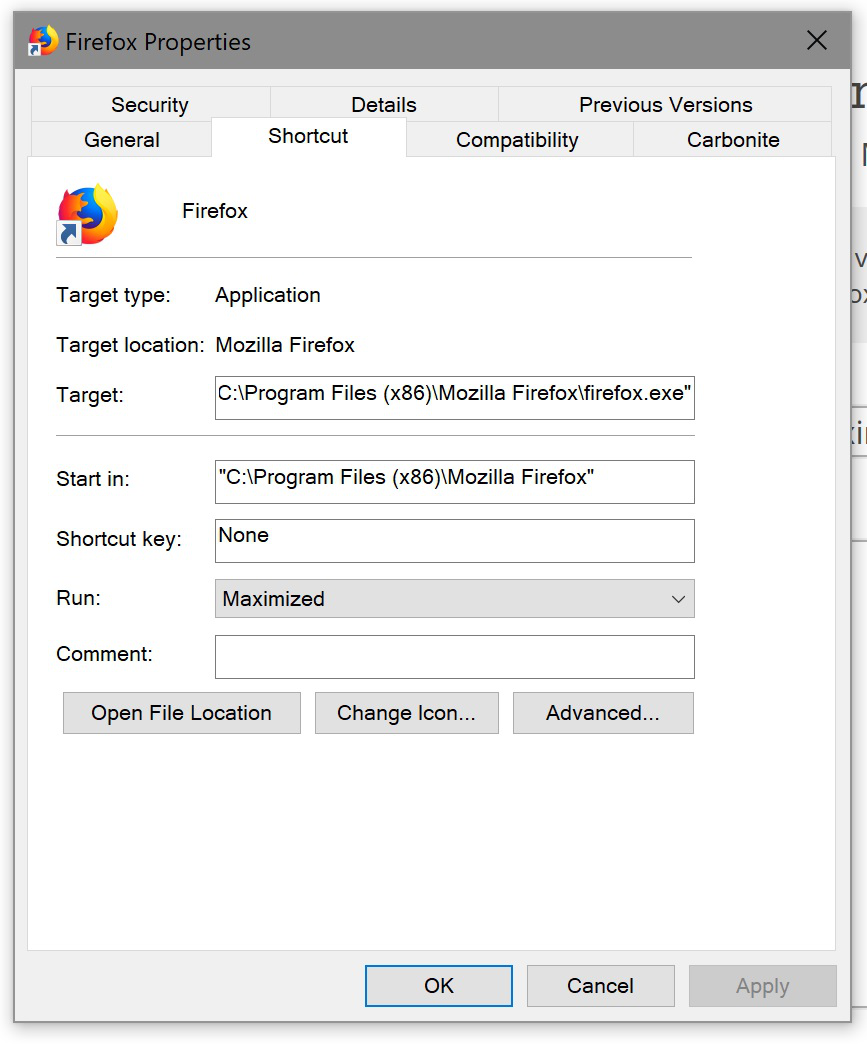
I opened Firefox Properties (attached image) and selected "maximised" but to no avail.
Can anyone, please, help me setup Firefox to always open as "maximised"?
Thank you in advance for your time/expertise.
Выбранное решение
ascanio1 said
Can anyone help me, please?
Apologies for the long wait - many people post questions here and there aren't always enough contributors around to answer them all within a certain amount of time .....
Would you try this please :
Type in the address bar about:config and press Enter (promise to be careful if asked - but you probably already "know the drill")
Type in the search bar and look for the preference :
privacy.resistFingerprinting - make sure its value is set to false
If you had to change the value, then close and restart Firefox in order for the change to take efeect.
'Hope that helps ......
Прочитайте этот ответ в контексте 👍 1Все ответы (6)
Can anyone help me, please?
Выбранное решение
ascanio1 said
Can anyone help me, please?
Apologies for the long wait - many people post questions here and there aren't always enough contributors around to answer them all within a certain amount of time .....
Would you try this please :
Type in the address bar about:config and press Enter (promise to be careful if asked - but you probably already "know the drill")
Type in the search bar and look for the preference :
privacy.resistFingerprinting - make sure its value is set to false
If you had to change the value, then close and restart Firefox in order for the change to take efeect.
'Hope that helps ......
Hello,
Thank you for helping. Please do NOT apologize! You are a user as I am and this support is really very welcome and appreciated.
It worked!
Thank you.
Is there a was to retain resist fingerprinting and open maximised?
Изменено Tommaso Santojanni
I'm glad it worked - and : my pleasure !
About your question :
I found this thread - I thought you might be interested :
https://www.reddit.com/r/firefox/comments/aopz79/resist_fingerprinting_window_size/
(having the value of that preference set to "true" might cause some sites to break ..... )
Thank you!