


I want to hide items on the bookmark toolbar

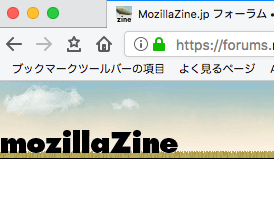
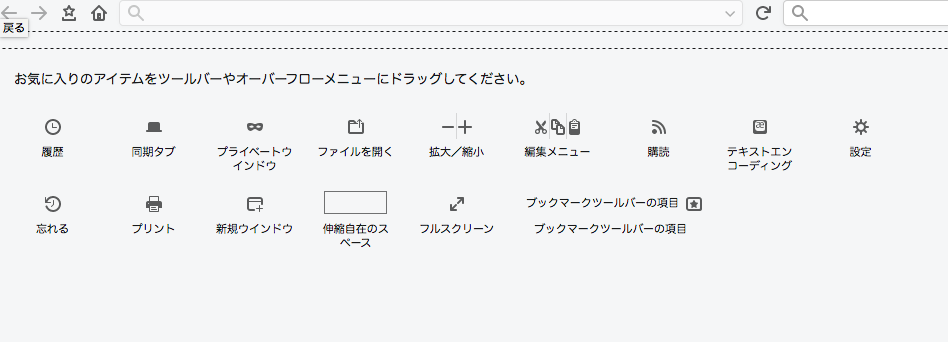
The name "Item of bookmark toolbar" is displayed on the bookmark toolbar. I change the color when I put a mouse there, but nothing works. Even if I initialized the customization, this did not hide. How can I hide this item?
- The attached image is Japanese display. In English it is "item of bookmark toolbar".
The name "Item of bookmark toolbar" is displayed on the bookmark toolbar.
I change the color when I put a mouse there, but nothing works.
Even if I initialized the customization, this did not hide.
How can I hide this item?
*The attached image is Japanese display. In English it is "item of bookmark toolbar".
Все ответы (1)
I disabled add-ons and restarted, or when creating a window in private mode, the item title of that toolbar seems to be hidden. Even if I manually disable all add-ons, it will not disappear. It will not disappear even if I change the theme. I empty the bookmark toolbar in bookmark editing. Then only that title item remains.
Is there a setting that controls it in "about: config"?