


Crashed HDD (Won't boot)can access files where is address book?

Want to put address book entries on new HDD after crash. Have clean installed W10 and TB on new HDD and can access whole of old HDD but list of files doesn't include "profiles" or anything recognisable. Old Hdd won't boot but all files still there.
Выбранное решение
You're looking at the wrong place. Check this article for more information about the profile location. http://kb.mozillazine.org/Profile_folder_-_Thunderbird
Прочитайте этот ответ в контексте 👍 1Все ответы (5)
By default, Windows hides certain files and folders, including the AppData folder where Thunderbird stores your data. To switch that off, try the steps in this article (assuming they still work in Windows 10):
http://windows.microsoft.com/en-us/windows/show-hidden-files
I'm not sure of the safest way to move your data over, but hopefully these articles will get you started on tracking down the data:
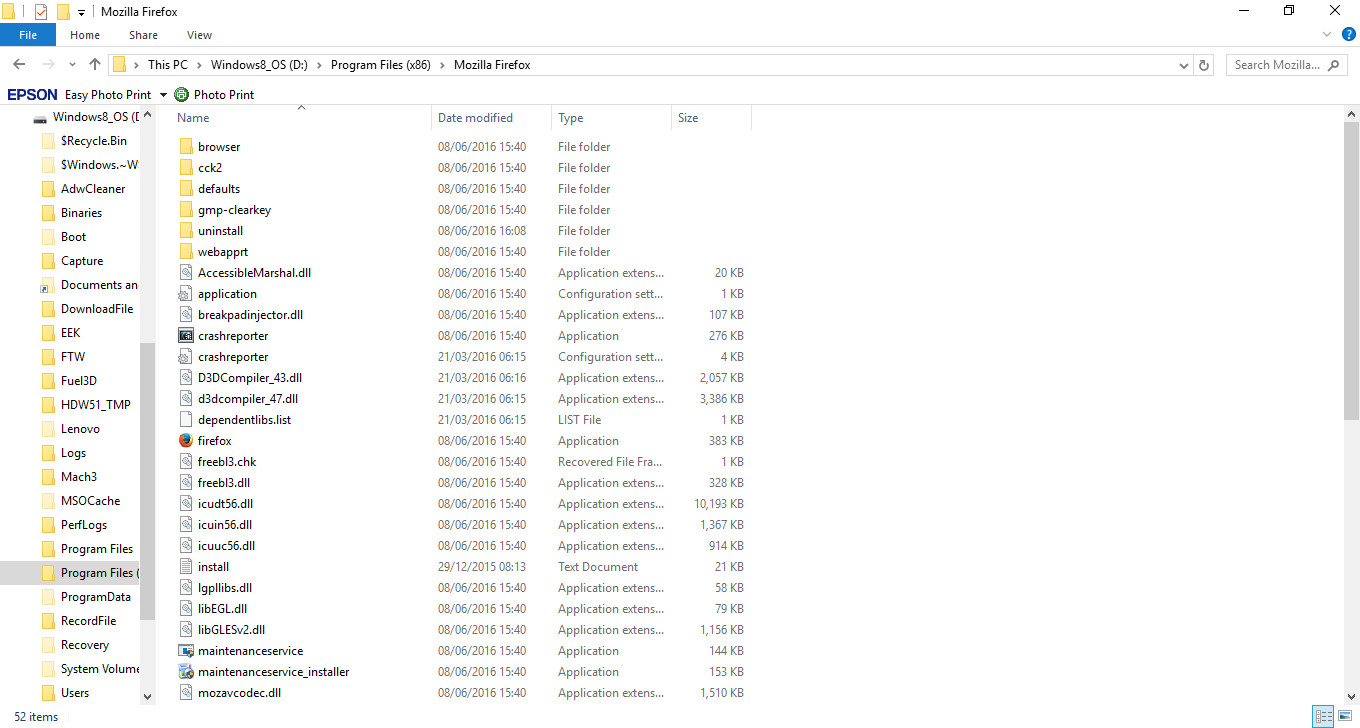
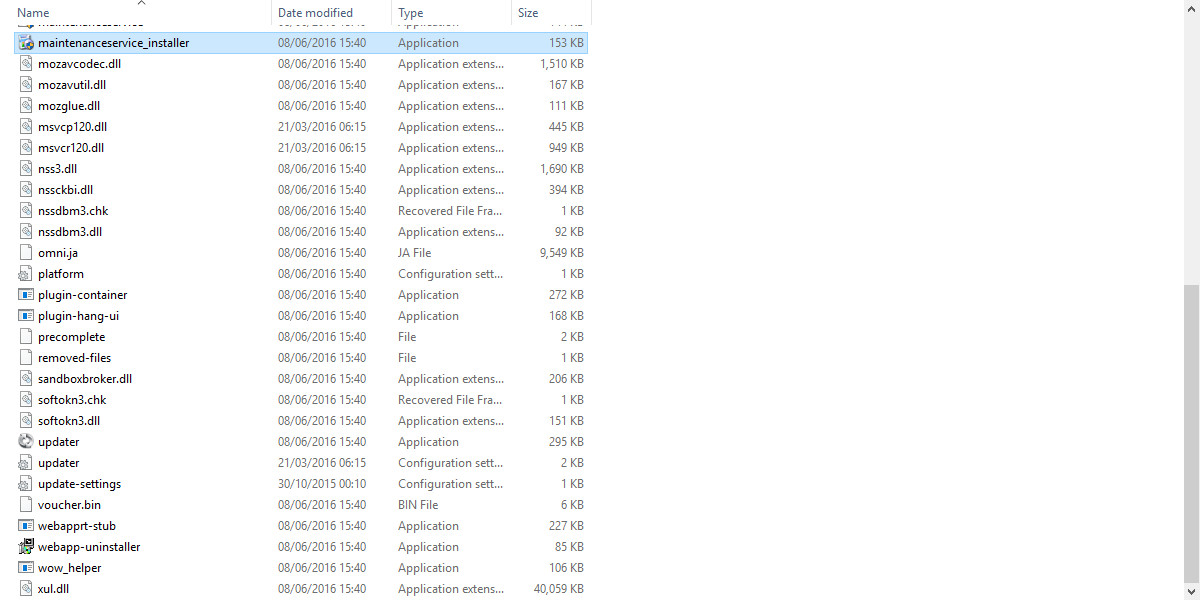
Unable to find files referred to. Attached 2 images of files displayed within "Mozilla Thunderbird" folder as found reading old HDD with USB Hdd reader. I have set the system to display hidden files in W10 but wonder if this applies in my scenario?

Выбранное решение
You're looking at the wrong place. Check this article for more information about the profile location. http://kb.mozillazine.org/Profile_folder_-_Thunderbird
You're looking under
D:\Program Files (x86)\?
No, your data is under this path:
D:\Users\username\AppData\Roaming\Thunderbird\Profiles
Please re-read the two help articles for assistance in finding your data.
Thank you , I've been trying for hours....solved at a stroke!