


Refresh/Stop button is missing from URL bar in FF 27.

My location bar only shows "Bookmark this page" and the history drop-down on the right-hand side. It used to have a button that switched between Refresh and Stop depending on whether a page was currently loading, which is no longer there.
It happened after restarting FF to install an add-on. I'm not sure if FF updated at the same time; it might have. I'm now on 27.0.1 and I had installed HideMyAss, which installed its own toolbar button, and in addition the Refresh and Stop buttons were no longer in my URL bar, but now they were separate buttons in the Navigation Toolbar.
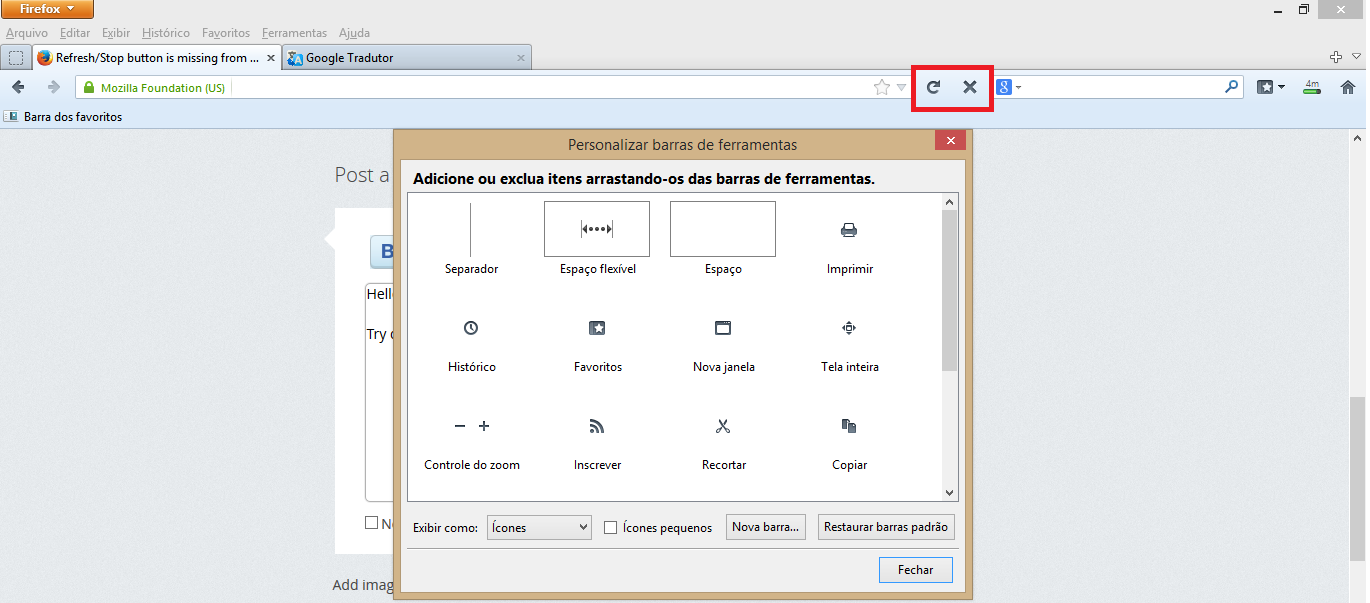
I cannot get them to go back into the URL bar. I have uninstalled the add-on, I have tried to drag-n-drop the buttons onto the URL bar, and I have tried "Restore default set" in the toolbar customization dialog. None of these work.
Soluție aleasă
Thanks Diego!!
The problem was these lines of Localstore.rdf:
   <RDF:Description RDF:about="chrome://browser/content/browser.xul#nav-bar"
                   collapsed=""
                   iconsize="large"
                   mode="icons"
                   currentset="unified-back-forward-button,urlbar-container,reload-button,webrtc-status-button,stop-button,downloads-button,lpt_lastpass-compact-btn,window-controls,social-share-button,tp-notification-popup-icon,pilot-notification-popup" />
compared to localstore-safe.rdf, which was:
   <RDF:Description RDF:about="chrome://browser/content/browser.xul#nav-bar"
                   currentset="unified-back-forward-button,urlbar-container,reload-button,stop-button,webrtc-status-button,bookmarks-menu-button,downloads-button,home-button,window-controls,social-share-button" />
It was probably the entry:
collapsed=""
telling Firefox not to collapse the buttons into one. I deleted all lines except for currentset and everything was back to normal.
Thanks again.
Citește răspunsul în context 👍 0Toate răspunsurile (6)
Hello,
Try drag and drop the button between the navigation bar and search bar, then close the customize window.

Also try do this in Safe Mode:
Modificat la de Diego Victor
It works in Safe Mode, but it doesn't work if I manually disable all add-ons and restart.
Anything else I can try to avoid resetting altogether?
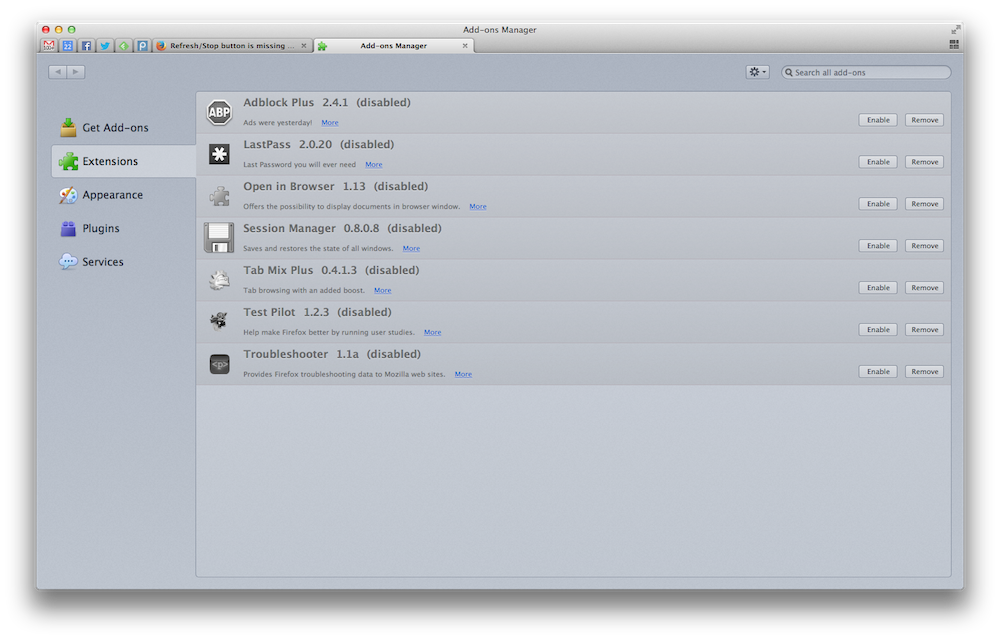
Try disable one test and disable other and test......
This problem can be caused by a corrupted localstore.rdf, try go to your profile and delete it:
- if missing items are in the toolbar palette then drag them back from the Customize window on the toolbar
- if you do not see an item on a toolbar and in the toolbar palette then click the "Restore Default Set" button to restore the default toolbar setup
- Firefox menu button > Options > Toolbar Layout
- View > Toolbars > Customize
Soluție aleasă
Thanks Diego!!
The problem was these lines of Localstore.rdf:
   <RDF:Description RDF:about="chrome://browser/content/browser.xul#nav-bar"
                   collapsed=""
                   iconsize="large"
                   mode="icons"
                   currentset="unified-back-forward-button,urlbar-container,reload-button,webrtc-status-button,stop-button,downloads-button,lpt_lastpass-compact-btn,window-controls,social-share-button,tp-notification-popup-icon,pilot-notification-popup" />
compared to localstore-safe.rdf, which was:
   <RDF:Description RDF:about="chrome://browser/content/browser.xul#nav-bar"
                   currentset="unified-back-forward-button,urlbar-container,reload-button,stop-button,webrtc-status-button,bookmarks-menu-button,downloads-button,home-button,window-controls,social-share-button" />
It was probably the entry:
collapsed=""
telling Firefox not to collapse the buttons into one. I deleted all lines except for currentset and everything was back to normal.
Thanks again.
Modificat la de ntraft
Great.. I reset them to default, (because there were various buttons missing from Customize), lost more buttons & my browser's even more screwed up. (heck, now I can't even put buttons to the left of the Back button?!) Furthermore, I don't understand the instructions for editing the localrestore.rdf. This happened due to Firefox's automated update to 29.1 on May 12th, 2014. (I can't seem to find the previous version either.. thanks Mozilla, heh)
Can somebody please give me a slightly more in-depth hand?'
Modificat la de Tinytacohead