


On Firefox for Android, I can't open a selected URL directly.
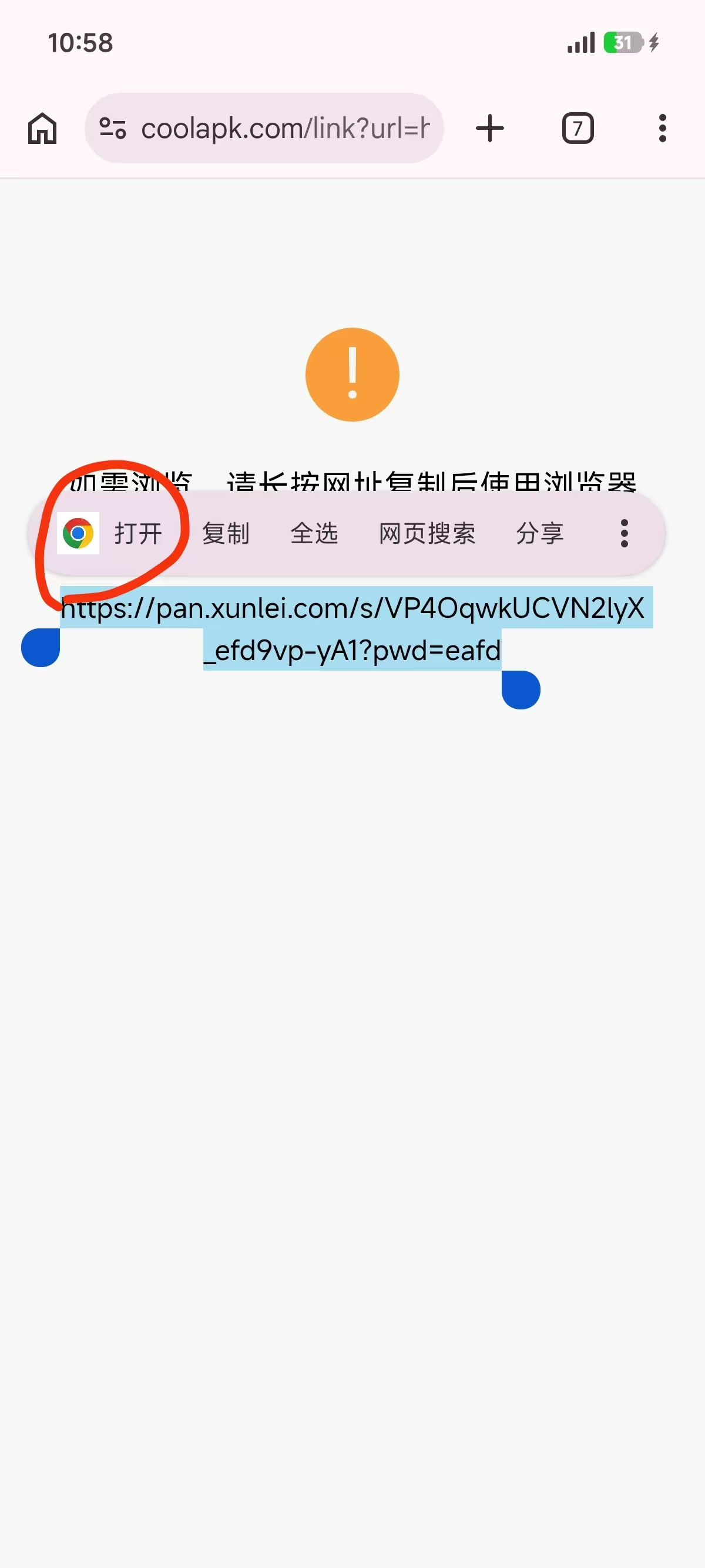
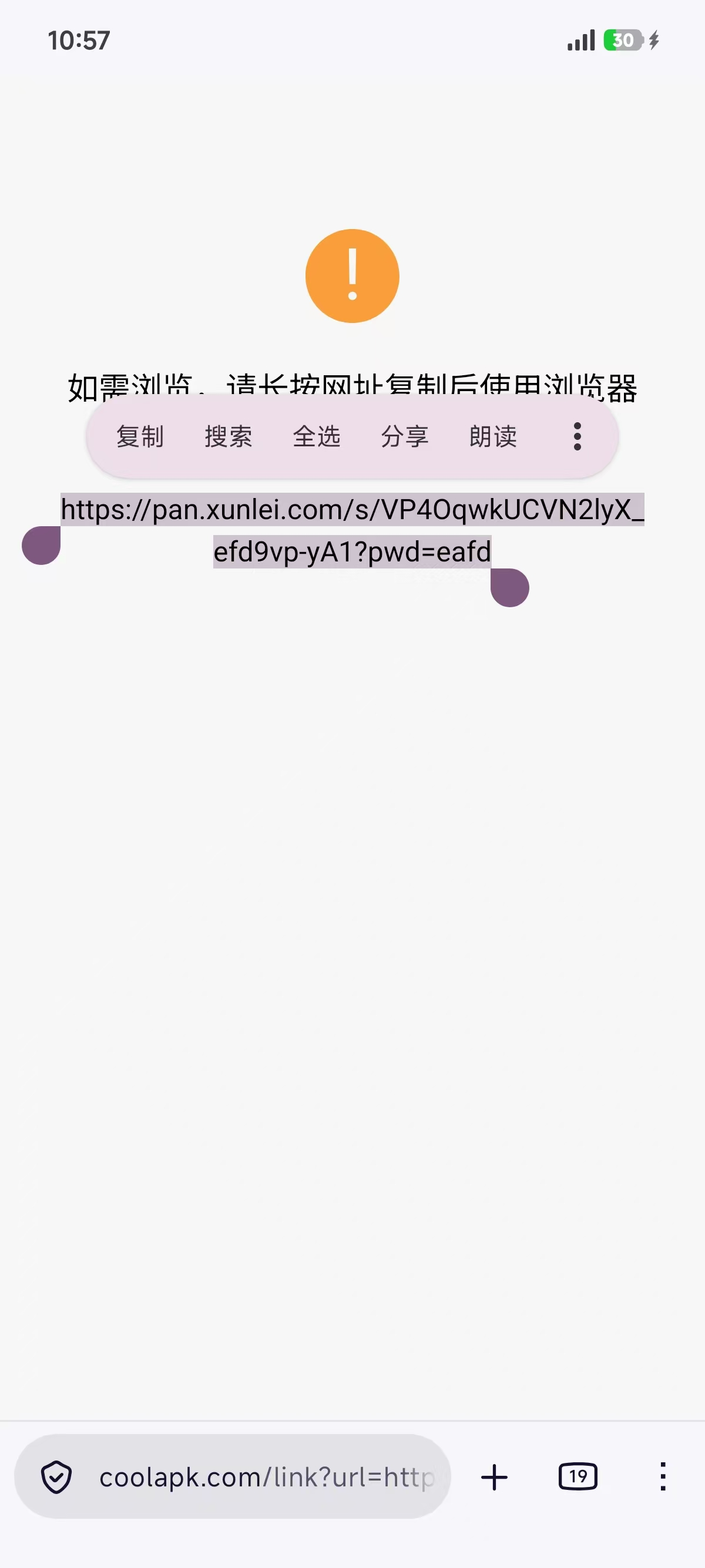
On my Android phone, when Chrome is the default browser, long-pressing a URL brings up a direct "Open" option. With Firefox, I have to copy the link myself and paste it into the address bar to open it. Why is that? I've searched for a fix for a long time without success. Screenshot 1 is Chrome, screenshot 2 is Firefox. Device: Xiaomi 14, HyperOS 4.
Toate răspunsurile (3)

1. Where is URL from? Some apps may use a different browser to open URLs.
2. Have you set Firefox as your default browser? https://support.mozilla.org/en-US/kb/make-firefox-default-browser-android
Thanks for getting back to me. Perhaps I didn't state the issue clearly enough:
1. The link originates from a share page of a Chinese cloud storage (netdisk) service. 2. When I ran this comparison, Firefox was already set as the system default browser. I initially suspected that was the cause, but after testing, Firefox still does not offer a direct way to open the webpage once the link is selected; I have to copy the link myself and paste it into the address bar.
As you said, Firefox for Android doesn't offer opening text URLs.