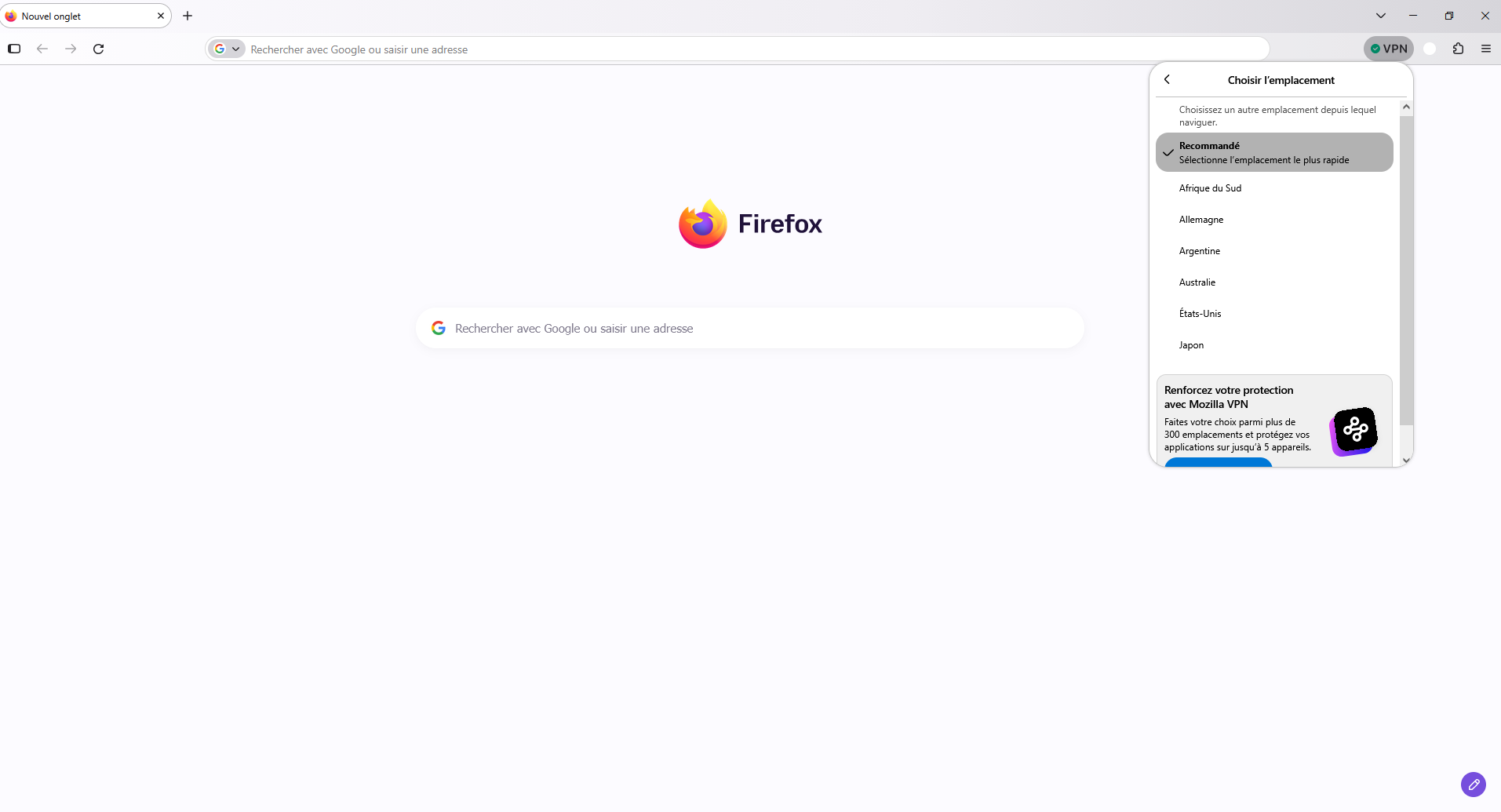
I would like to use the free built-in Firefox VPN with the 50 GB monthly data limit, but I cannot find the VPN icon in my toolbar or the VPN section in Settings > Privacy & Security.

Hello,
I am using Firefox 158.0.1 (64-bit) on Windows 11, and I am signed in to my Mozilla account with Sync enabled.
I would like to use the free built-in Firefox VPN with the 50 GB monthly data limit, but I cannot find the VPN icon in my toolbar or the VPN section in Settings > Privacy & Security.
I have checked that Firefox is up to date, but the feature is still missing.
Could you please explain why the built-in VPN is not available in my browser and whether there is anything I can do to enable it?
Thank you.

Toate răspunsurile (1)
Bonjour
Use built-in VPN in Firefox https://support.mozilla.org/en-US/kb/built-in-vpn
Unable to find the built-in VPN in Firefox https://support.mozilla.org/en-US/kb/unable-find-built-vpn-firefox
Otherwise, please, check, the preference, browser.ipProtection.enabled https://support.mozilla.org/en-US/questions/1578173
To complement, see also this discussion thread https://support.mozilla.org/en-US/questions/1605682
Je vis en France