


Cannot log in to X.com
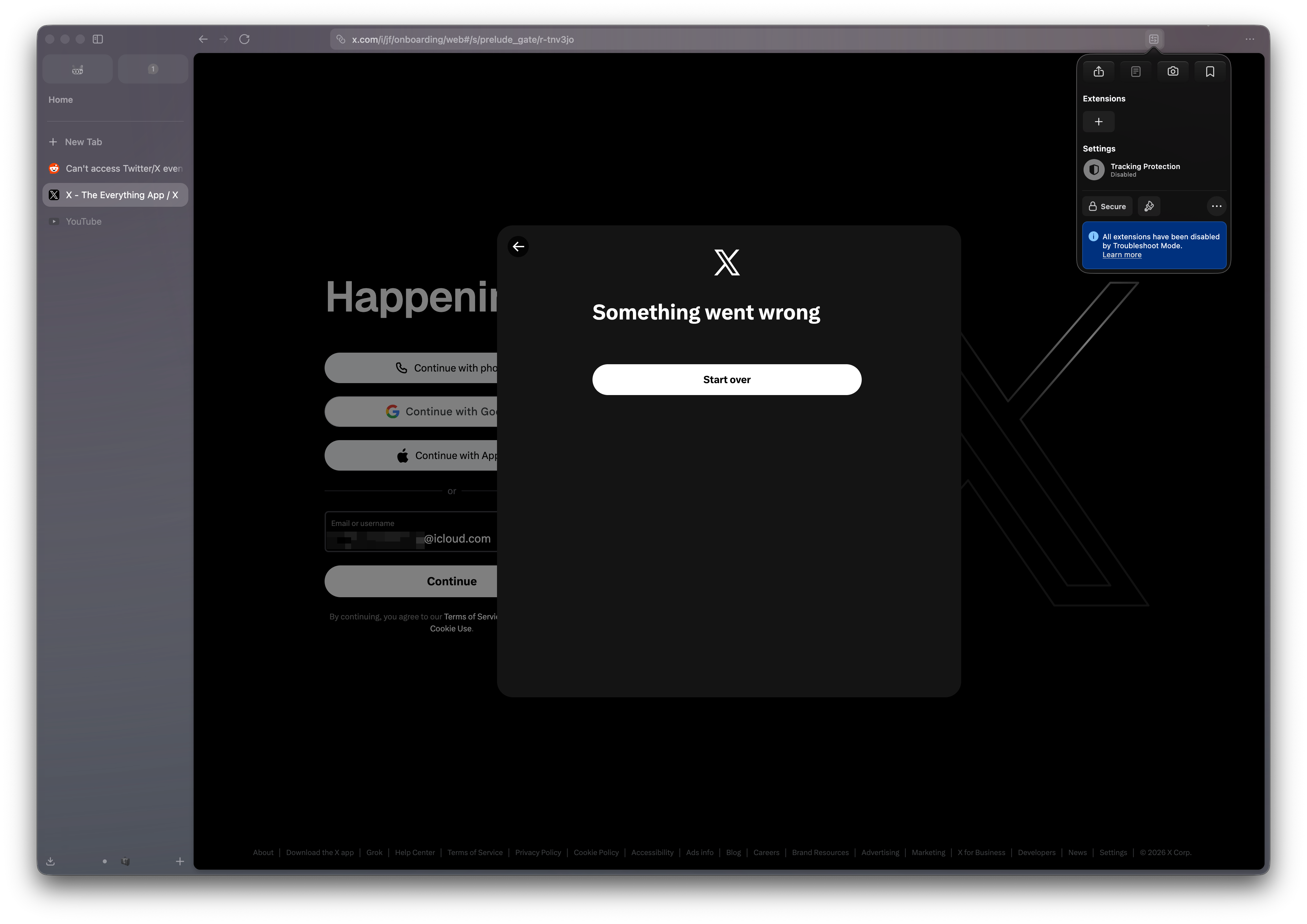
Content Security policy blocks essential scripts no matter what I do.
It's new Firefox installation, Troubleshoot mode, Enhanced tracking disabled, I'm not on VPN, can log into X.com in another browser just fine.
It's the reason #1 I don't use Firefox. I thought the issue would be fixed but it has been like this for long time.
Yet whatever I do, whatever I turn off this pops up:
Content-Security-Policy: The page’s settings blocked the loading of a resource (default-src) at https://abs.twimg.com/responsive-web/client-web/bundle.Conversation.721fc4aa.js because it violates the following directive: “default-src 'self'”
The screenshot is from Zen, but it uses Firefox and the issue is the same in Firefox.
Toate răspunsurile (14)
Hi,
Sorry you experience that. While I can't reproduce the issue and it doesn't seem to be common, it's definitely not expected. To help us understand what's going on, could you please record a profile with the "Debug" preset as described here and drop a generated link to this thread? Thank you in advance!
Modificat la de Denys
Thank you for the response! Here you go https://profiler.firefox.com/from-browser/network-chart/?globalTrackOrder=0gdcf6217bw93e845&hiddenGlobalTracks=1we&hiddenLocalTracksByPid=83851-0wprwy4y6wyd~83887-0wx2~83910-0w5~83861-0w6~83853-0w8~83855-0w5~83909-0ws~83870-0ws~83889-0wr~83857-0ws~83867-0ws~83854-0ws~83888-0wx3~83860-0wt~83896-0wr~83852-0138wafwikmwr~83872-0wx8xawxo&thread=I4&v=16
And just in case what happens in the console
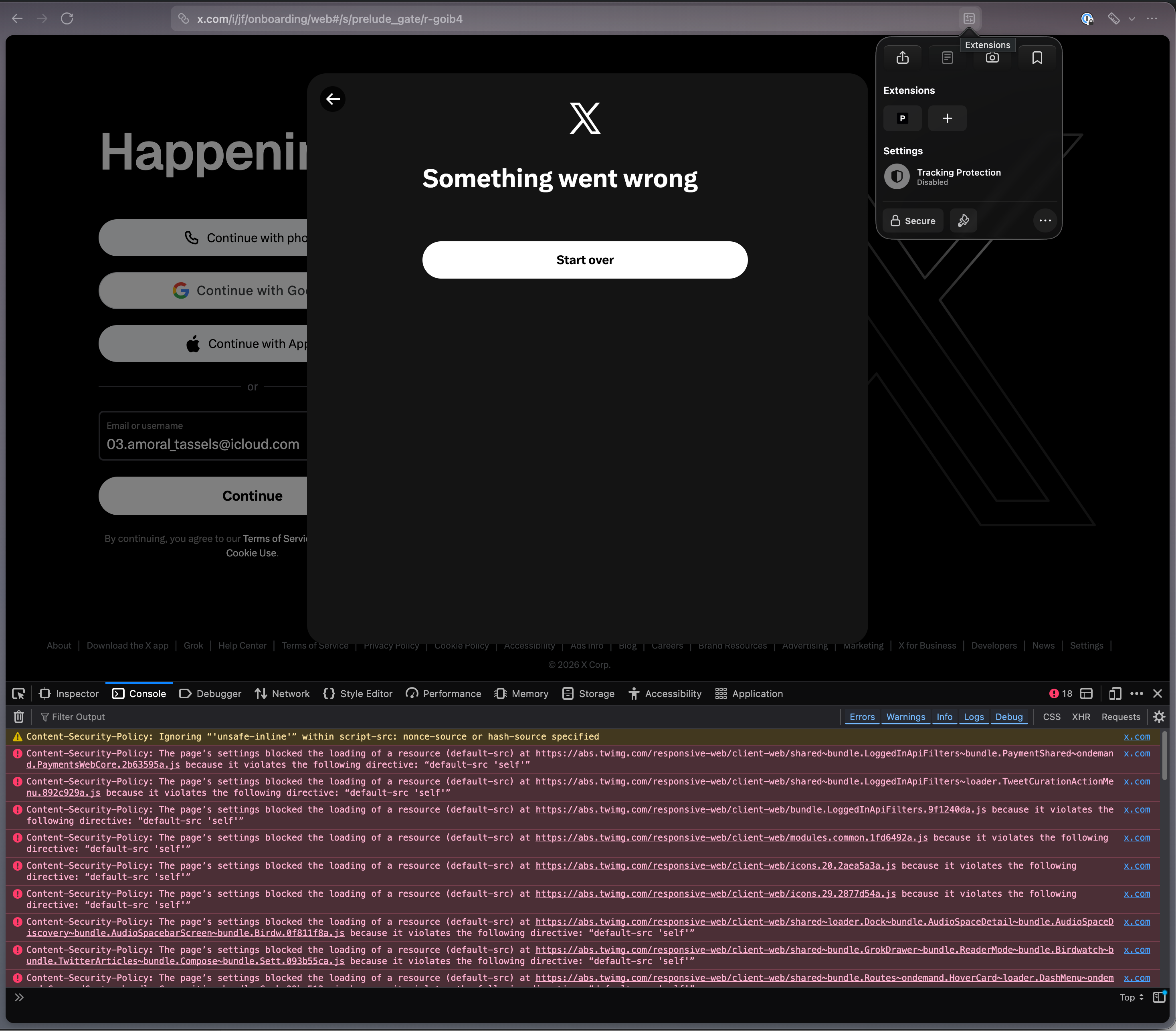
Sorry here's permalink to the profile https://share.firefox.dev/4xiqRLF
Thanks! That is not the link we need, though. You need to first click "Upload Local Profile" as described in the Share a profile section.
Oh, you got me there. Thanks once again!
Right I forgot to share first, it's in the comment above, but just in case: https://share.firefox.dev/4xiqRLF
Let me know if you need a share with more info included.

Can you try reproducing in Firefox Nightly, grab a new profile with the debug preset and share the result here?
Same in freshly installed nightly
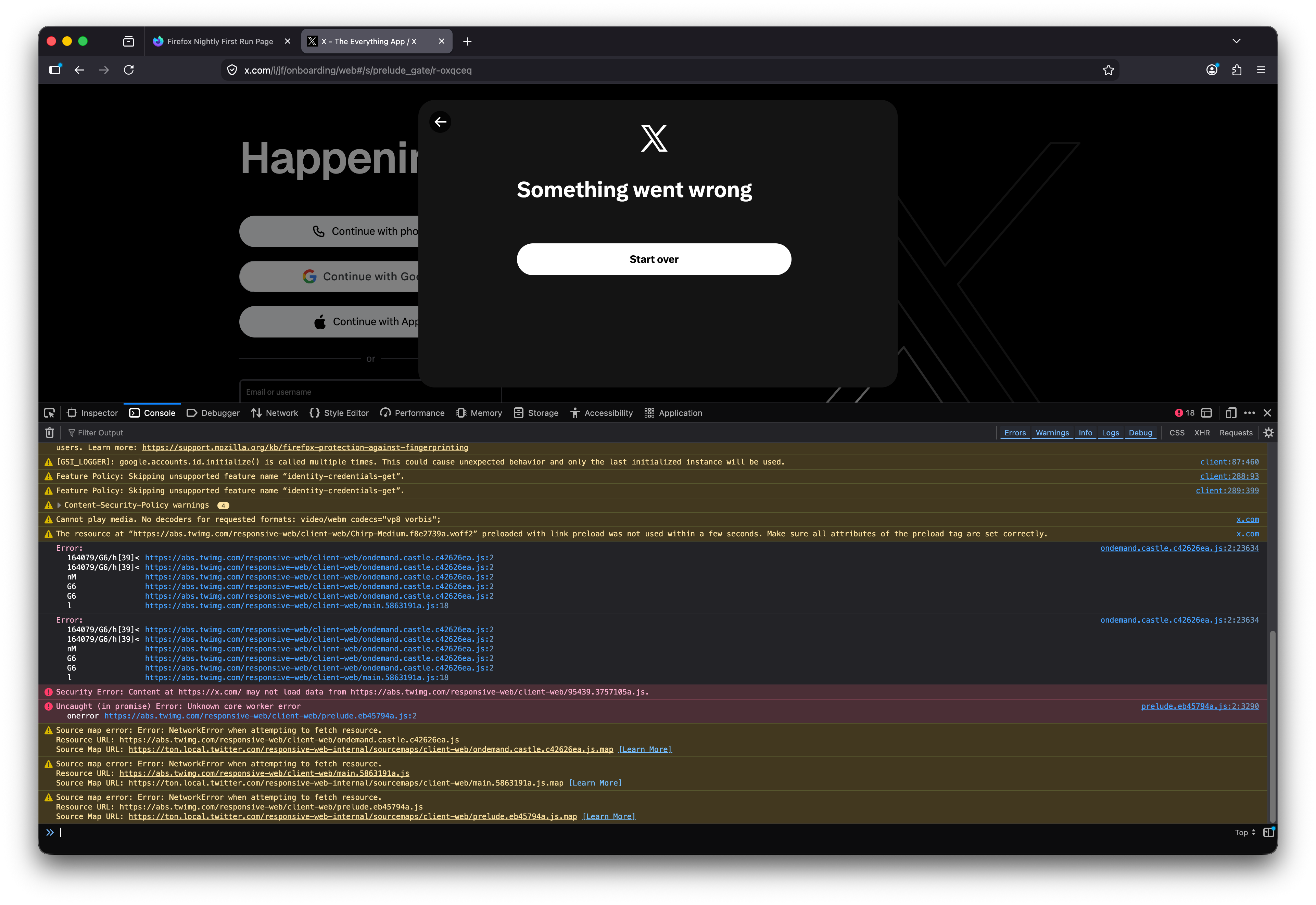
~~Debug from Nightly https://share.firefox.dev/4gc9ZzU~~
UPDATE Proper debug from Nightly: https://share.firefox.dev/3QiCukV
Modificat la de Alexey
Proper debug from Nightly https://share.firefox.dev/3QiCukV
Follow-up I tried logging in with *another* account and it worked. The only difference I can think of is that the account which doesn't work has email that starts with number 03.letters_here@......com
Which makes me think there might be something wrong with how JS executes in FF specifically.
FYI none of the CSP blocks have real effect on the app.
"Content Security policy blocks essential scripts no matter what I do."
This apparently doesn't exhibit for pretty much anyone looking into it, but I was able to reproduce exactly the same from their FRA/LCY delivery:
Content-Security-Policy: The page’s settings blocked the loading of a resource (default-src) at https://abs.twimg.com/responsive-web/client-web/bundle.Conversation.721fc4aa.js because it violates the following directive: “default-src 'self'”
These default-src violations come only from prefetch (the speculative loads have "other" as their originator), however are then properly loaded in time correctly as script-src later — the same bundle can be found in the waterfall as 200 OK just fine; so that's not the culprit.
Here's a profile showing the onreadystate loads getting completed okay: share.firefox.dev/4v6UlJV
What might be relevant though, is Xitter's using Cloudflare for human validation for logins, and these just work differently between browsers unfortunately:( And may trigger different scores even per–account, as you see yourself. Not sure what advice is here. I'd say try installing a separate Firefox Nightly and see how logging in from that goes?
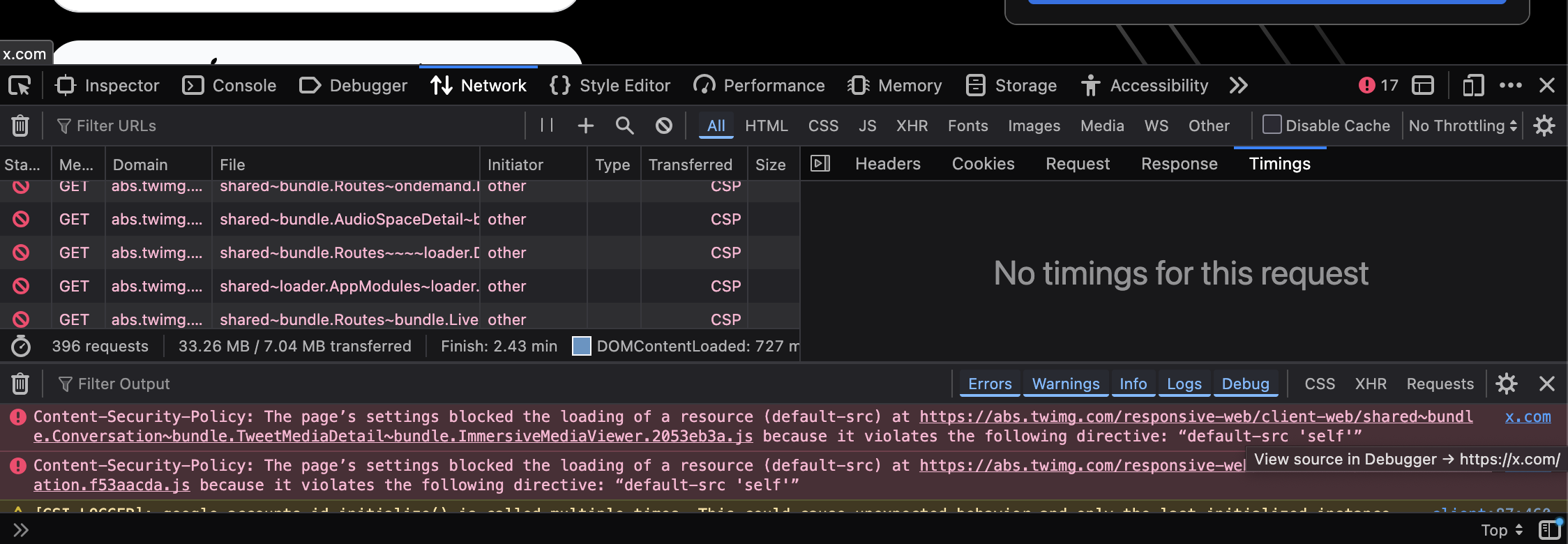
Hard to tell. They changed the log-in sequence (it just emails one time code now), and log in is now working in all Firefox/Zen instances I have.
Modificat la de Alexey