Windows 10 reached EOS (end of support) on October 14, 2025. If you are on Windows 10, see this article.

Caută ajutor

Atenție la excrocheriile de asistență. Noi nu îți vom cere niciodată să suni sau să trimiți vreun SMS la vreun număr de telefon sau să dai informații personale. Te rugăm să raportezi activitățile suspecte folosind opțiunea „Raportează un abuz”.

Află mai multe
Arhivate

Homepage Shortcuts

MSl1

Hello!

It would be nice to go back to the old style of the management of the Shortcuts in the browsers homepage. The new style was a regression. Let the browser user decide what style he likes.

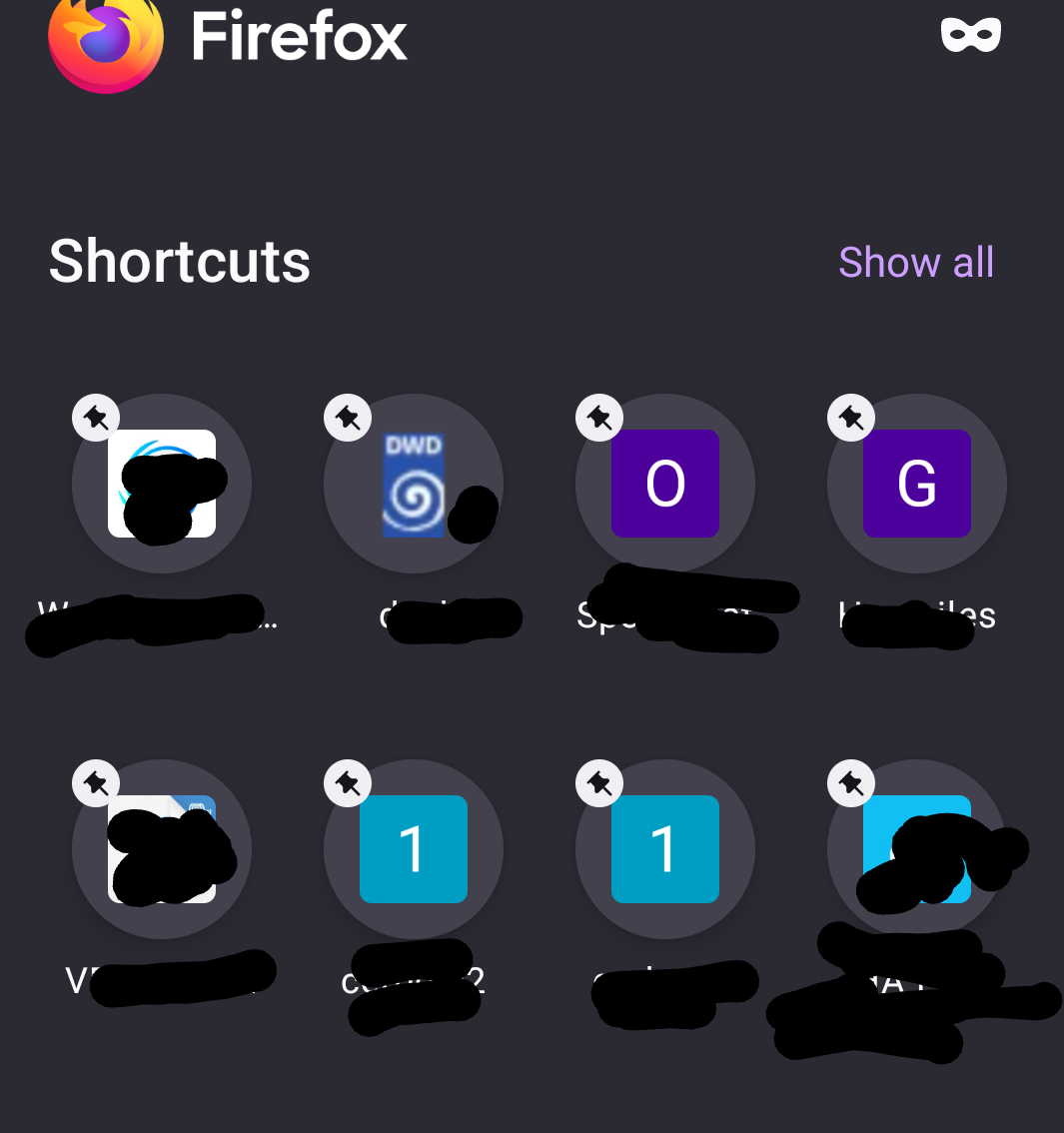
And, - allow moving (sorting) the Shortcut links within the homepage (per drag and drop), - allow more than two Shortcut separate pages within the homepage or more than 16 Shortcuts, - remove the pin symbol from the Shortcut image, it looks terrible and it is superfluous. (I use ONLY my own shortcuts, nothing else, so the pin symbol is not needed.)

Thank you Mario

Hello! It would be nice to go back to the old style of the management of the Shortcuts in the browsers homepage. The new style was a regression. Let the browser user decide what style he likes. And, - allow moving (sorting) the Shortcut links within the homepage (per drag and drop), - allow more than two Shortcut separate pages within the homepage or more than 16 Shortcuts, - remove the pin symbol from the Shortcut image, it looks terrible and it is superfluous. (I use ONLY my own shortcuts, nothing else, so the pin symbol is not needed.) Thank you Mario

Toate răspunsurile (1)

As explanation here a screenshot of my Shortcuts.

And, in the old style is was allowed to swipe from Shortcut page 1 to 2 and back. This is more user-friendly as a click at the link top right and let show ALL Shortcuts.