


Microsoft Sign In

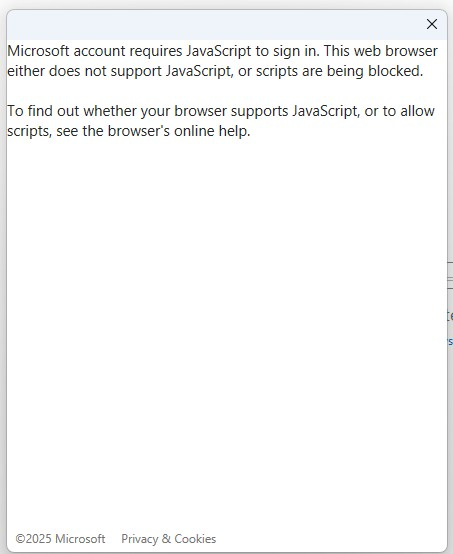
When I try to sign into microsoft outlook or an app, the pop-up dialog box says: "Microsoft account requires JavaScript to sign in. This web browser either does not support JavaScript, or scripts are being blocked.
"To find out whether your browser supports JavaScript, or to allow scripts, see the browser's online help."
This is a new problem. Recently I update privacy and security features and now this appears when I try to log in.
Any ideas on how I fix this?
Thanks very much, Dave
Toate răspunsurile (1)

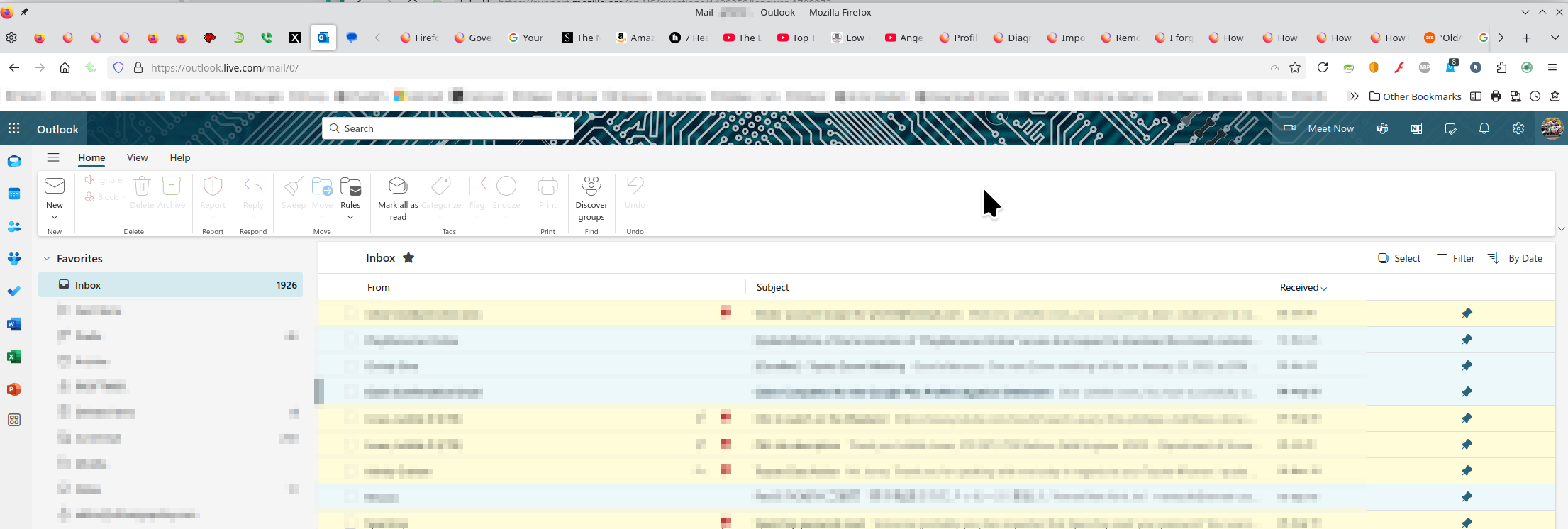
I'm in Hotmail / Outlook everyday with no issues. see screenshot A full browser screenshot would be more useful in the future. Like the message says, something is being blocked. Have you tried with Firefox in Troubleshoot Mode? https://support.mozilla.org/en-US/kb/diagnose-firefox-issues-using-troubleshoot-mode#w_how-to-start-firefox-in-4troubleshoot-modesf5safe-modesf
Did you clear your browser cache? https://support.mozilla.org/en-US/kb/clear-cookies-and-site-data-firefox
Modificat la de jonzn4SUSE