


I can't use firefox to open google, sign in google

I can't use firefox to open google, sign in google before it's good, but after I upgrade, when I try to log in my google account using firefox, I can't type in any words, it's crashed. but outlook is ok. Please help. Thank you.
Toate răspunsurile (3)

Show the issue. It works for me. see screenshot Did you try Firefox in Troubleshoot Mode? https://support.mozilla.org/en-US/kb/diagnose-firefox-issues-using-troubleshoot-mode#search104 What version of Firefox? What OS?
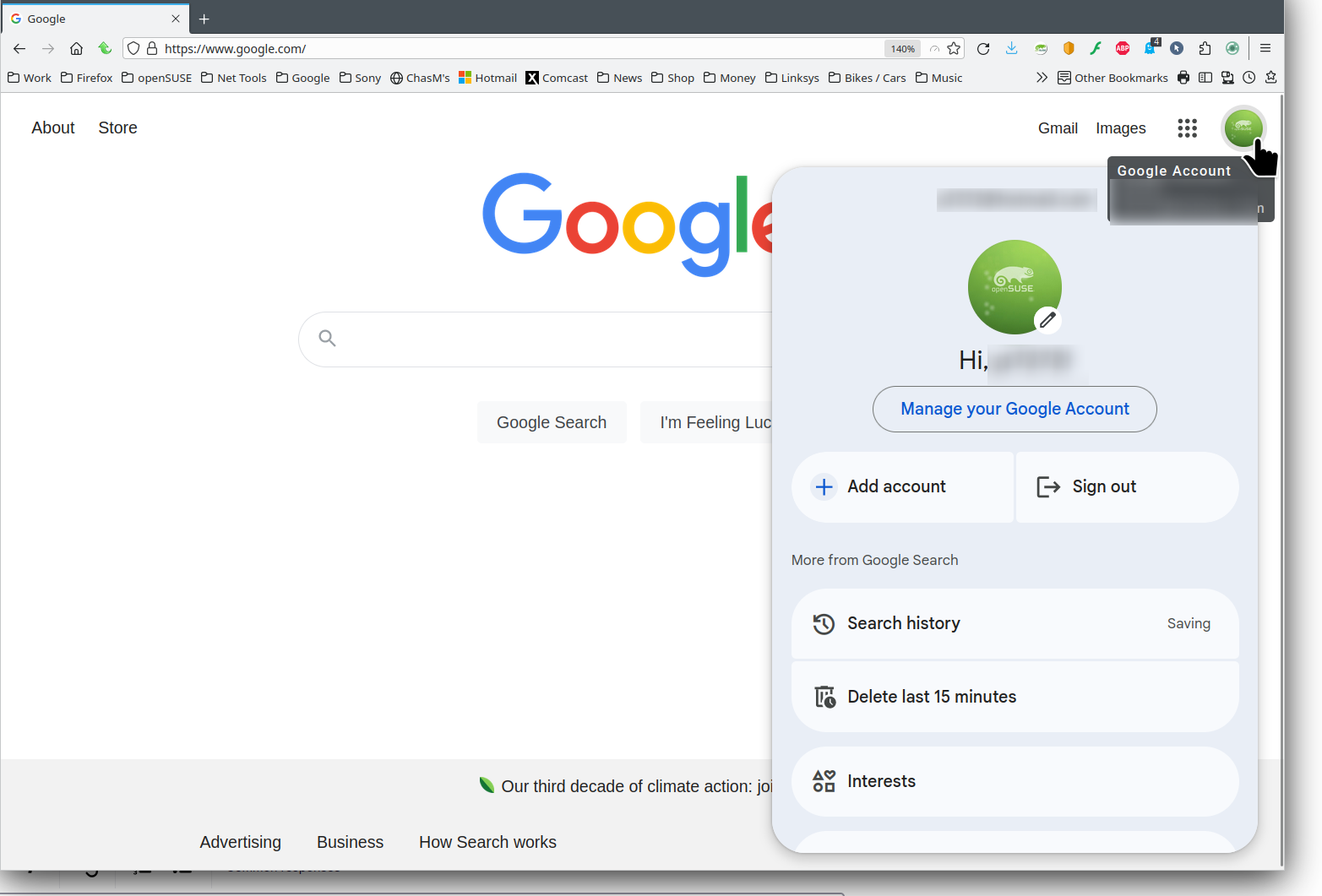

I have a very similar, if not the same issue.
If i'm logging into google, through either a regular browser OR a private window, the entire program locks up as I'm partway through typing in my username.
What I've found, and i can repeat this every single time. If i type it quickly, it locks up. If i type it slowly, no issues, i can complete the username and log in. this is ONLY an issue with the username, password I can type as quickly as I like
We have resolved an issue with Google prompting users to ‘clear cookies and site data’ when logging in. A fix has been published, via Firefox remote settings that does not require a Firefox upgrade. Users will receive the update over the next 6hrs, if you would like to update immediately simply restart Firefox.
Note: The issue was related to CHIPS being enabled in Fx131, this feature has been temporarily disabled while we resolve the issues. Users who have disabled 'Allow Firefox to install and run studies' in Privacy & Security settings will need to enable to receive the update.