


youtube video doesn't play

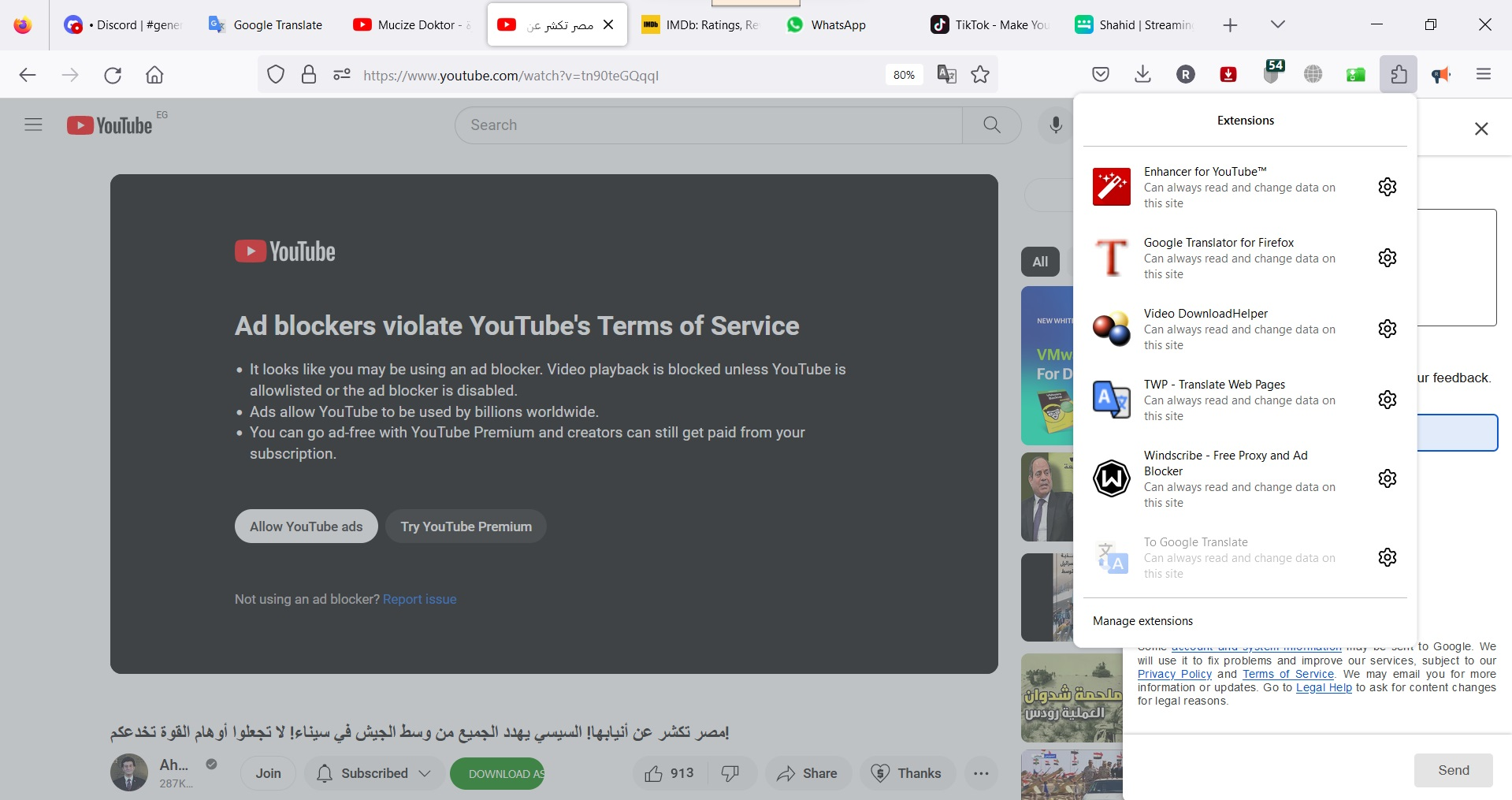
I was using Ad blocker extenstion and youtube videos stopped working, so I deleted the extension and still have the same problem and youtube videos doesn't play and give me warning messages what can I do,
Toate răspunsurile (2)
Start Firefox in Troubleshoot Mode to check if one of the extensions ("3-bar" menu button or Tools -> Add-ons -> Extensions) or if hardware acceleration or if userChrome.css/userContent.css is causing the problem.
- switch to the Default System theme: "3-bar" menu button or Tools -> Add-ons -> Themes
- do NOT click the "Refresh Firefox" button on the Troubleshoot Mode start window
- https://support.mozilla.org/en-US/kb/diagnose-firefox-issues-using-troubleshoot-mode
- https://support.mozilla.org/en-US/kb/troubleshoot-extensions-themes-to-fix-problems
You can check the connection settings.
- Settings -> General -> Network: Connection -> Settings
If you do not need to use a proxy to connect to internet, select "No Proxy" if "Use the system proxy settings" or one of the others do not work properly.
See "Firefox connection settings":
Google is constantly running experiments on different users. Try clearing site cookies until the issue goes away.