


Where do I find my bookmarks in my profile online?

My old Lenovo broke down and I just installed Firefox on a new one. I thought it would be easy to just login to my Firefox account and sync the bookmarks to the new computer. NOT? After reading support articles about "sync", it seems that the only way to sync bookmarks is through accessing the old computer? Is this for real? Or is there a workaround??
My old Lenovo broke down and I just installed Firefox on a new one.
I thought it would be easy to just login to my Firefox account and sync the bookmarks to the new computer. NOT?
After reading support articles about "sync", it seems that the only way to sync bookmarks is through accessing the old computer? Is this for real? Or is there a workaround??
Toate răspunsurile (2)
Sync should work, been doing for sometime with several devices and versions of Firefox. see old screenshot
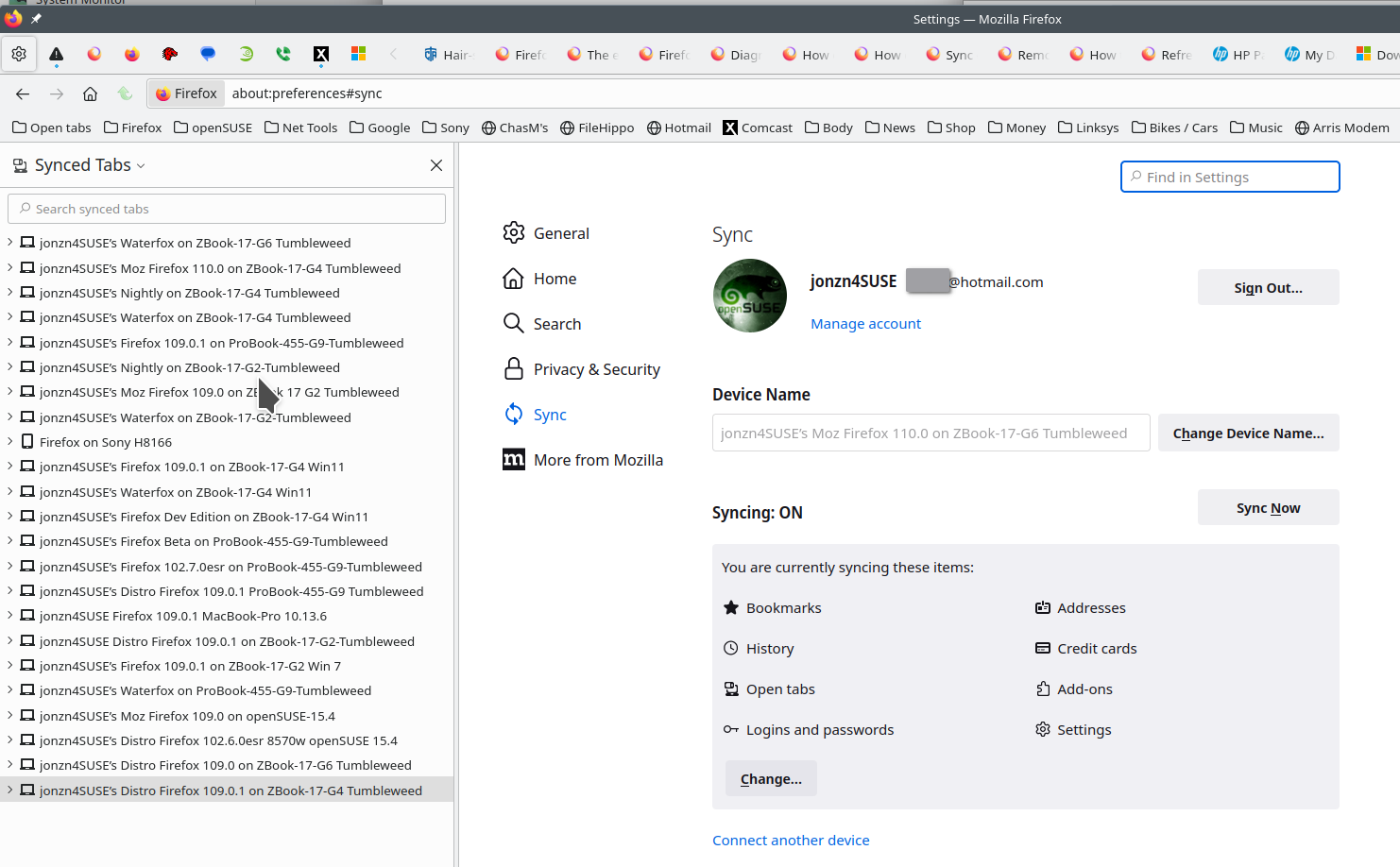
On my mac I have the current version of Firefox and Nightly running. If the old compute was using sync, you should be able to see the tabs and the data should have started loading into the Mac. Go to accounts.firefox.com and see what devices are there.