Assigning a new device ID for Sync after having cloned Firefox settings to another device

Hi,
first of all thank you all in the community for your amazing work on Firefox!
I have cloned my $HOME (including ./.mozilla/firefox/) to another Linux device.
Now I realize that changing the Firefox Sync device name on the new device would also change it for the other device when checking "Connected Services" https://accounts.firefox.com/settings. I also can only see the new device name when using "Send to device" from any device.
I guess I have to unlink my new device and somehow assign it a new device ID for Firefox Sync to recognize the new device. How can I do that?
Soluție aleasă
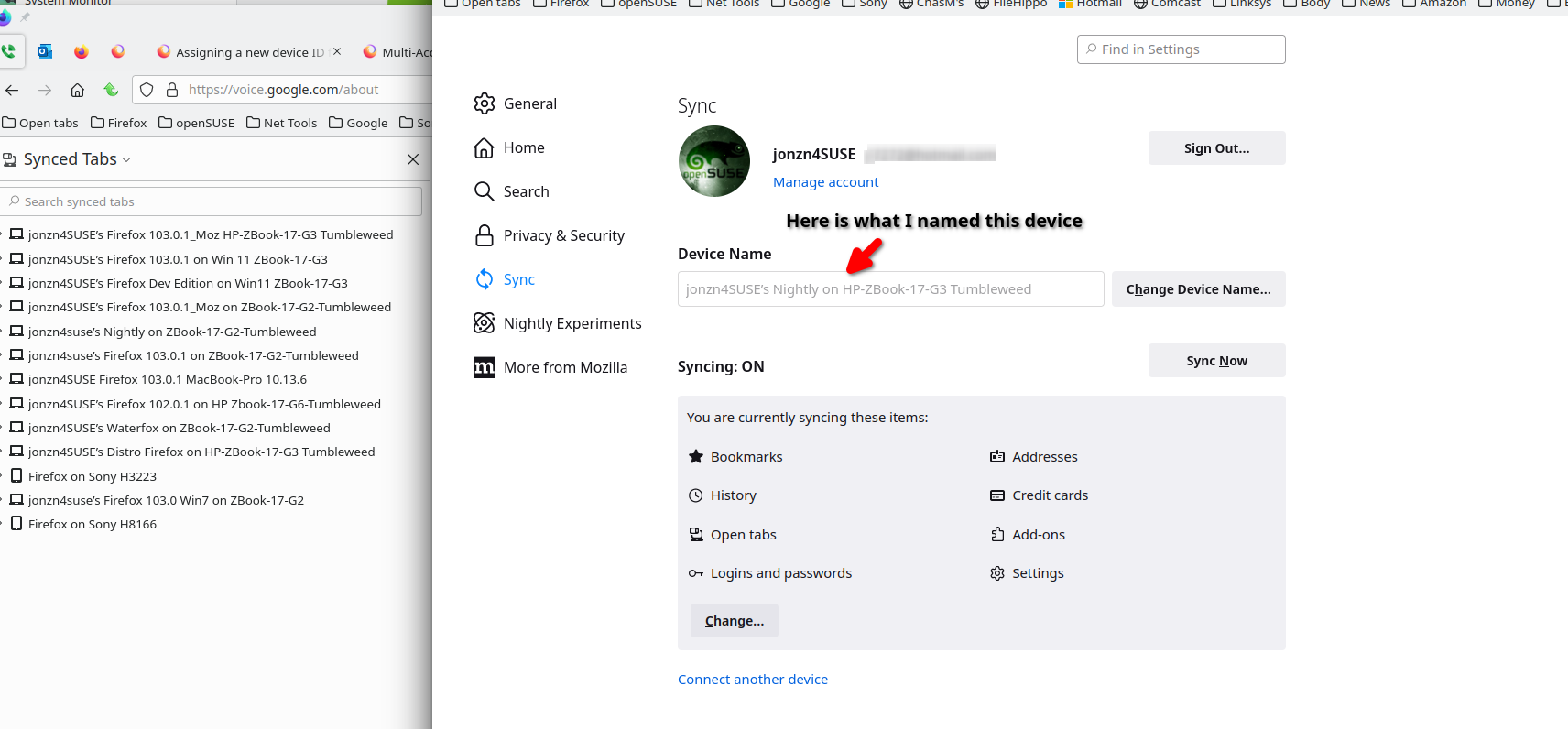
You should have kept it simple and just used sync to get you info onto another device. see screenshots. https://support.mozilla.org/en-US/kb/how-do-i-set-sync-my-computer https://support.mozilla.org/en-US/kb/how-do-i-choose-what-information-sync-firefox
Citește răspunsul în context 👍 1Toate răspunsurile (1)

Soluție aleasă
You should have kept it simple and just used sync to get you info onto another device. see screenshots. https://support.mozilla.org/en-US/kb/how-do-i-set-sync-my-computer https://support.mozilla.org/en-US/kb/how-do-i-choose-what-information-sync-firefox