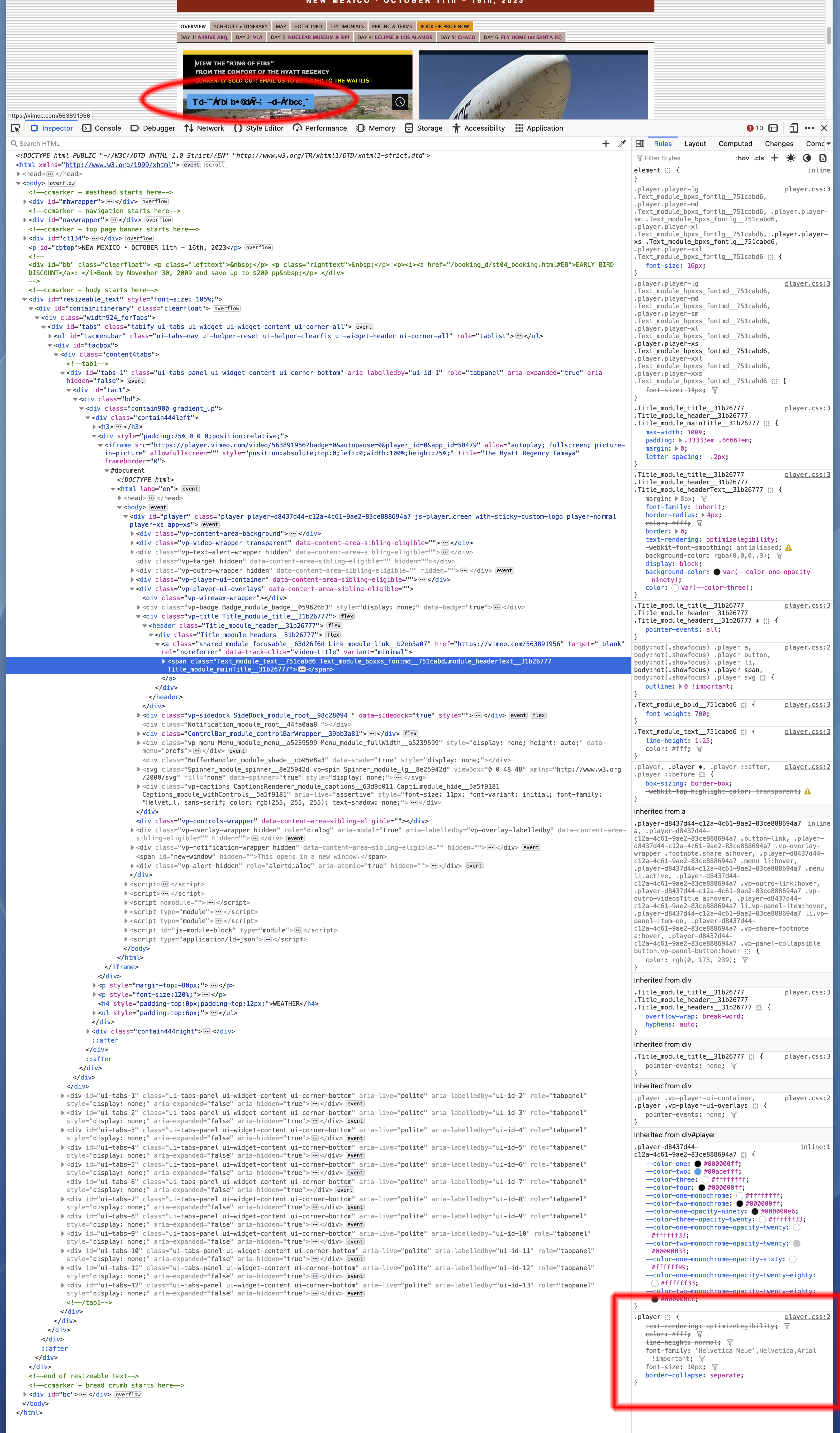
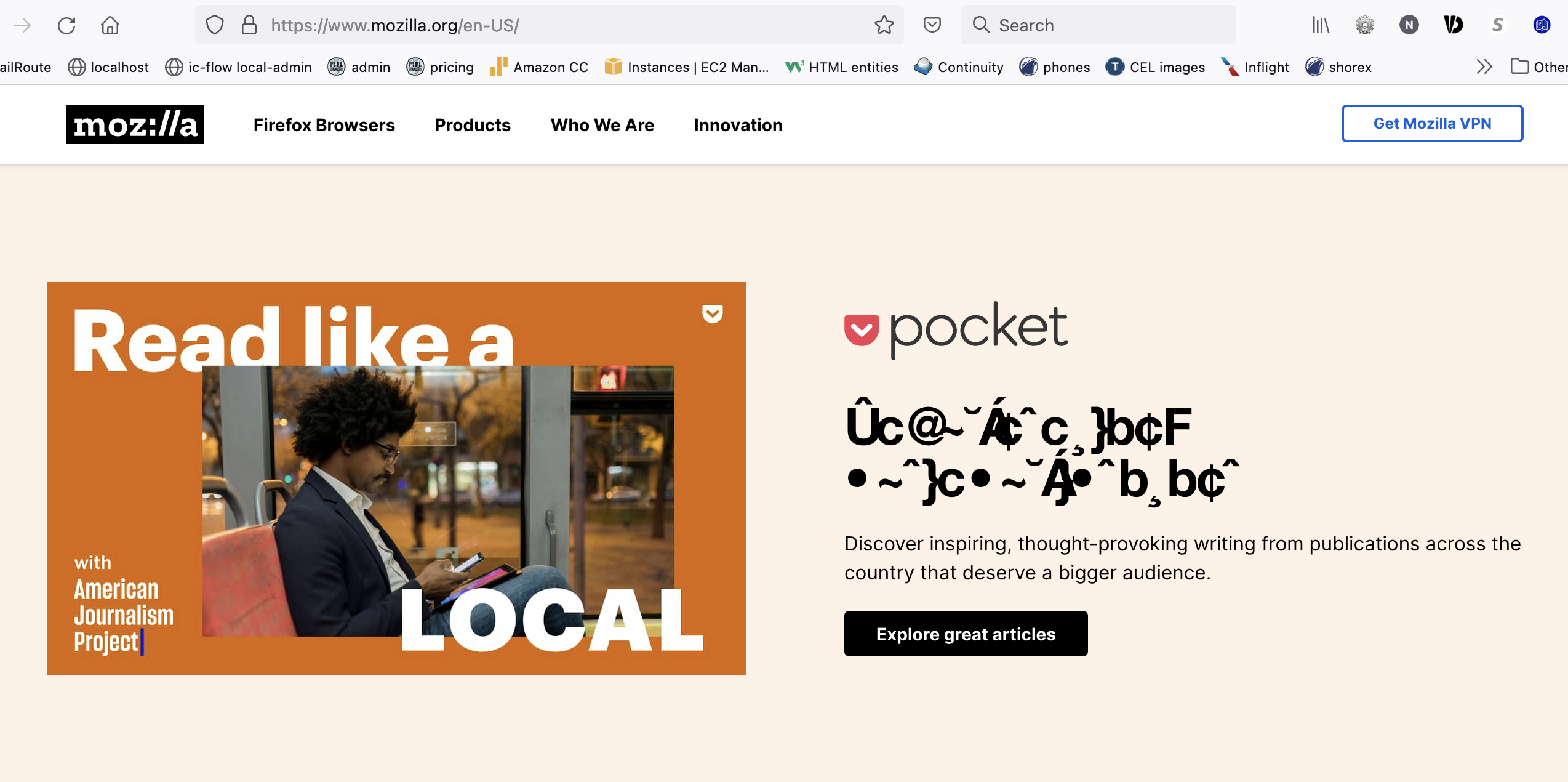
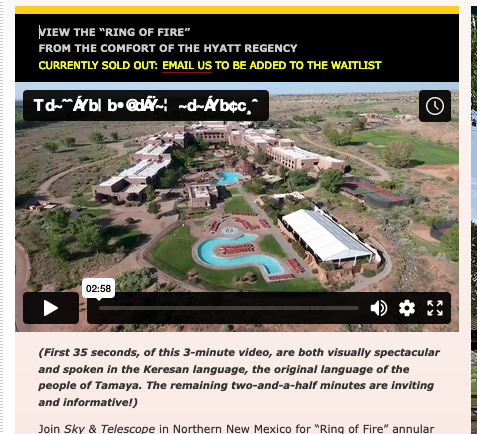
Garbage characters: Firefox 114.0.2 MacOS 13.4.1

Hiya. An age old problem it seems. Re-installing Dejuva-sans solved the problem for years. Not with v114. Turning off "Allow pages to choose their own fonts, instead of your selections above" solves the problem, yes, but a LOT of webpages look just crummy, even our own. PLUS, I don't want to override what a website "wants" to render because it breaks their design, wrapping lines, etc.
I've googled this extensively, and am a geek, but recent (from 2020) solutions on this board are all geared at Windows users.
Any help appreciated, of course. Bribe (if allowed): first person with a permanent solution (ie thru the next two revs of Firefox is welcome to join us for a fabulous Geek Cruise).
Todas as respostas (2)
Issues with a weird looking font can be caused by a problem with a specific font and you need to identify this font and fix this.
You can right-click and select "Inspect" to open the built-in Inspector with this element selected.
- https://firefox-source-docs.mozilla.org/devtools-user/page_inspector/how_to/open_the_inspector/
- https://firefox-source-docs.mozilla.org/devtools-user/page_inspector/how_to/examine_and_edit_html/
You can check in the Rules tab in the right panel in the Inspector what font-family is used for selected text. You can check in the Fonts tab in the right panel in the Inspector what font is actually used because Firefox might be using a different font than specified by the website.
You may find that it can be resolved by finding and removing duplicate fonts installed in the local ~/Library/Fonts folder, that are conflicting with standard system fonts.
You can check in Font Book for font issues like corrupted and duplicate fonts.
Note that you shouldn't disable "Allow pages to choose their own fonts, instead of your selections above" as this will cause issues with iconic fonts used by webpages to display small icons (you may see text labels instead of icons).
Hi cor-el.
Appreciate the feedback.
Yeah, it must be some font problem. But I'm at a loss to figure out which font family.
Can you tell me from the two attachments (two different websites) what the font is?
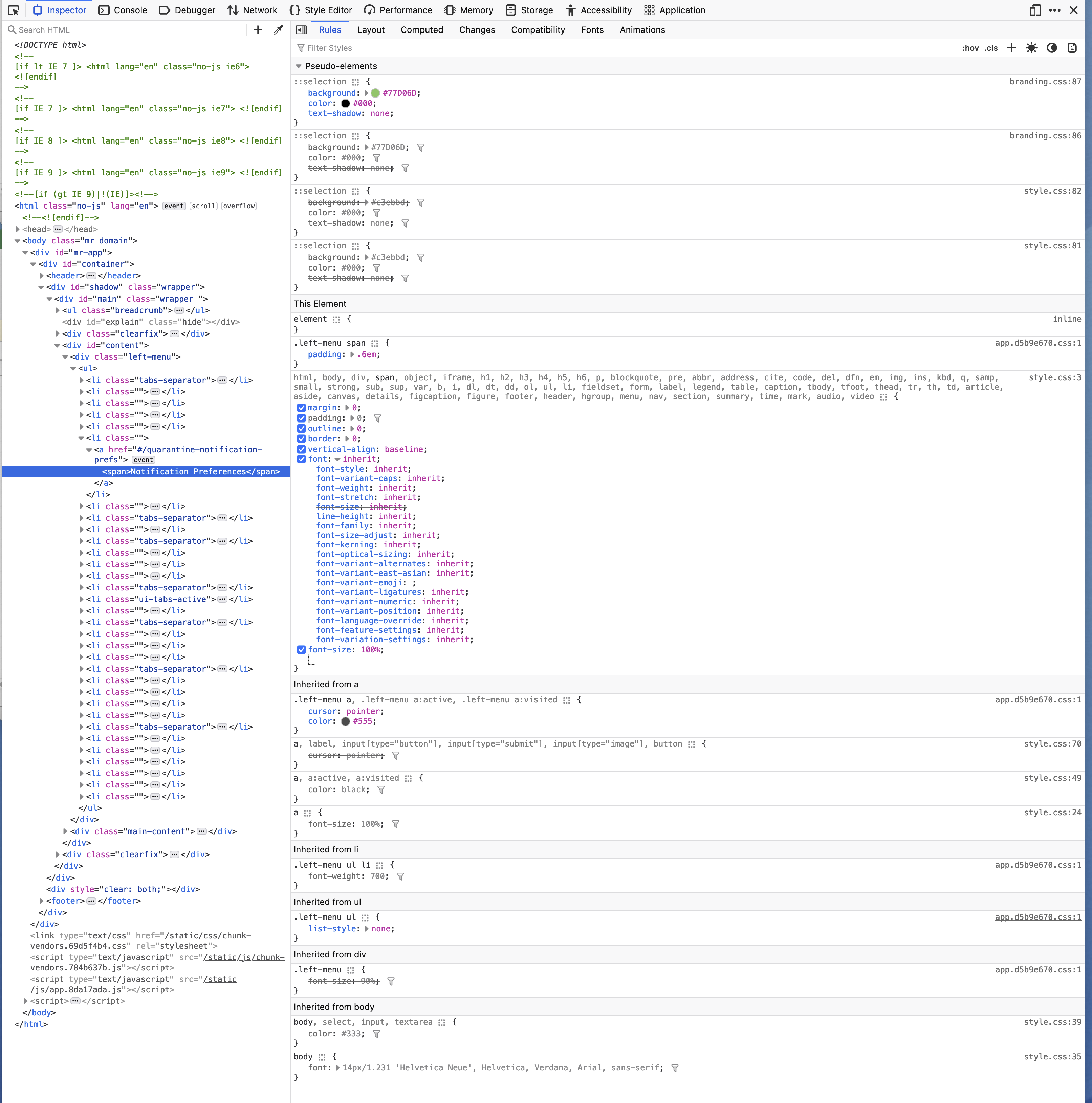
I've tried solving this problem using the inspector (for years) ... I'm just not seeing the font (at least one that is not strike-thru'd.
I'm not getting any errors when I open fontbook.app.
As I've said, before (having read the suggestion) I was able to re-install dejavu which solved the problem. But finally, that solution no longer does the trick.
Thanks,
Neil