Windows 10 reached EOS (end of support) on October 14, 2025. If you are on Windows 10, see this article.

Pesquisar no site de suporte

Evite golpes de suporte. Nunca pedimos que você ligue ou envie uma mensagem de texto para um número de telefone, ou compartilhe informações pessoais. Denuncie atividades suspeitas usando a opção “Denunciar abuso”.

Saiba mais
Esta discussão foi arquivada. Faça uma nova pergunta se precisa de ajuda.
Arquivado

I can't login into my Sync Account. I get the authentication Code but I'm stuck in a loop.

user4235650 replied
user4235650

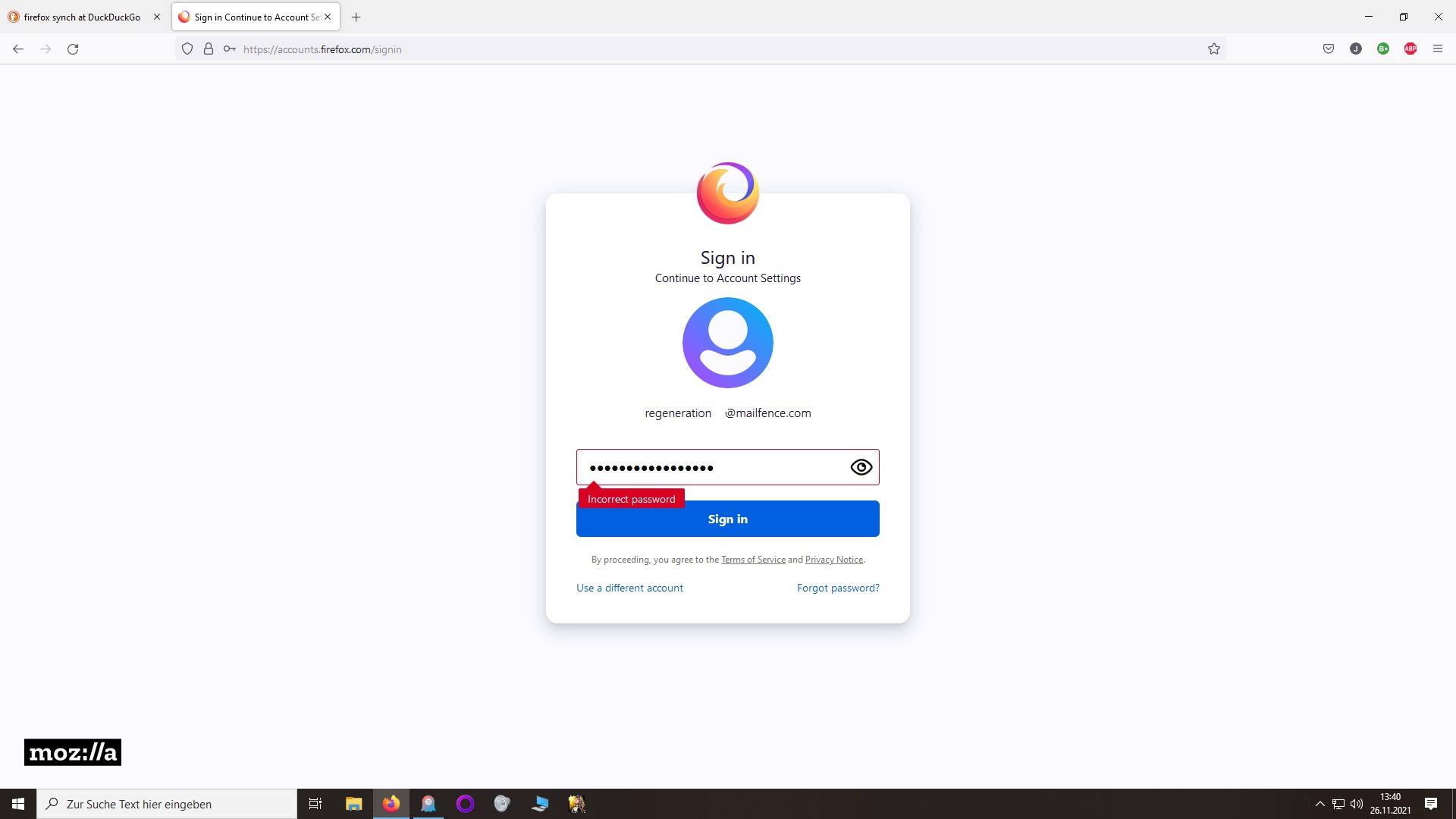
Hi. I try to be as clear as possible. I have 2 email accounts: Johannes2922@outlook.de and regeneration35@Mailfence.com. regeneration25 is the primary e-mail from my synch account. I don't know if I should give this information here and therefore I changed the numbers a bit but the problem lies between these 2 emails. I also deleted another Firefox Synch account which had regeneration35 as primary e-mail. So I can use this e-mail as my primary e-mail for my current account. This might be little details that could be useful for the problem.


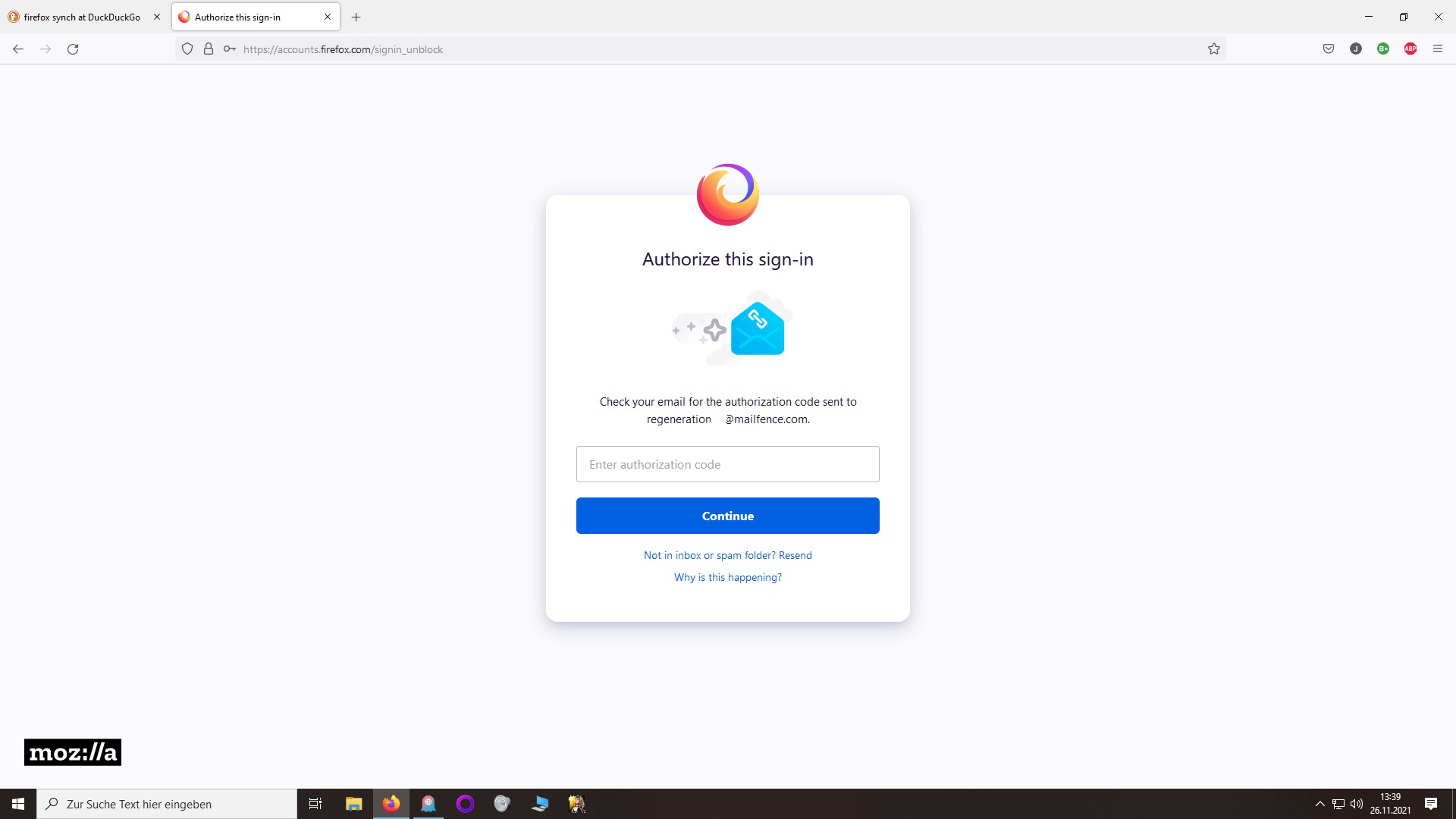
If I try to sign up with regeneration into my synch account, I get incorrect password error and can't login at first but then I click on "use different account" and it looks like on picture 1 I put in images. I type regeneration35@Mailfence.com again into the text field and use the same password to get the authentication e-mail with the code. So now I get 2 authentication e-mails on my regeneration35@Mailfence.com and Johannes2922@outlook.de, 1 for each. The authentication code used from my primary e-mail doesn't work.

Here lies the problem. It brings me back to the login screen window as you see in picture 2. What can I do? If I try to use the authentication code sent to my secondary e-mail I get the same result. Then I'm stuck in a loop as I wrote on the Subject.
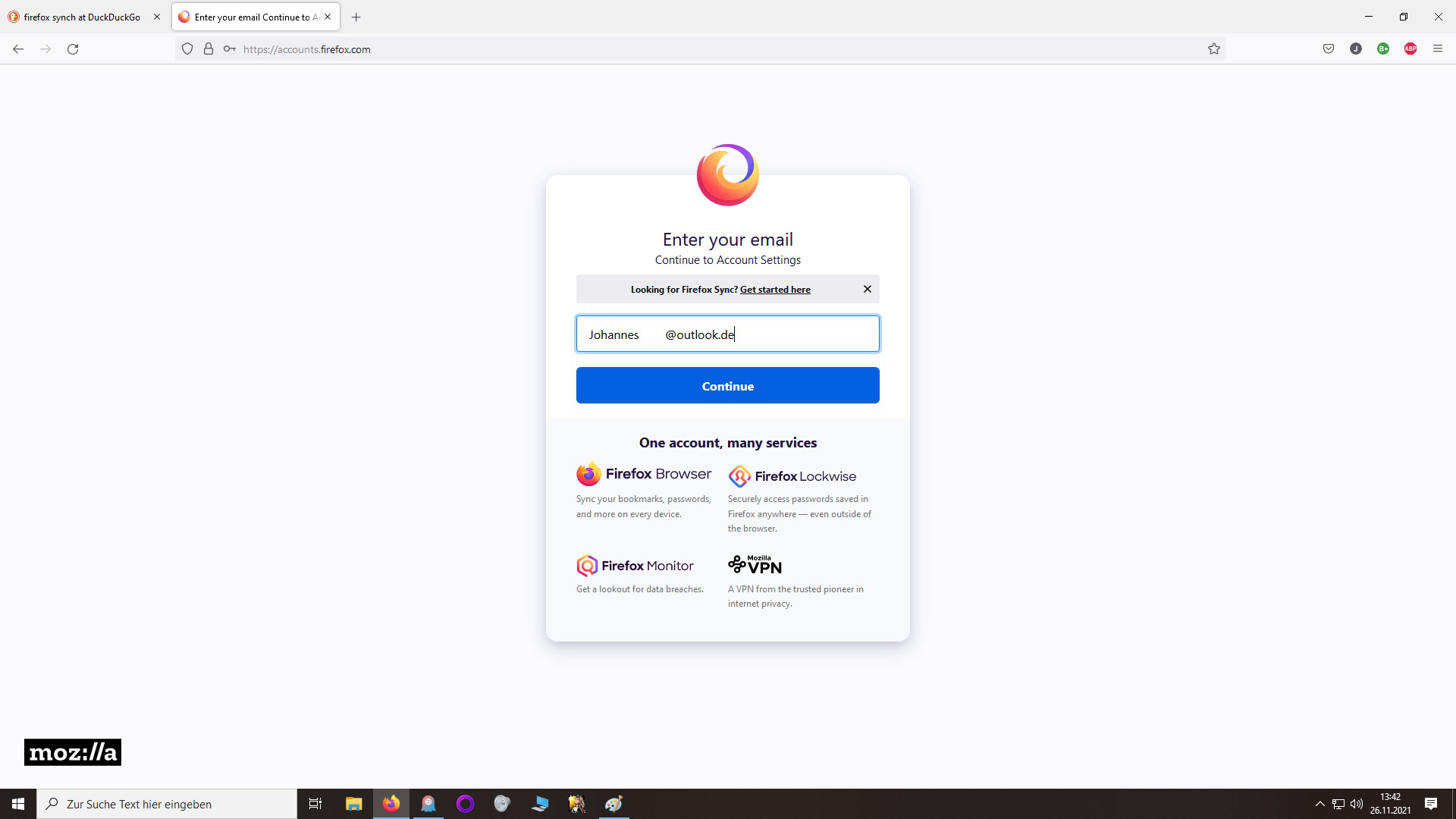
Hi. I try to be as clear as possible. I have 2 email accounts: Johannes2922@outlook.de and regeneration35@Mailfence.com. regeneration25 is the primary e-mail from my synch account. I don't know if I should give this information here and therefore I changed the numbers a bit but the problem lies between these 2 emails. I also deleted another Firefox Synch account which had regeneration35 as primary e-mail. So I can use this e-mail as my primary e-mail for my current account. This might be little details that could be useful for the problem. If I try to sign up with regeneration into my synch account, I get incorrect password error and can't login at first but then I click on "use different account" and it looks like on picture 1 I put in images. I type regeneration35@Mailfence.com again into the text field and use the same password to get the authentication e-mail with the code. So now I get 2 authentication e-mails on my regeneration35@Mailfence.com and Johannes2922@outlook.de, 1 for each. The authentication code used from my primary e-mail doesn't work. Here lies the problem. It brings me back to the login screen window as you see in picture 2. What can I do? If I try to use the authentication code sent to my secondary e-mail I get the same result. Then I'm stuck in a loop as I wrote on the Subject.
Capturas de tela anexadas

Todas as respostas (1)

For some reason I can't upload picture 2. I don't know why. Here are other 2 screenshots I took. It should be more clear now.