


Refresh on LAN = transfer from Internet ?

Refreshing on LAN for checking temperatures on NAS ... Why FF responds/ transfers/ is waiting from "i.stegjs.info" and "rules.foxydeal.com" ? Please see attached files.
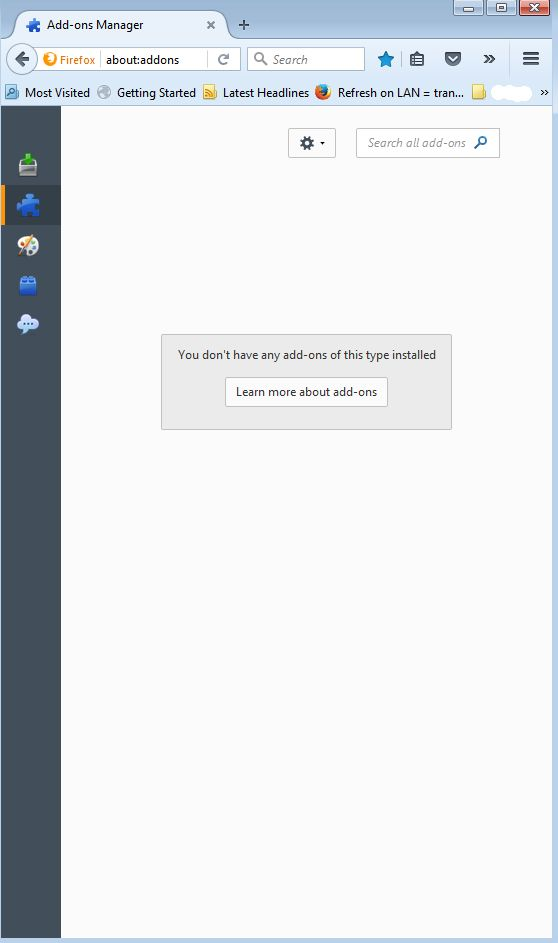
Is it happening because of my addons?
Should be this considered a privacy issue? Am I paranoic? Seems to ...
Thanks, Trons
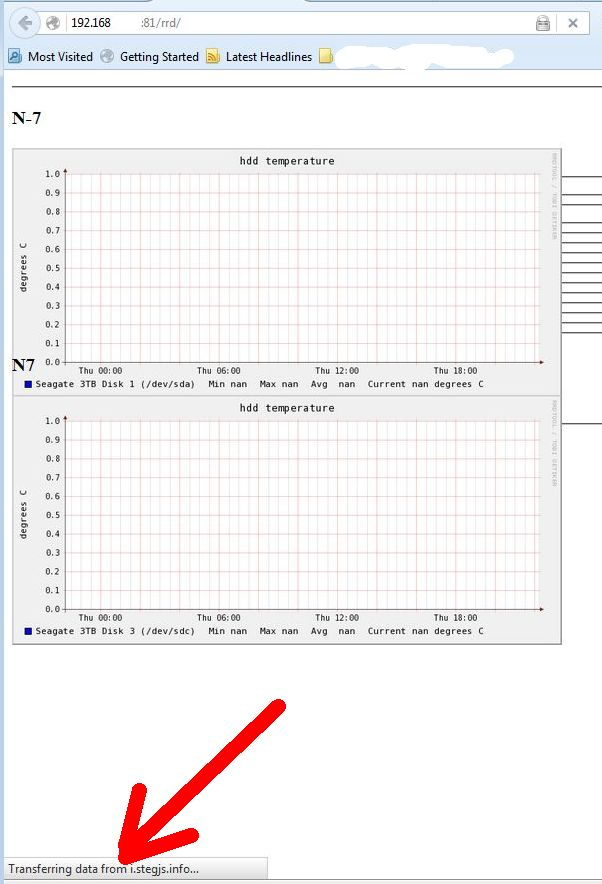
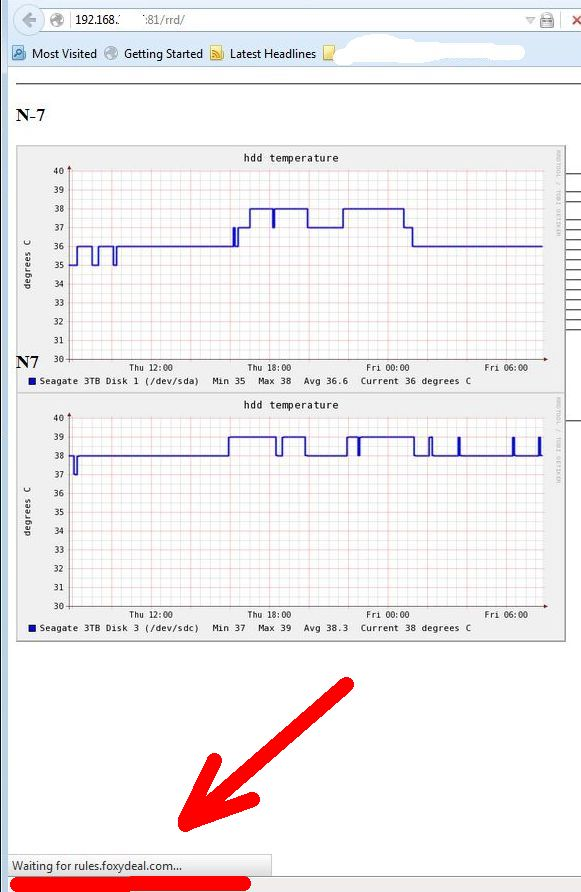
Todas as respostas (6)
Maybe. My guess is yes.
Which extensions do you have installed?
And are you using the "override" to allow "not verified" add-ons to be installed and / or enabled in Firefox 43+ versions?
My addons:
1. Ant Video Downloader (v2.4.7.34) — Download video from all Youtube's like websites and watch it locally. 2. Copy As Plain Text (v1.0.9.1-signed) — Removes formatting from copied text. 3. Facebook Messenger (v44.0) — Facebook Messenger brings Facebook Chat right into your Firefox Sidebar. 4. FEBE (v8.8.2) — Backup your Firefox data 5. FILMEGO (v2.0.15.4.1-signed) — Смотри и скачай свое кино! [FE] 6. FireGestures (v1.10.3) — Executes various commands with mouse gestures. 7. FireShot (v0.98.84) — Adds the ability to take a screenshot of the page entirely, edit it and save in (PDF, JPEG, GIF, PNG or BMP), print, copy to clipboard, send to external editor or e-mail it. Additional annotation tools (text, freeform drawing, highlights) provide quick and easy way of documenting of captures. 8. Flash Video Downloader - YouTube HD Download [4K] (v9.1.0) — Flash Video Downloader helps you to download any video (flv, mp4, HD) from YouTube-like, Facebook, Break, Metacafe and more in one click. You can download mp3, music (iPod), avi and more. Download Flash games. Download Helper. 9. Forecastfox (fix version) (v2.3.7) — Get international weather forecasts with this highly customizable extension 10. Google Privacy (v0.2.4.1-signed) — Make search engines respect your privacy settings 11. iMacros for Firefox (v8.9.6) — Automate your web browser. Record and replay repetitious work. 12. KeeFox (v1.5.4) — Simple and secure password management. Login automatically, never forget another password, stay in control of your passwords and improve their security. Powered by the world-renowned KeePass Password Safe. 13. Master Password+ (v1.21.3.1-signed) — Various enhancements for built-in "Master Password" feature 14. Menu Wizard (v4.01) — Customize Firefox menus : Helps removing, moving and renaming menus and menu items 15. Mobile Password Manager (v1.0.1.2) — View and edit saved passwords on your phone, tablet or desktop. 16. Pure URL (v1.2.4.1-signed) — Removes garbage like "utm_source" from URLs 17. Saved Password Editor (v2.9.6) — Adds the ability to create and edit entries in the password manager. 18. savetexttofile (v2.7.1) — Saves highlighted text to a file in a specified directory 19. ScrapBook X (v1.12.17) — Helps you save web pages and organize the collection. 20. Select like a Boss (v2015.4.24.2.1-signed) — Select link's text just like a regular text (like in Opera'12 browser) - Select like a Boss ;) 21. Show my Password (v2.0.1-signed) — Shows your password in readable letters 22. TinyURL Generator (v2.6.1.1-signed) — An extension to generate a TinyUrl in the background of any webpage 23. User-Agent Switcher (v0.1.4) — Quickly and easily switch between popular user-agent strings. 24. Video DownloadHelper (v5.4.2) — Download Videos from the Web 25. Weather Forecast (v0.2.4) — Weather Forecast Plus is the easiest way to check the weather while you browse internet. 26. Webmail Ad Blocker (v4.29) — Expand your email area by blocking and removing ads on the right hand side of the screen when using Gmail, Hotmail, Outlook.com and Yahoo Mail 27. WhatsApp Web Messenger (v44.0) — WhatsApp Web Messenger brings Whatsapp right into your browser to chat with your friends. 28. X-notifier (v3.5.19) — Notifies your webmails 29. Yahoo Mail Hide Ad Panel (v2.48) — Hides all the Ad panels (Top, Left, Right) in the NEW Yahoo Mail and expands them to use the full screen, to make your Yahoo Mail completely equivalent to the Paid version for free!
I will uninstall them and check again ...
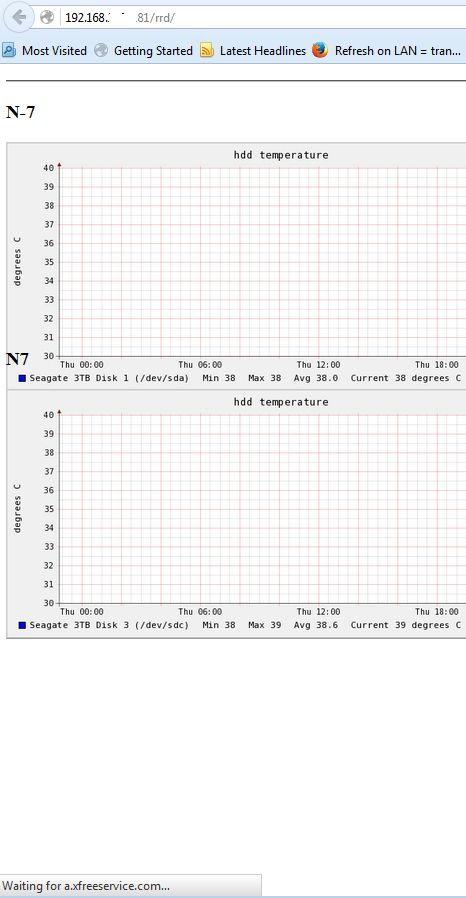
Uninstalled/ delete addons ... same results ... one more site ... Please see the attached files ...
Could you check on your side if the same issue? Those appear in the first 2 seconds, ... you know: old computer ... slow network ...
Anybody?
Do a malware check with several malware scanning programs on the Windows computer.
Please scan with all programs because each program detects different malware. All these programs have free versions.
Make sure that you update each program to get the latest version of their databases before doing a scan.
- Malwarebytes' Anti-Malware:
http://www.malwarebytes.org/mbam.php - AdwCleaner:
http://www.bleepingcomputer.com/download/adwcleaner/
http://www.softpedia.com/get/Antivirus/Removal-Tools/AdwCleaner.shtml - SuperAntispyware:
http://www.superantispyware.com/ - Microsoft Safety Scanner:
http://www.microsoft.com/security/scanner/en-us/default.aspx - Windows Defender:
http://windows.microsoft.com/en-us/windows/using-defender - Spybot Search & Destroy:
http://www.safer-networking.org/en/index.html - Kasperky Free Security Scan:
http://www.kaspersky.com/security-scan
You can also do a check for a rootkit infection with TDSSKiller.
- Anti-rootkit utility TDSSKiller:
http://support.kaspersky.com/5350?el=88446
See also:
- "Spyware on Windows": http://kb.mozillazine.org/Popups_not_blocked