


Google profile pictures not showing (lh3.googleusercontent.com)
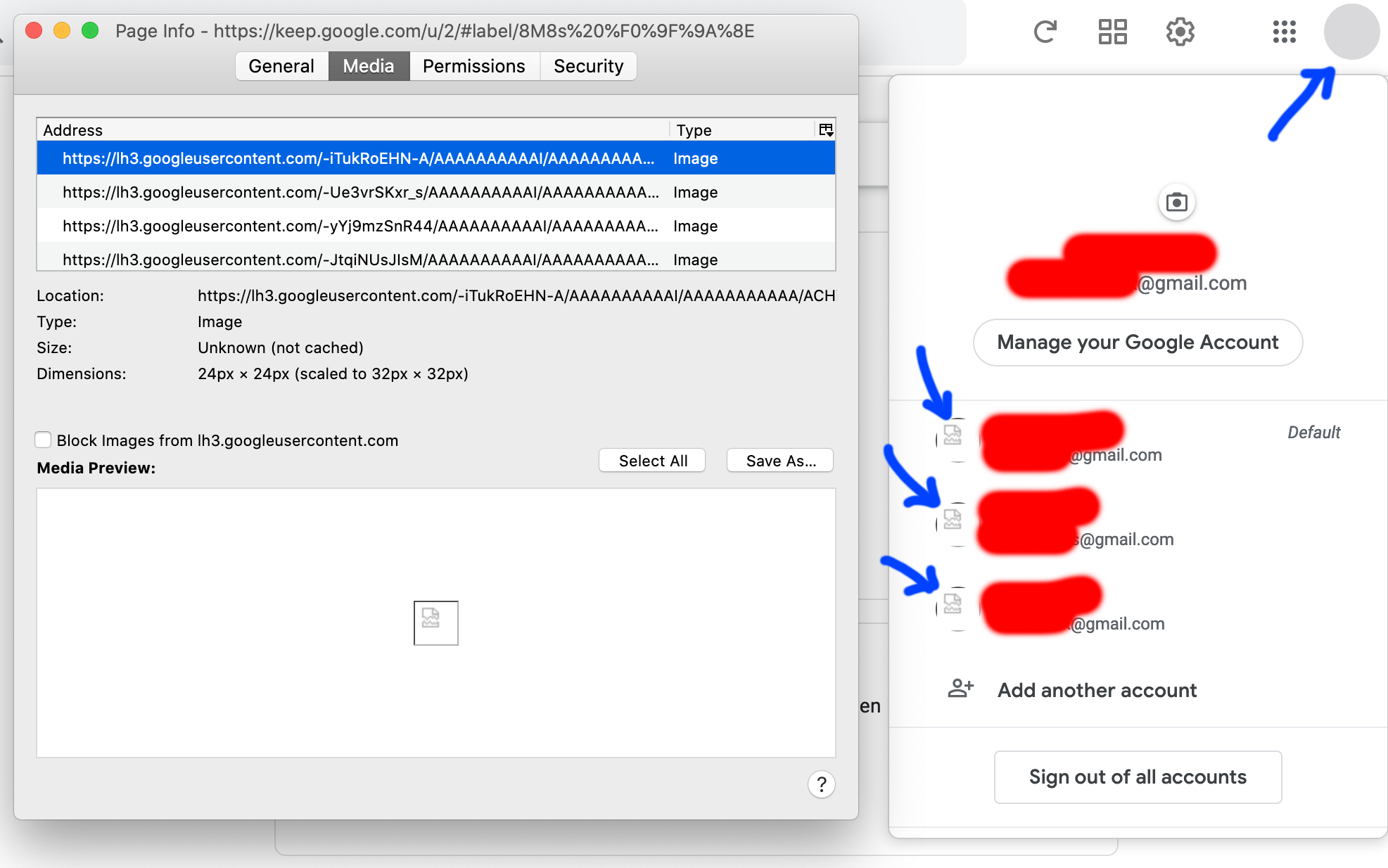
Hi, Firefox is not showing the Google profile pictures (image1).
- It works on other browsers. - I tried safe mode. - I restarted with addons disabled. - I cleared cache and cookies. - Browser is up to date.
nothing.
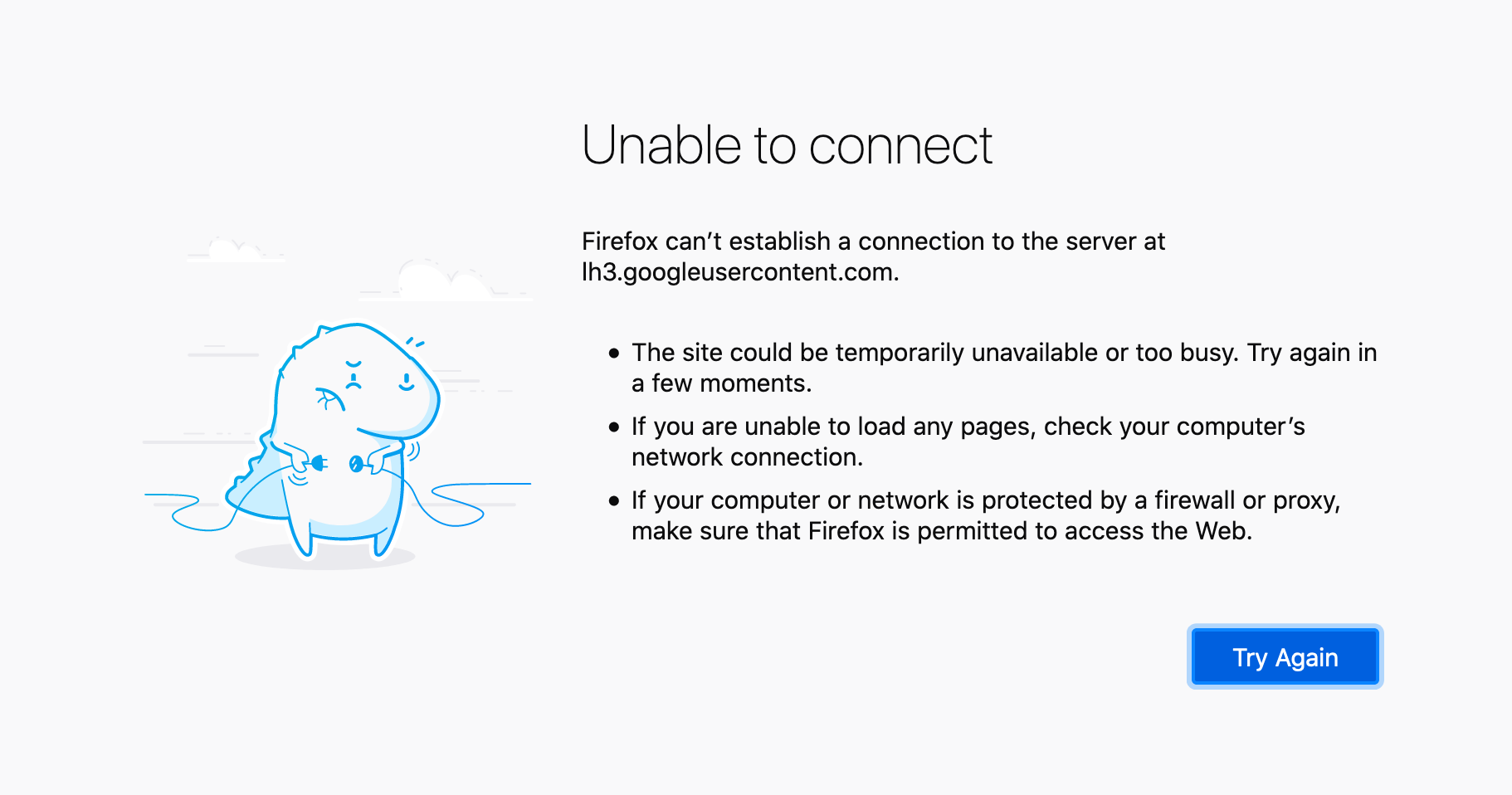
Any image from https://lh3.googleusercontent.com doesn't show. I get image2 when I right click "View image" on the profile pictures that don't show.
How can I fix this?
Thanks.
Wybrane rozwiązanie
OK I found the problem: An app had added googlecontentuser as an exception to the private/etc/hosts file. I removed the line and it worked. Thanks again for your time.
Wszystkie odpowiedzi (5)

https://support.mozilla.org/en-US/kb/fix-problems-images-not-show
https://support.mozilla.org/en-US/kb/fix-video-audio-problems-firefox-windows
https://support.mozilla.org/en-US/kb/fix-common-audio-and-video-issues
https://support.mozilla.org/en-US/kb/html5-audio-and-video-firefox
https://support.mozilla.org/en-US/kb/troubleshoot-issues-with-plugins-fix-problems
https://support.mozilla.org/en-US/kb/warning-unresponsive-plugin
FredMcD said
https://support.mozilla.org/en-US/kb/fix-problems-images-not-show
I've already read this and applied it. Nothing.
FredMcD said
https://support.mozilla.org/en-US/kb/fix-video-audio-problems-firefox-windows
This article applies to Windows Vista/7/8/8.1/10 users only.
FredMcD said
https://support.mozilla.org/en-US/kb/fix-common-audio-and-video-issues
This is for windows.
'FredMcD said
https://support.mozilla.org/en-US/kb/html5-audio-and-video-firefox
This is for audio and video.
'FredMcD said
https://support.mozilla.org/en-US/kb/troubleshoot-issues-with-plugins-fix-problems
Should I do the "Delete the pluginreg.dat file" thing?
'FredMcD said
https://support.mozilla.org/en-US/kb/warning-unresponsive-plugin
Note: This article does not apply to Mac.
I called for more help.
Wybrane rozwiązanie
OK I found the problem: An app had added googlecontentuser as an exception to the private/etc/hosts file. I removed the line and it worked. Thanks again for your time.
That was very good work. Well Done.