


Join us to show up for other Firefox users 🦊. Earn fun badges and Mozilla swag vouchers! Find out more: https://mzl.la/askafox150

Windows 10 reached EOS (end of support) on October 14, 2025. If you are on Windows 10, see this article.

Search Support

Avoid support scams. We will never ask you to call or text a phone number or share personal information. Please report suspicious activity using the “Report Abuse” option.

Learn More

The look of my browser Is off Reinstalling does not help What else can I do

  • 1 svar
  • 0 har dette problemet
  • 43 views
  • Siste svar av sokoc32
  • Open

Recentty reset my computer and reinstalled Firefox For some reason the look was off so I went to edit it And ever since the a Firefox has been very defective I will try to post a screenshot to share with you. I have uninstall and reinstalled and that did not fix the problem Still the same issue When trying to apply a new theme those themes won't apply. Refresh Firefox to see if the new thing would apply and no it did not. I don't wanna reset my computer just to get Firefox working again. I'm debating Using Revo Uninstaller to fully uninstall Firefox and registry Just see if that will fix it but I will wait to see what you guys say. Firefox is my first choice when it comes to browsers. I can still use it I just don't like the look of it right now I only blame myself. Sorry for the solid paragraph I'm using speech to text my left side paradise from traumatic brain injury and neuropathy.

All I want instigate Firefox to a default look how do I go about that. I'm very good with computers so as long as you explain to me I will know how to do it. Thank you.
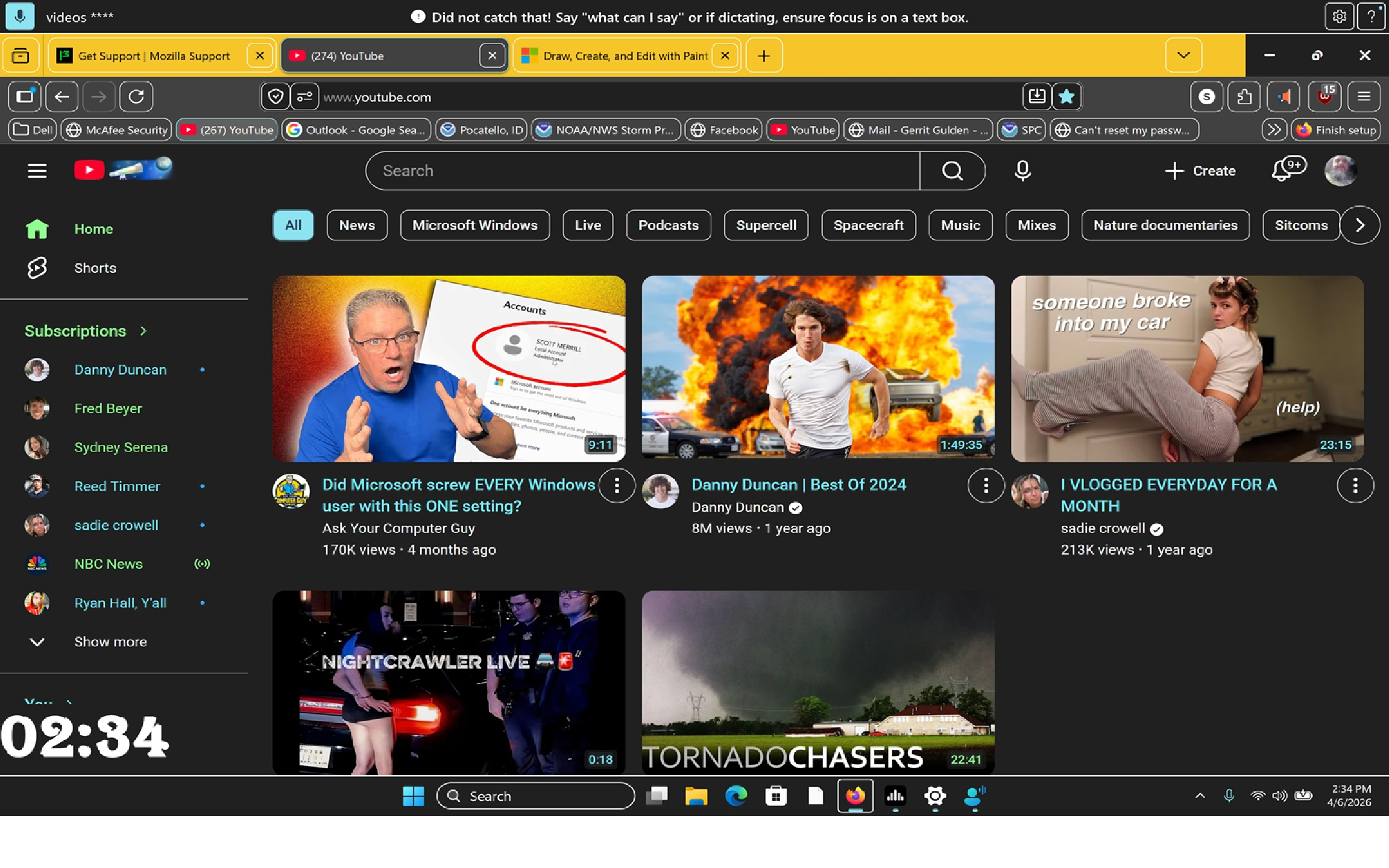
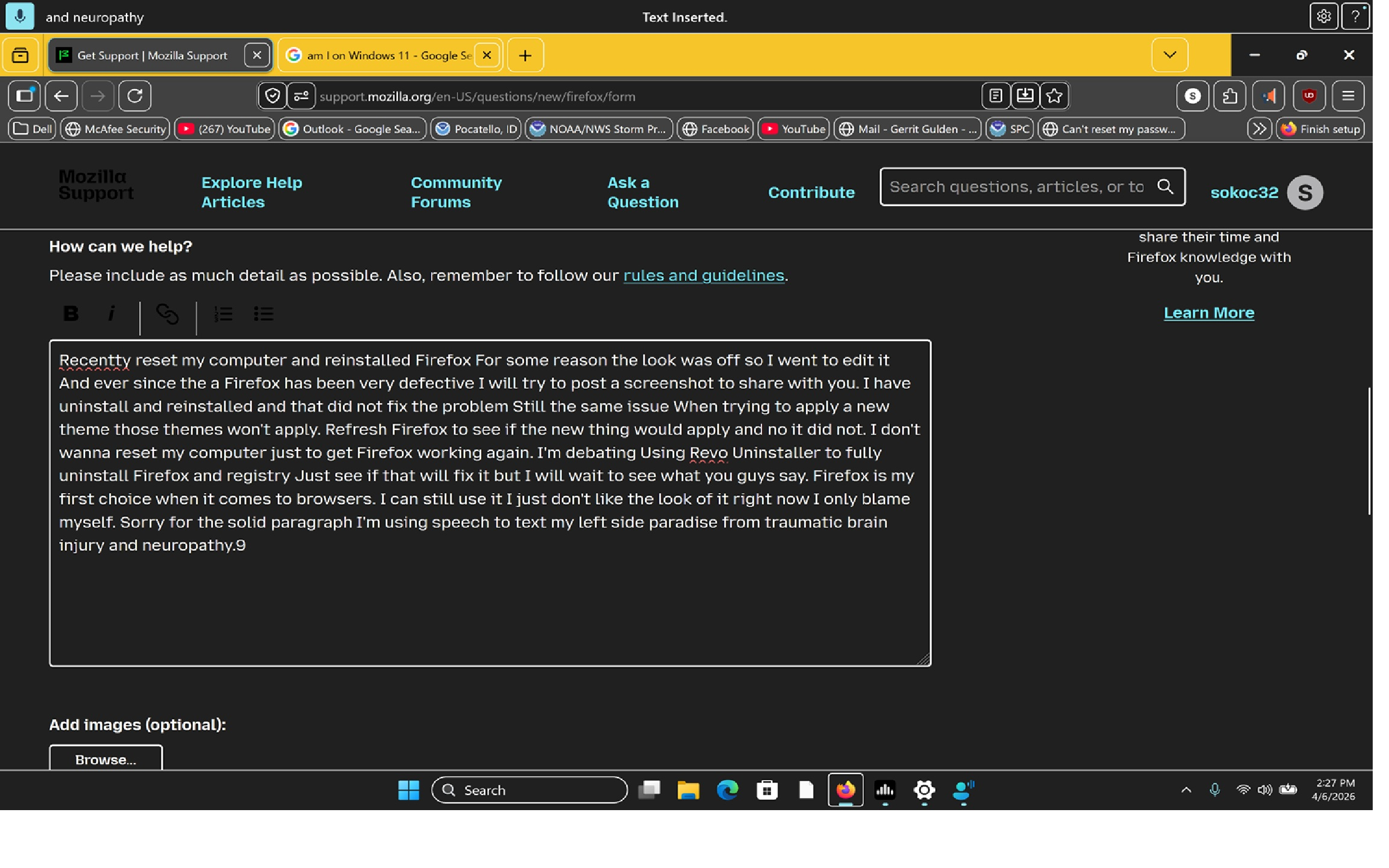
Recentty reset my computer and reinstalled Firefox For some reason the look was off so I went to edit it And ever since the a Firefox has been very defective I will try to post a screenshot to share with you. I have uninstall and reinstalled and that did not fix the problem Still the same issue When trying to apply a new theme those themes won't apply. Refresh Firefox to see if the new thing would apply and no it did not. I don't wanna reset my computer just to get Firefox working again. I'm debating Using Revo Uninstaller to fully uninstall Firefox and registry Just see if that will fix it but I will wait to see what you guys say. Firefox is my first choice when it comes to browsers. I can still use it I just don't like the look of it right now I only blame myself. Sorry for the solid paragraph I'm using speech to text my left side paradise from traumatic brain injury and neuropathy. All I want instigate Firefox to a default look how do I go about that. I'm very good with computers so as long as you explain to me I will know how to do it. Thank you.
Attached screenshots

All Replies (1)

OK I fixed when I went back to personalization the themes right below I just picked one of those options and everything went back to normal so yeah everything's fixed

Still et spørsmål

You must log in to your account to reply to posts. Please start a new question, if you do not have an account yet.