


Windows 10 bereikte EO (einde ondersteuning) op 14 oktober 2025. Als je Windows 10 gebruikt, lees dan dit artikel.

Windows 10 reached EOS (end of support) on October 14, 2025. If you are on Windows 10, see this article.

Zoeken in Support

Vermijd ondersteuningsscams. We zullen u nooit vragen een telefoonnummer te bellen, er een sms naar te sturen of persoonlijke gegevens te delen. Meld verdachte activiteit met de optie ‘Misbruik melden’.

Meer info
Deze conversatie is gearchiveerd. Stel een nieuwe vraag als u hulp nodig hebt.
Gearchiveerd

Microsoft Sign In

SuMo Bot beantwoord
92750hnh

When I try to sign into microsoft outlook or an app, the pop-up dialog box says: "Microsoft account requires JavaScript to sign in. This web browser either does not support JavaScript, or scripts are being blocked.

"To find out whether your browser supports JavaScript, or to allow scripts, see the browser's online help."

This is a new problem. Recently I update privacy and security features and now this appears when I try to log in.

Any ideas on how I fix this?

Thanks very much, Dave
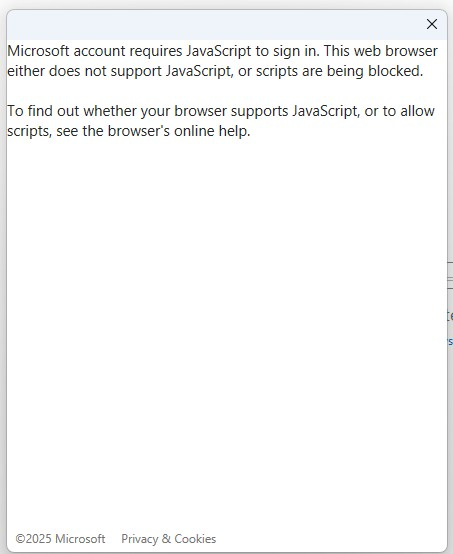
When I try to sign into microsoft outlook or an app, the pop-up dialog box says: "Microsoft account requires JavaScript to sign in. This web browser either does not support JavaScript, or scripts are being blocked. "To find out whether your browser supports JavaScript, or to allow scripts, see the browser's online help." This is a new problem. Recently I update privacy and security features and now this appears when I try to log in. Any ideas on how I fix this? Thanks very much, Dave
Gekoppelde schermafbeeldingen

Alle antwoorden (1)

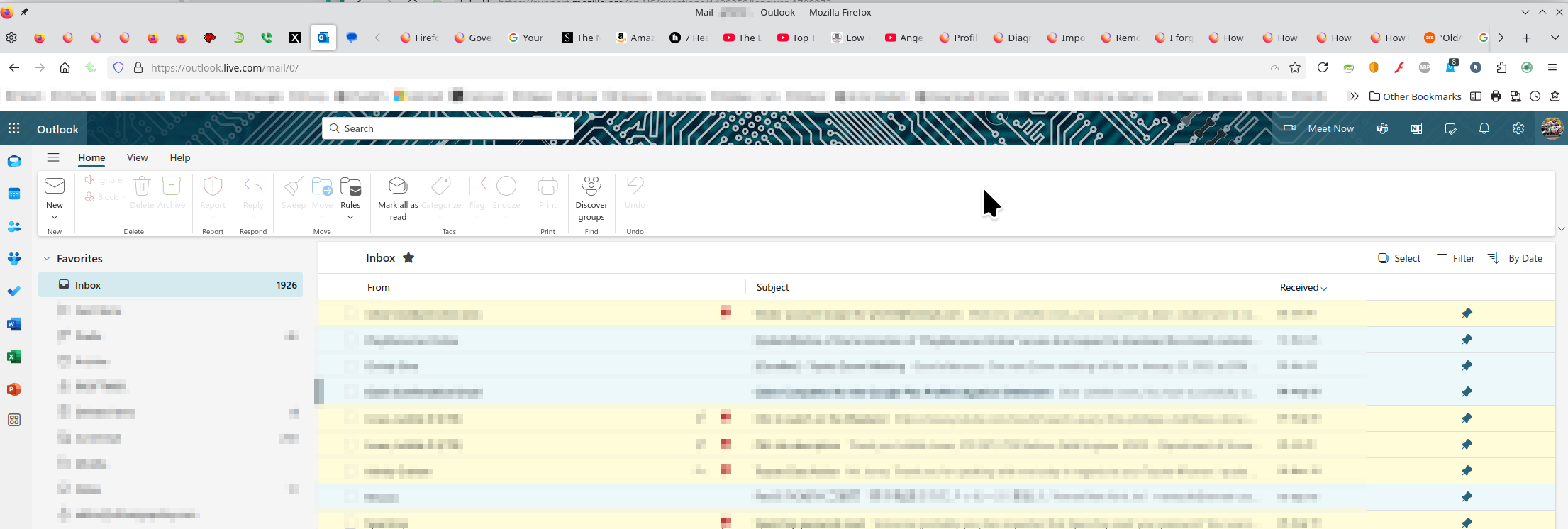
I'm in Hotmail / Outlook everyday with no issues. see screenshot A full browser screenshot would be more useful in the future. Like the message says, something is being blocked. Have you tried with Firefox in Troubleshoot Mode? https://support.mozilla.org/en-US/kb/diagnose-firefox-issues-using-troubleshoot-mode#w_how-to-start-firefox-in-4troubleshoot-modesf5safe-modesf

Did you clear your browser cache? https://support.mozilla.org/en-US/kb/clear-cookies-and-site-data-firefox
Bewerkt door jonzn4SUSE op