


IMAP server errors Yahoo mail

Hi All,
I am on the latest release 156.0 on Windows 10. I have 3 email accounts, 2 gmail and 1 yahoo. The Yahoo account has been giving me problems since the last 2 weeks. Mind that yesterday I have a completely new Windows 10 installation so also TB installation is new.
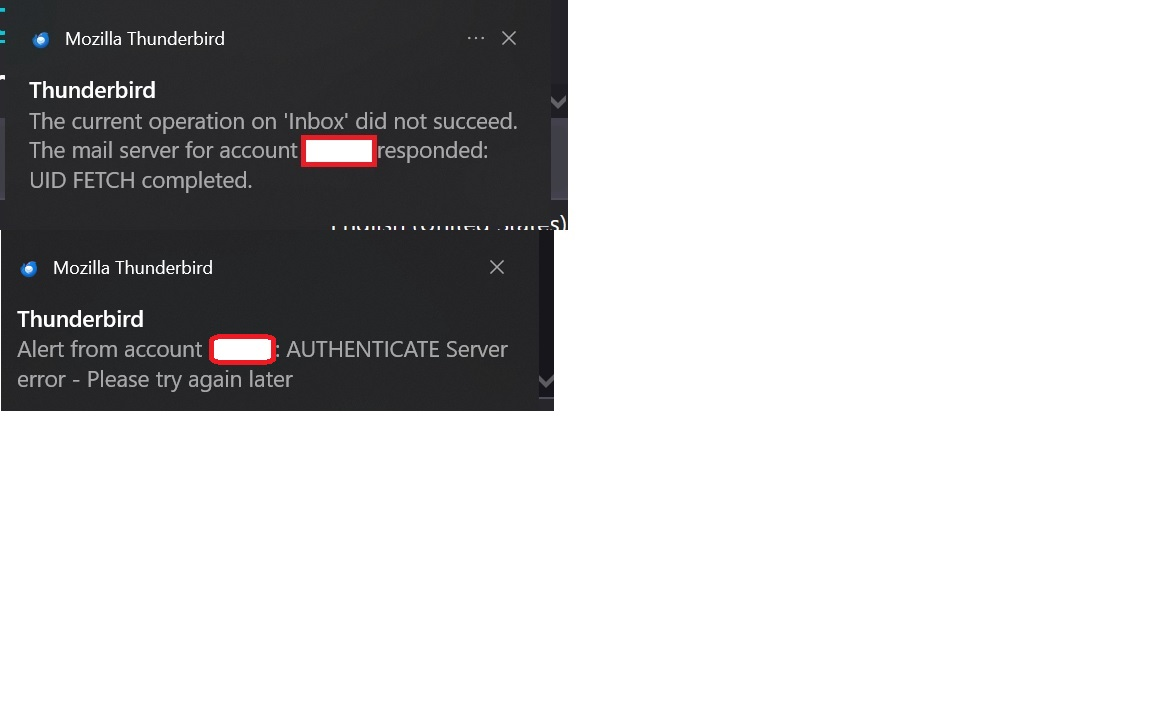
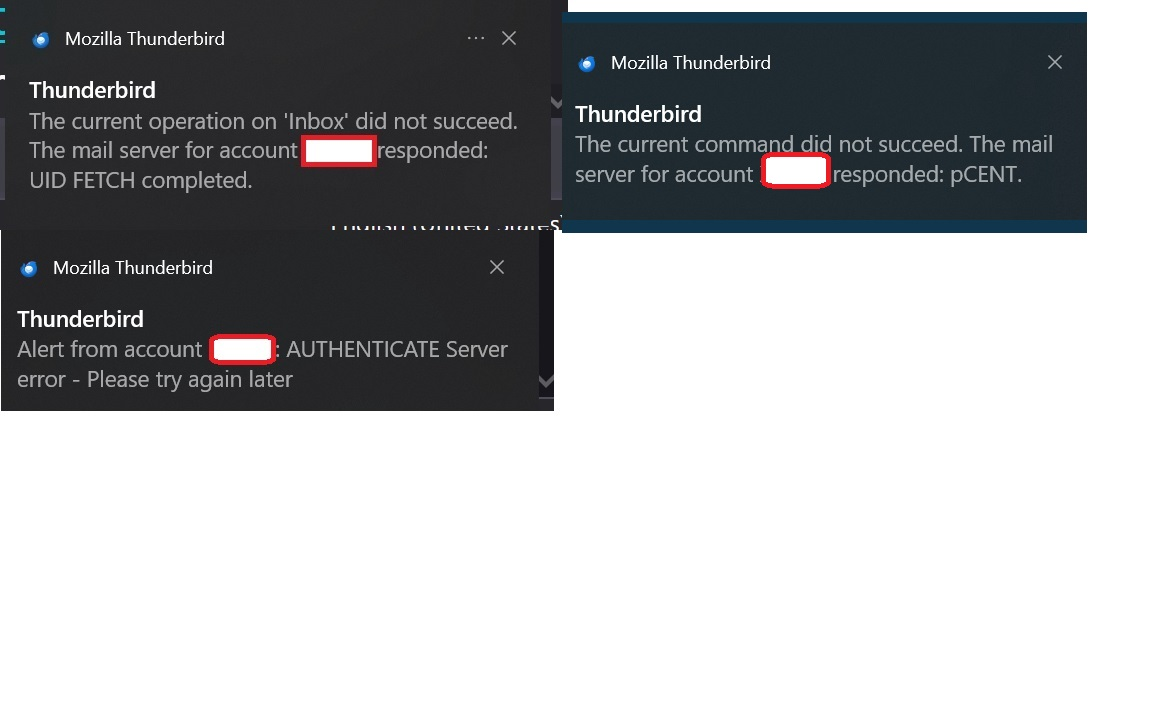
I have renewed the Oath login, all messages were downloaded without a problem, but once in a while I get different notifications about server errors such as the ones below. There's also a third type of message error but haven't been able to get a screenshot of it.
Could someone please help me to solve this issue? I really don't understand why the problem is intermittent. Thanks in advance!
All Replies (5)
A new error

firezombie said
once in a while I get different notifications about server errors
So Yahoo message retrieval works, sometimes? If yes, then (I assume) not a total failure of wrong Oath login data. Their server could be busy. Have you checked Yahoo's latest server settings against what's in Tbird?
JoeB said
firezombie said
once in a while I get different notifications about server errorsSo Yahoo message retrieval works, sometimes? If yes, then (I assume) not a total failure of wrong Oath login data. Their server could be busy. Have you checked Yahoo's latest server settings against what's in Tbird?
Thank you for the reply, yes messages are retrieved without any issue. The problem seems to appear only when I'm not in thunderbird itself. There are only three settings for IMAP and those are correct on my installation.My connection security is set to SSL/TLS
I really don't understand why I get these random messages.
firezombie said
I really don't understand why I get these random messages.
</blockquote>
You use Yahoo, that is about enough really. They are special in just about every way that is not helpful or good and you wonder why they have problems.
From what I am seeing from those error messages the Yahoo server has simply lost the plot. I wrote my first blog post about Yahoo being a lost cause back in 2017. My opinion of the company remains unfavorable. and they have done nothing to improve their products or support in the last 10 years. Your choice of antivirus and VPN certainly has an impact, especially with a provider like Yahoo as their service is brittle in the first place, so anything that slows it or deviates from the expected breaks it. What you have posted is the Yahoo server making what appear to be random replies to Thunderbird that have nothing to do with the conversation that should be occurring.
Do you have a VPN? Consider turning it off. Perhaps Yahoo do not like it. Do you have an antivirus scanning email. Consider turning that off as well and see if there is an impact.
.
@Matt, I'm not at all a fan of yahoo mail, unfortunately I am somewhat stuck with it but I've been wanting to move away from it . In any case, I've been using yahoo with thunderbird for the last fifteen years and without any particular issue. I do not have a VPN and only antivirus I have is windows defender. I'm not sure if there's any relation between those messages and windows defender.