


Firefox updated and all my tabs are gone
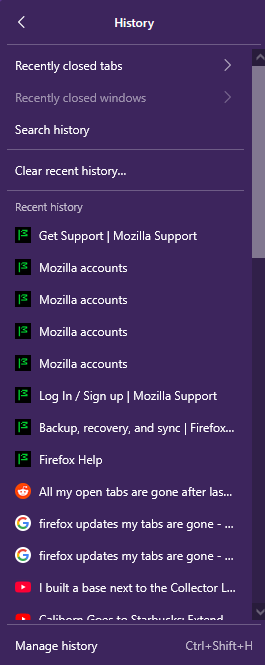
Firefox updated and all of my tabs I had open are gone. I used those for organizing and remembering things. There's no option to open recently closed windows. No history of the tabs as a group. What do I do?
Chosen Solution
Ok, I was able to fix it.
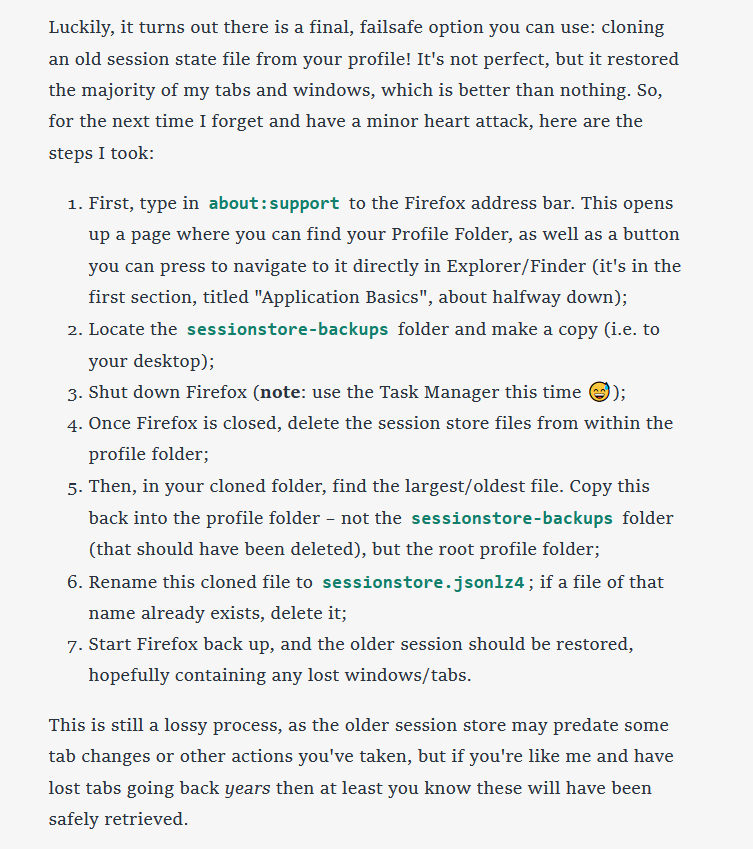
I followed the steps listed here: https://theadhocracy.co.uk/wrote/restoring-a-lost-firefox-session
I'll also add a screenshot of it in case the link doesn't work.
All Replies (3)
Hi,
Please see Recover user data missing after Firefox update or reinstall.
It's still not working.
I've tried going to the profile page (about:profiles) and checking the other profile that was there by opening it in a new window, but it was empty and had no history or bookmarks or anything.
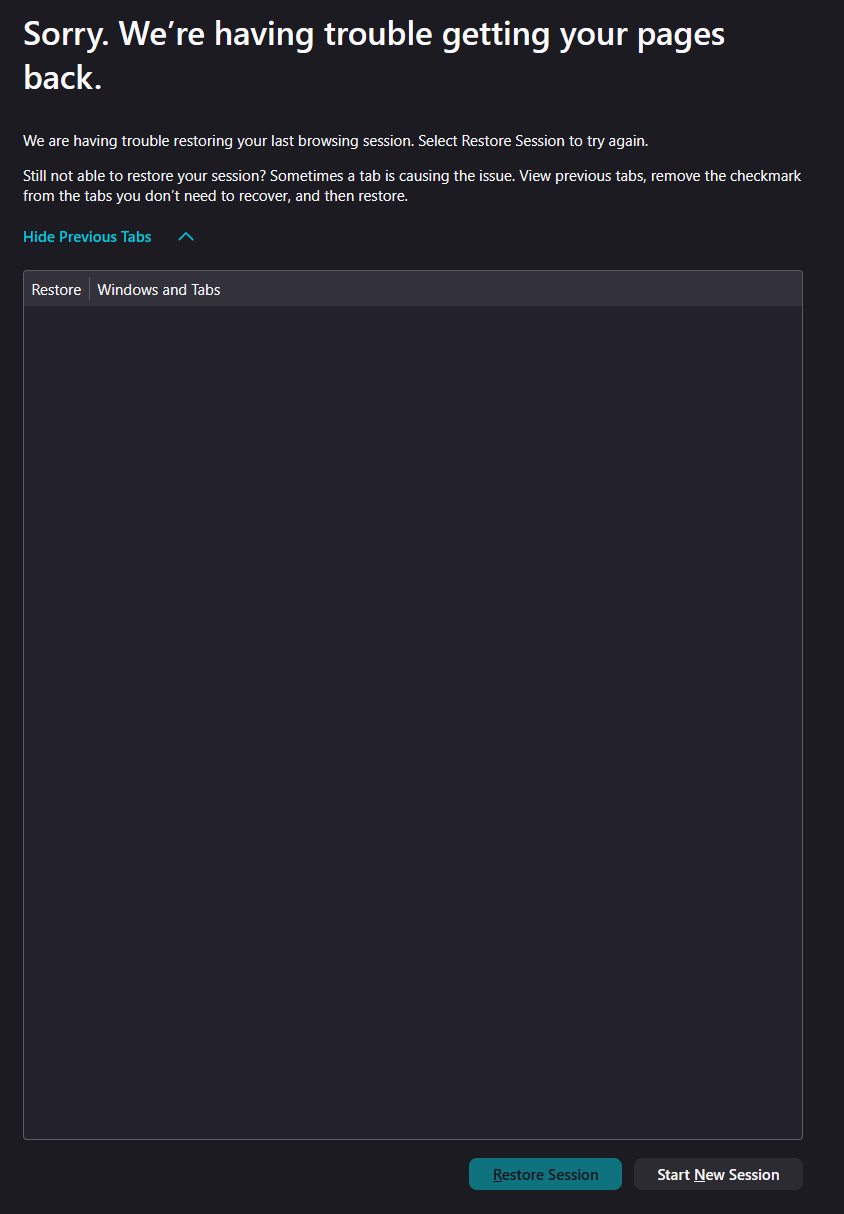
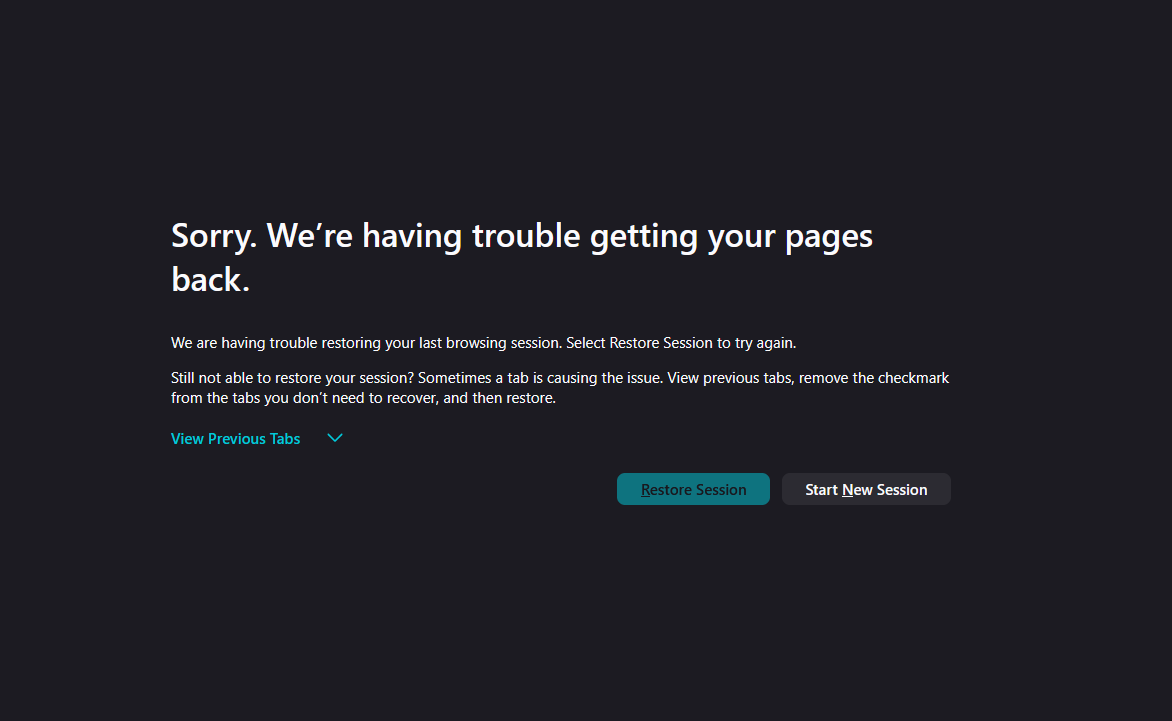
The option to "Restore previous session" is unavailable in the menu, (as in, it's not there at all). When I went to the Restore Previous Session Page, the option to restore it was greyed out and unclickable. (See Image) There are also no tabs at all on the list of previous tabs. (See second image)
Starting firefox in troubleshoot mode also does not give an option to restore the previous windows. (Option is still greyed out). I'm unsure about where to go from here.
Chosen Solution
Ok, I was able to fix it.
I followed the steps listed here: https://theadhocracy.co.uk/wrote/restoring-a-lost-firefox-session
I'll also add a screenshot of it in case the link doesn't work.