


Gmail oauth gives Authentication failure after restarting Thunderbird

After many years of using Thunderbird I am now considering ditching it. I am continually getting the Authorisation Failure message when trying to open Thunderbird. Why does this keep happening? It does not happen on my Android devices, just on Windows 11. I have tried deleting all three gmail accounts and re entering them. All is fine until I close down Thunderbird and then open it again. I run Norton 360 and have tried taking off Norton email security, but that didn't work. Any ideas, please?
Modified by Wayne Mery
All Replies (4)

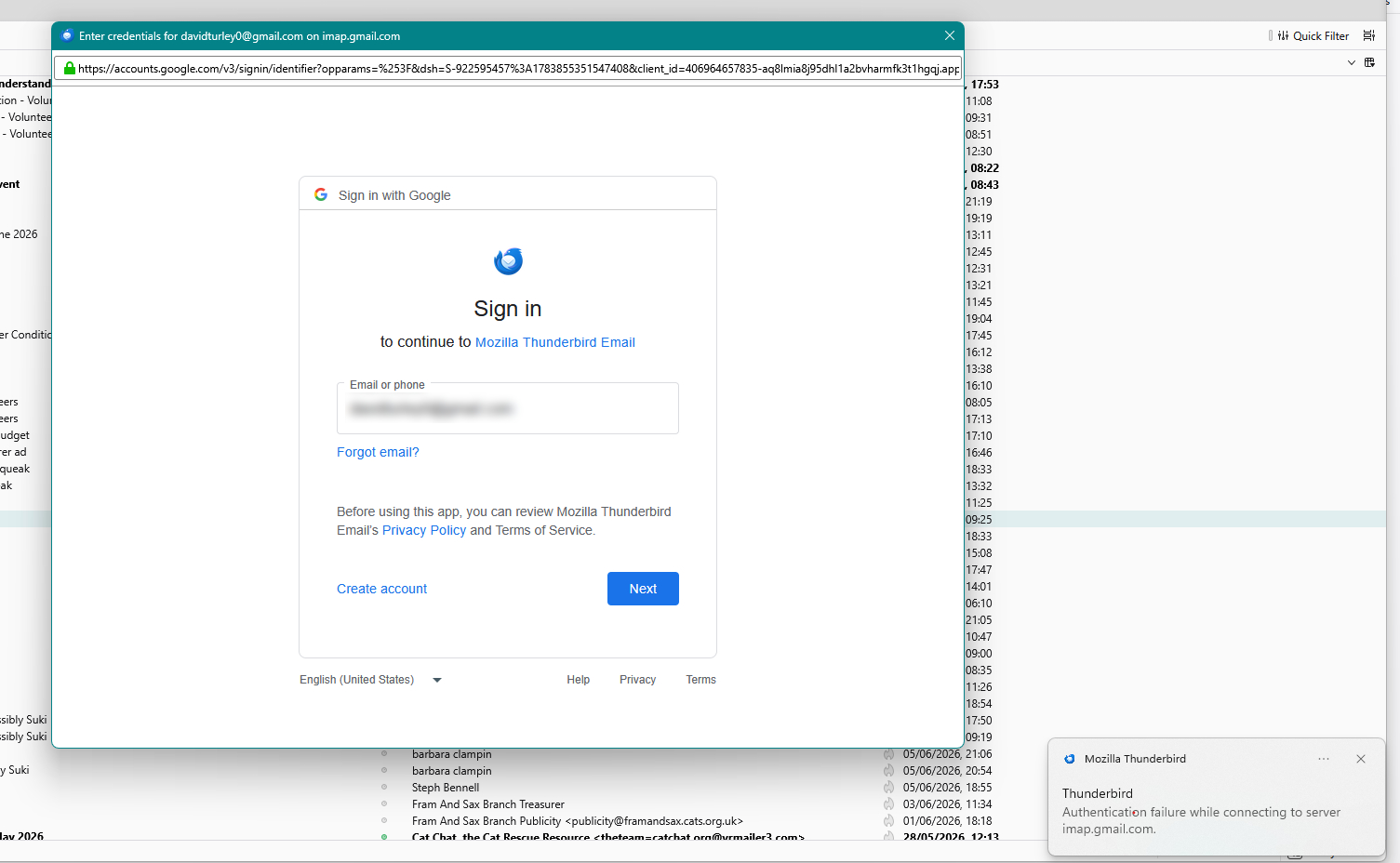
I am continually getting the Authorisation Failure message when trying to open Thunderbird.
Please post a screenshot of the error. https://support.mozilla.org/kb/how-do-i-create-screenshot-my-problem
This is the message I get for all three accounts:
> All is fine until I close down Thunderbird and then open it again.
So after installing Thunderbird, you are successful in completing the oauth authentication process for all three accounts, but then after restarting Thunderbird you are prompted again?
And if you go to Settings > Privacy > Passwords > Saved Passwords you see the oauth tokens for the accounts, similar to this screen shot?
Do you have cookies and javascript disabled?
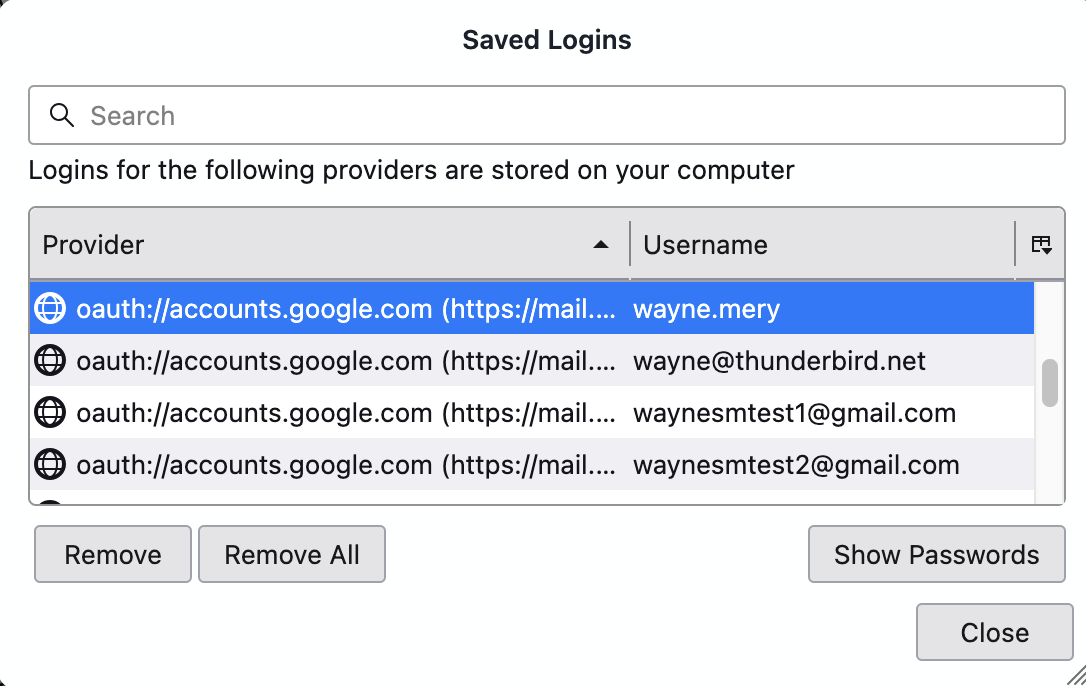
Hello Wayne - I have just checked and the two that I have reconnected and the passwords saved.
Cookies are enabled. Not sure about Javascript? How would I check that?
Thanks