


can't send mail

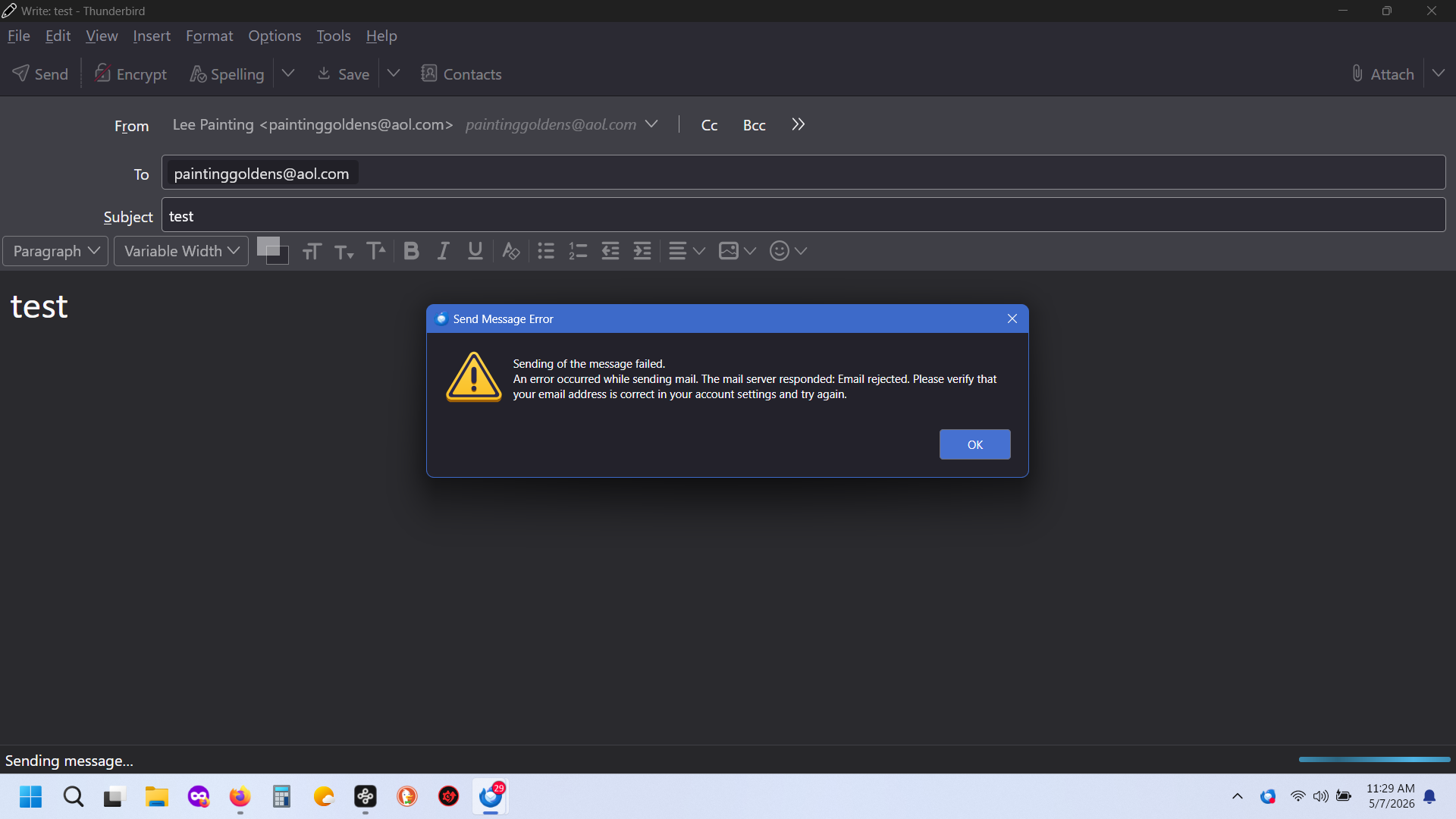
this is the message that comes up when I try send mail. I did turn my VPN off.
All Replies (10)
Please post a screenshot of the SMTP server settings pane. You can locate that by clicking 'account settings', then highlight the account in left sidebar and look to lower right - see example screenshot. thank you
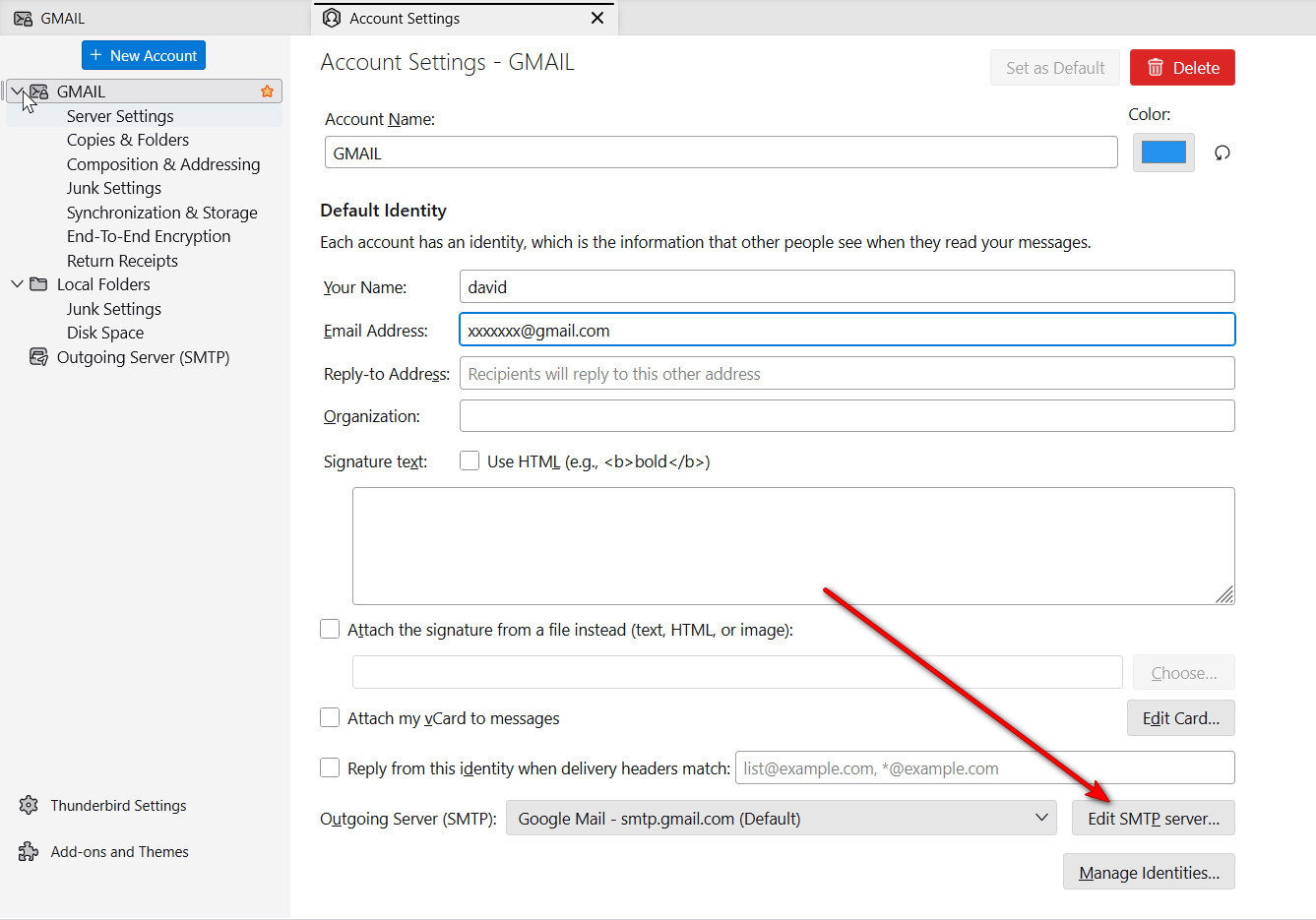
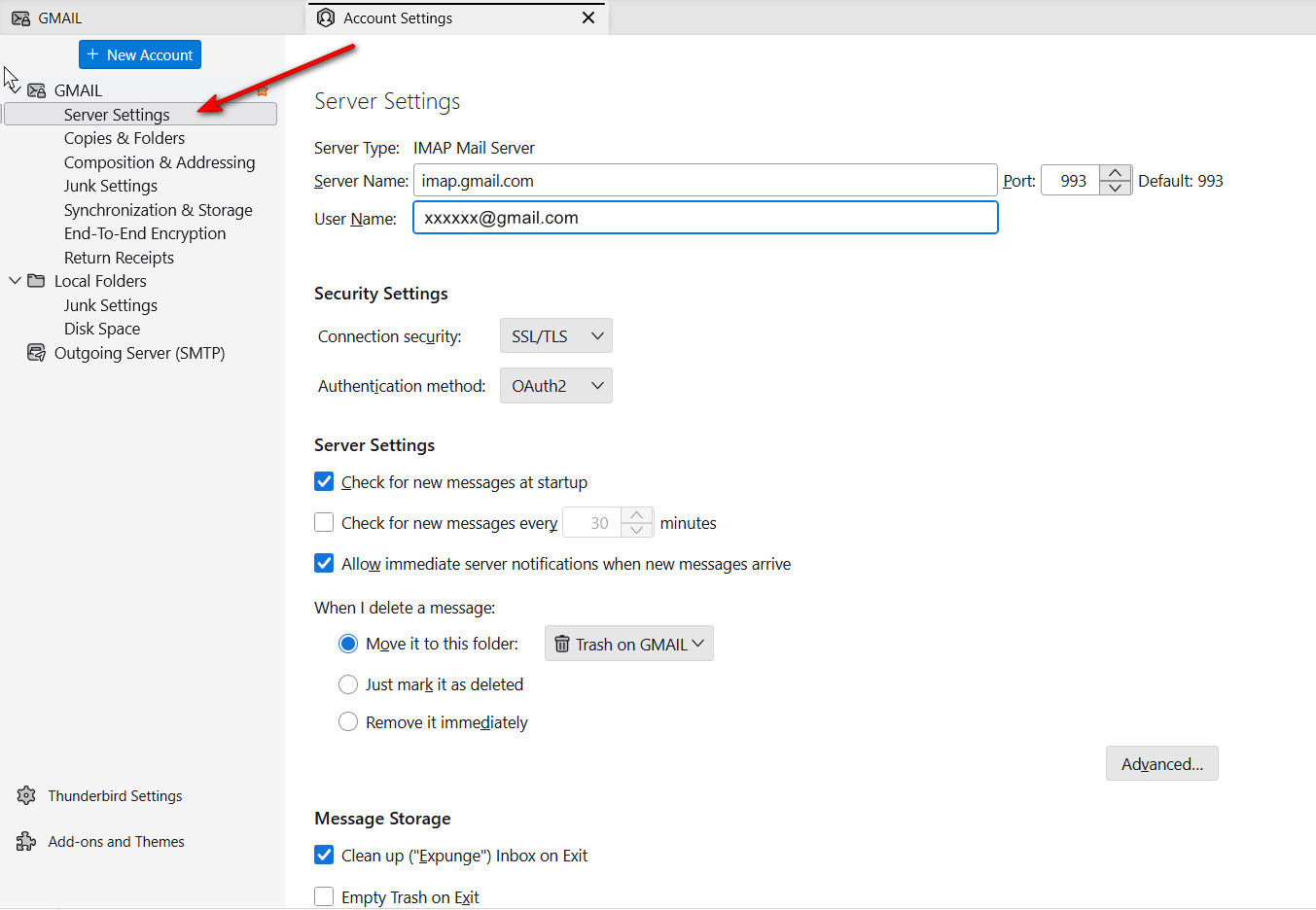
It will also help to post a screenshot of the account settings. see sample below
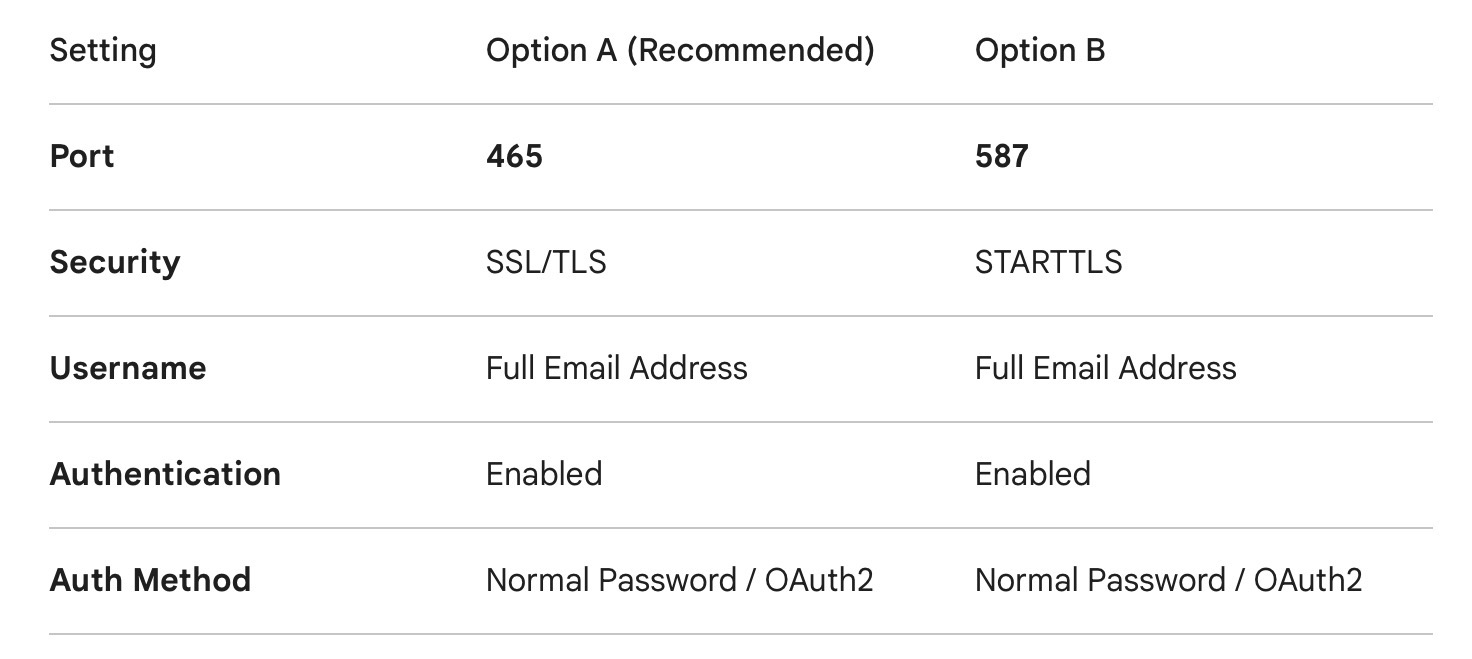
Hello there Leegold.
Ensure your outgoing server is configured using one of the two following secure methods: See picture .
Common Connectivity Barriers
If settings are correct but mail still fails to send, the issue is likely an interception of the outgoing connection by local security layers.
VPN Interference: Many VPN providers block outgoing SMTP traffic to prevent their IP addresses from being blacklisted for spam.
Antivirus/Firewall Inspection: Software such as Avast, Bitdefender, or Norton often utilizes "Mail Shields." These act as a transparent proxy that can scramble the handshake between your client and the server, or block Port 25 entirely.
Update Corruption: System or software updates can occasionally reset firewall rules or corrupt saved authentication tokens.
Troubleshooting Steps
Isolate the Network: Temporarily disable your VPN and attempt to send a test message.
Suspend Security Shields: Briefly disable your Antivirus "Mail Shield" or Firewall. If the email sends successfully while disabled, you must add an exception/exclusion for your email client within the antivirus settings.
Verify Authentication: Re-enter your password manually. If your provider requires Multi-Factor Authentication (MFA), ensure you are using an App-Specific Password rather than your standard login password.
Note: Port 25 is frequently blocked by Internet Service Providers (ISPs) to mitigate spam. If your current configuration uses Port 25, please migrate to Port 465 or 587 immediately.
Note
Please provide the previously requested information.
Use https://support.mozilla.org/en-US/kb/how-to-make-screenshots
Modified by Googlethunderbird.
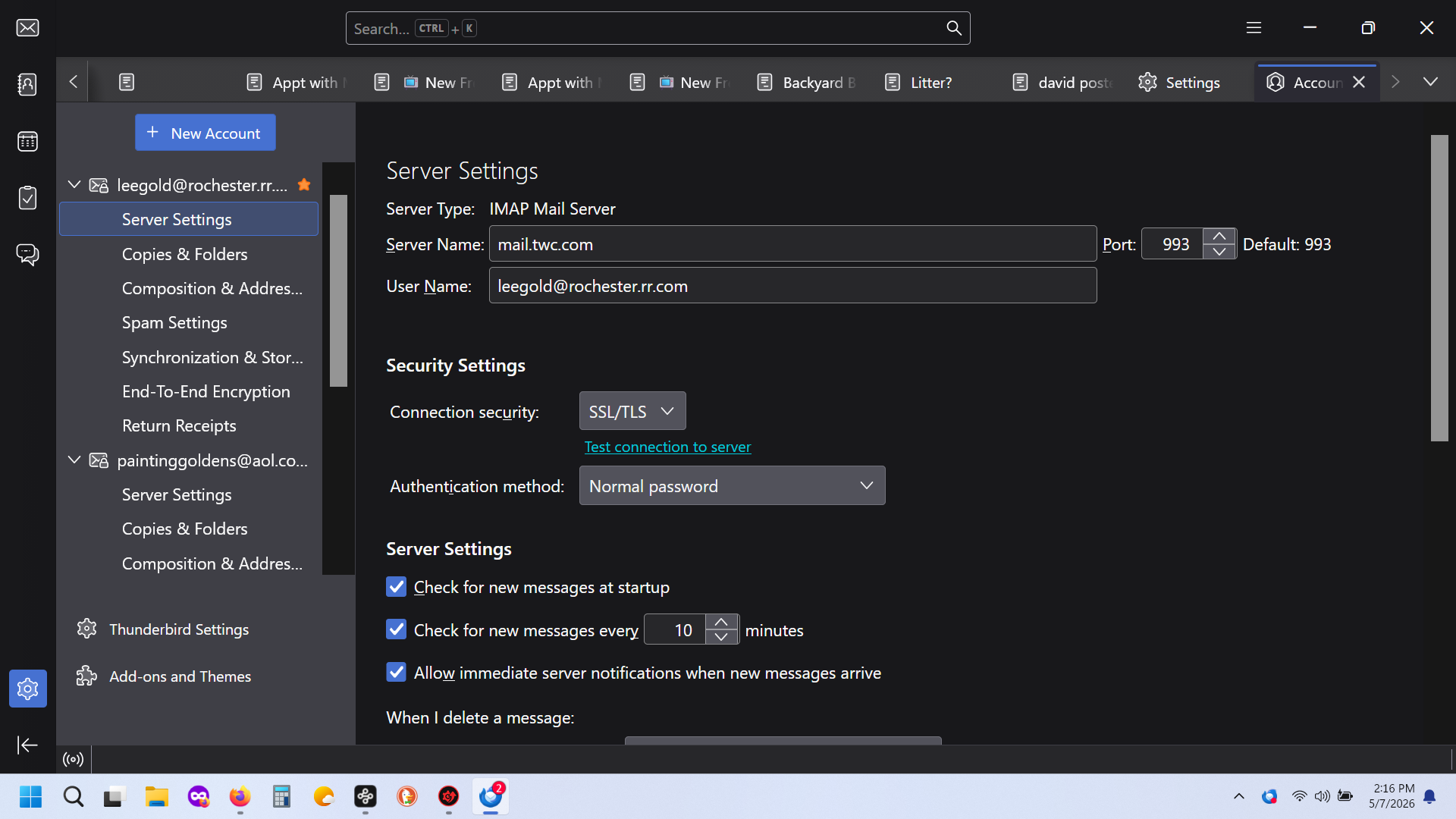
I'm puzzled too. I thought you had also sent SMTP server settings, but I don't see them.. They are important,so please send again. Very puzzling.
look at these two images you posted.
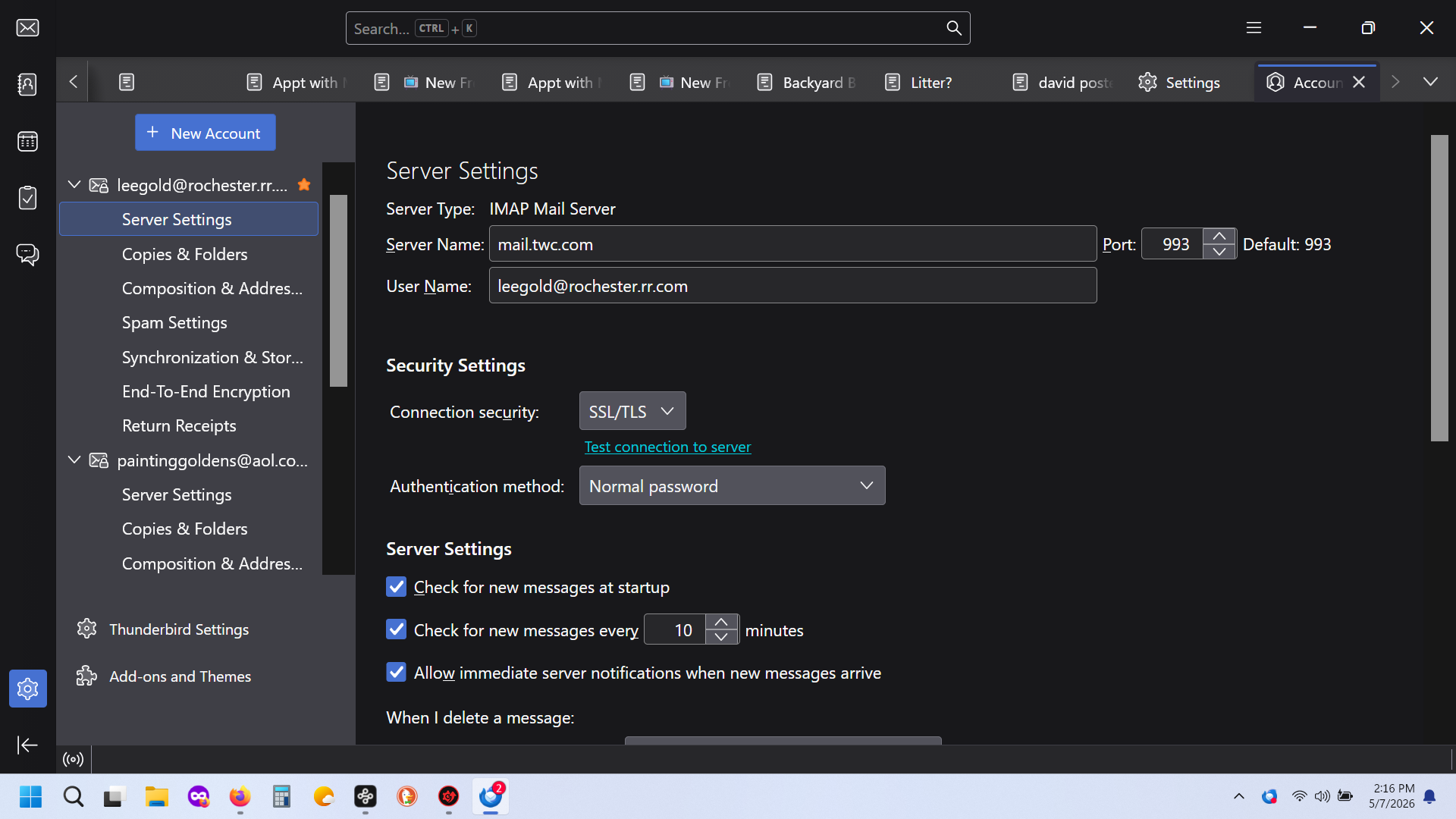
Apart from you not posting the outgoing server (SMTP) stuff David asked for.
The latter image is a message from AOL that they will not accept you email you are sending from the AOL account. The first are settings for a legacy Road Runner email account. My guess is they are totally unrelated. I suggest you click on the second server settings entry in your list of accounts and post that along with the outgoing server (SMTP) details.
David provided an image showing how to access the SMTP (outgoing mail) settings for the account. Please use them, click on the settings and post the image requested.
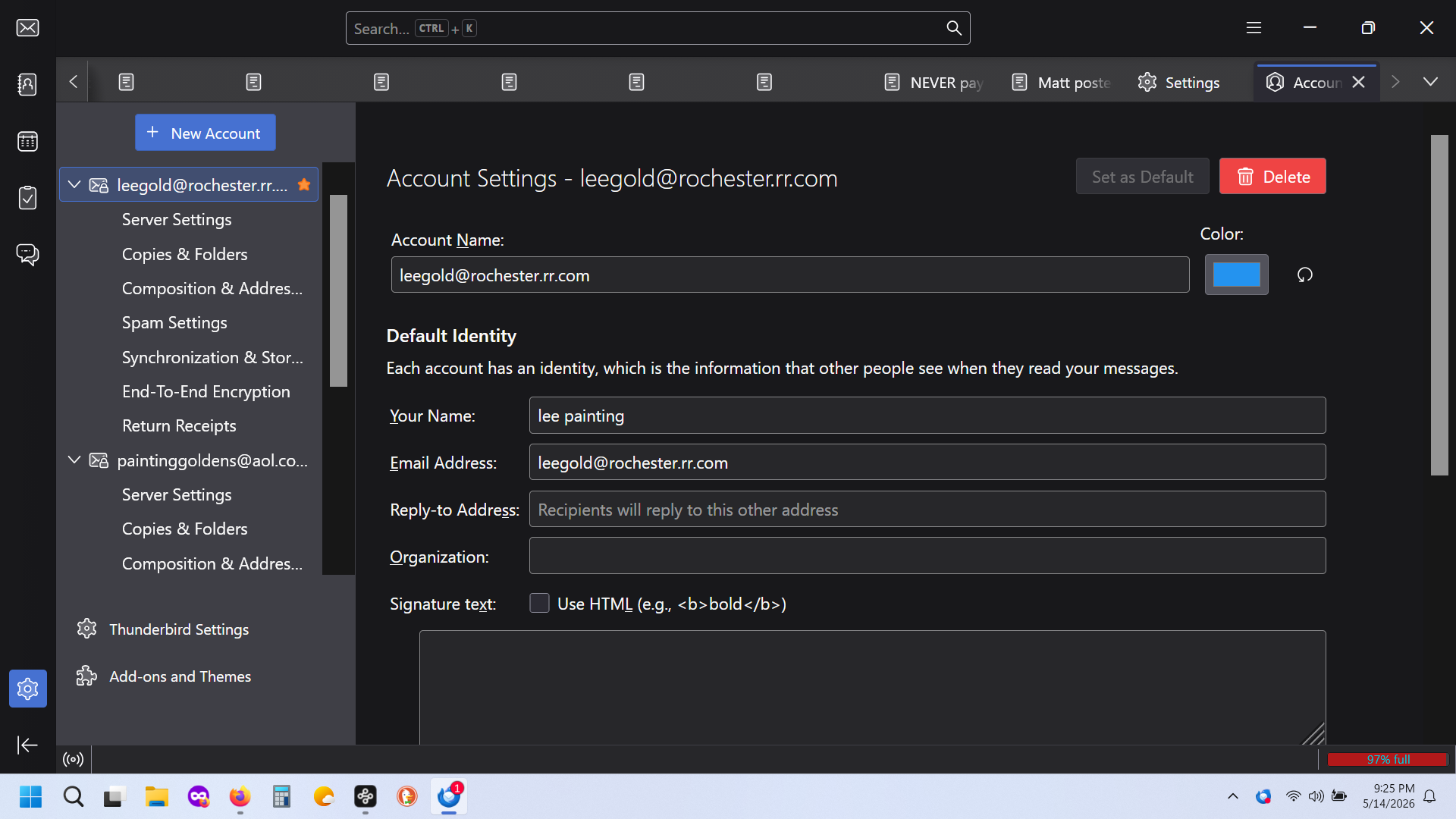
Please review the sample screenshots that have been posted. You posted the account pane, not the server pane or the SMTP pane. The samples showed where to locate the desired panes. Also, please reread Matt's comments; he noticed what may be an additional problem, or possibly the source of the problem. Seeing the server pane and the SMTP pane may not cause an immediate AHA! solution, but it will ensure that many eyes are reviewing the problem. Thank you.