


Join us to show up for other Firefox users 🦊. Earn fun badges and Mozilla swag vouchers! Find out more: https://mzl.la/askafox150

Windows 10 reached EOS (end of support) on October 14, 2025. If you are on Windows 10, see this article.

Search Support

Avoid support scams. We will never ask you to call or text a phone number or share personal information. Please report suspicious activity using the “Report Abuse” option.

Learn More

Automated email states "Your email client does not support HTML"

  • 2 replies
  • 0 have this problem
  • 12 views
  • Last reply by Richard
  • Solved

The automated email from one sender states in the Inbox summary that the email client does not support HTML (TB app for Android). Presumably the message format is changed accordingly. I don't see a setting for incoming email formatting. Can you help? Inbox summary view and partial view of opened message below.
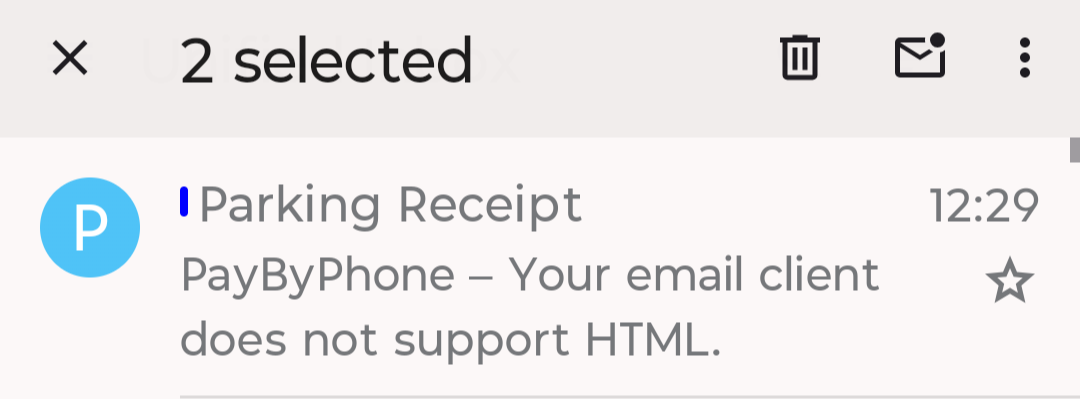
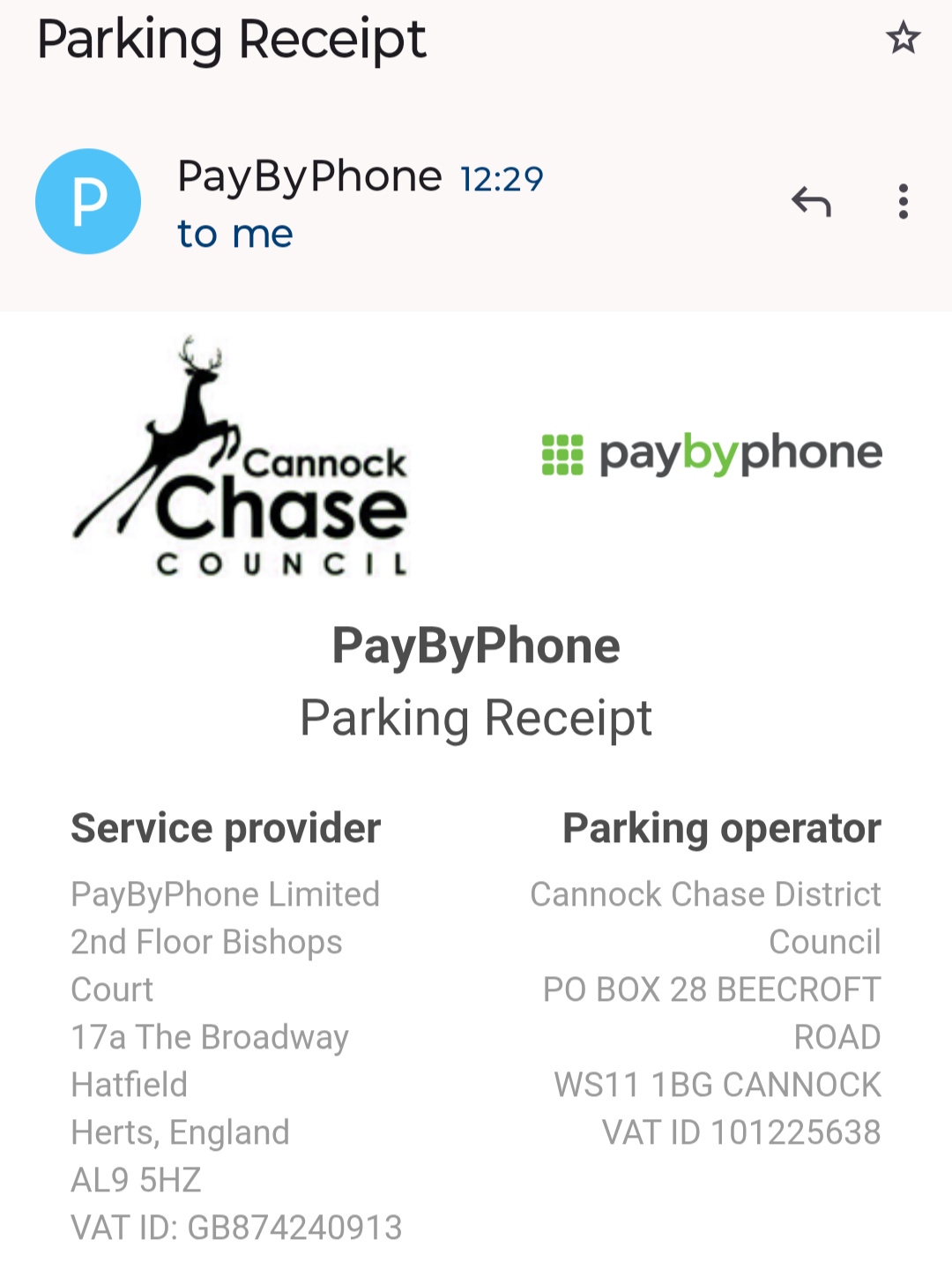
The automated email from one sender states in the Inbox summary that the email client does not support HTML (TB app for Android). Presumably the message format is changed accordingly. I don't see a setting for incoming email formatting. Can you help? Inbox summary view and partial view of opened message below.
Attached screenshots

Chosen solution

Thanks @platform34. When I use the three dots to show unformatted message, the whole email is replaced with "your email client does not..." The Body-type setting shows HTML/text. Thanks for your help.

Read this answer in context 👍 0

All Replies (2)

The app does support displaying HTML emails.

The subject field is displayed as plain text however the body of your email is HTML. Otherwise there would be no inline images or text formatting: font type, size, weight (bold) etc.

You can toggle a message between HTML and plain text.

  1. Press the 3 dot menu in the tool bar.
  2. Select "Show unformatted message.

You can also set the default message format between HTML and plain text in the settings menu. Settings > general settings > display > Body Content-Type

Chosen Solution

Thanks @platform34. When I use the three dots to show unformatted message, the whole email is replaced with "your email client does not..." The Body-type setting shows HTML/text. Thanks for your help.

Ask a question

You must log in to your account to reply to posts. Please start a new question, if you do not have an account yet.