


BUG!!! <TABLE ALIGN="LEFT" BORDER=0 CELLPADDING=3 COLS=1 FRAME=VOID WIDTH="50%"> is now aligning RIGHT instead of Left in Firefox 148.0 64 bit.

All Replies (7)
Look here at this link:
https://joyswildplants.com/BelizeUpdate/BelizeUpdate2026/BelizeUpdateMosquitoes.HTM
The HTML at ... https://joyswildplants.com/BelizeUpdate/BelizeUpdate2026/BelizeUpdateMosquitoes.HTM ... also specifies ...
... and the WIDTH="50%" is being ignored. So the handling of the TABLE's WIDTH parameter is another BUG.For me, the table on that webpage is aligned to left and has 50% width. See the screenshot.
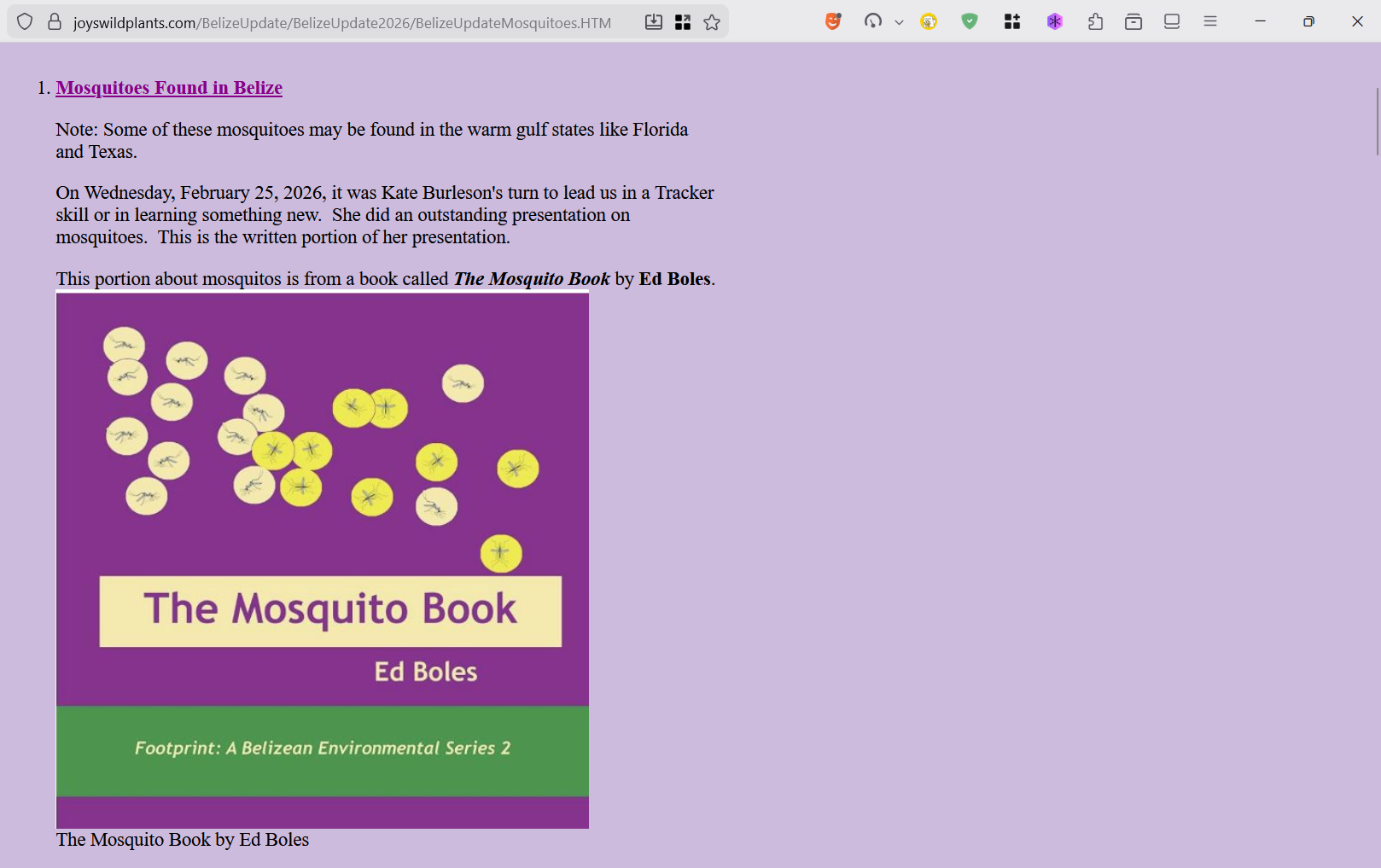
When I looked again today, the alignment problem was gone. GREAT! But the WIDTH problem was still there. I expected the images to ignore the 50% width as usual, but the text parts were well beyond 50%.
See my SNIP screen shot.
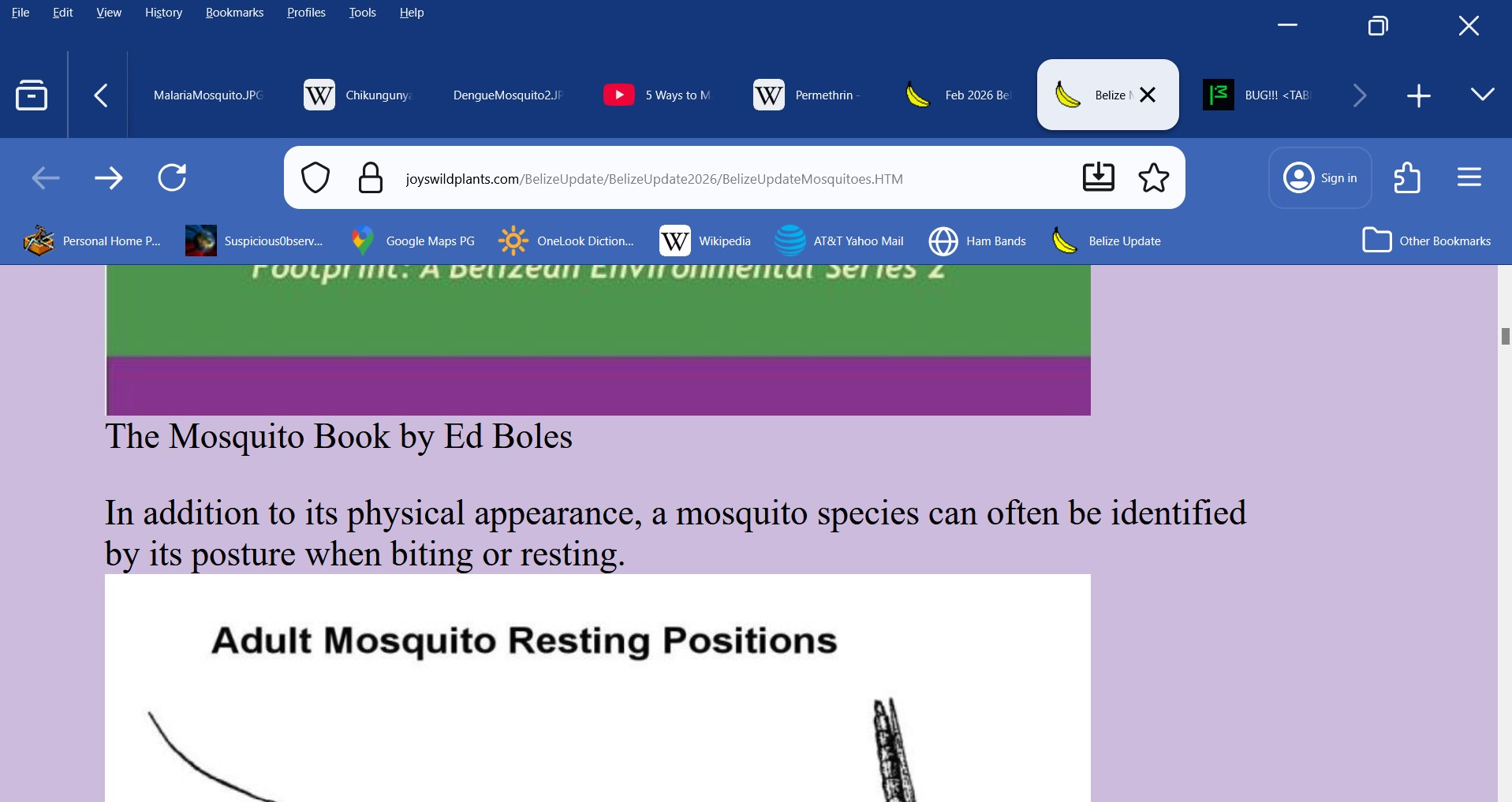
I'd say it's more likely related to your zoom settings. You can try running Firefox in Troubleshoot Mode and see how it looks like there, and also try temporarily setting zoom levels to default.
Interesting. A few days ago, my cat walked across my keyboard and suddenly the text got very large. I didn't know how to restore it back to normal. It also messed up other screens unrelated to the browser and, in my search for a solution, I found zoom (not the communications tool). I'd never used it before and don't really remember what I did, but whatever I did seemed to "mostly" fix the problem.
Perhaps you can assist me in undoing that original problem by restoring the original default for Windows 11.
I never knew that this Windows version of a Zoom existed. So when I discovered it, I think I tried to use it to fix other issues I'd been having where parts of windows in other applications (even applications I'd coded myself) had a font that was too small to read easily without straining my eyes when they were run under Windows 11.
(My laptop had crashed with a storage device failure so I had to buy a new laptop which only came with Windows 11. I couldn't order it with Windows 10.) Windows 11 messed up lots of my self-created applications and Windows 11 didn't support the Visual Basic application (provided by Microsoft) that I used to create those applications.
I hate MS. Sigh. Things are never upward compatible from one release to the next.
So how do I restore the default zoom ?