


Interacting With / Clicking On / Click On Any Extension Crashes Linux Firefox | 147.0.2 (64-bit) Debian 12 Gnome Wayland
NB - For the past half a year I have to sometimes right click to interact with them, anyway
Effectively, I will interact with the extension at the most basic, normal level on something that has interactive elements like a dropdown menu, or basic options.
I will click / right click on the icon and the highlight will appear, then that's it ... the browser then crashes and does not recover. :(
What's worse is that I have to Force Quit and when I restart there is no crash report to send to Moz.
I am just wondering if other Linux users have experienced similar issues.
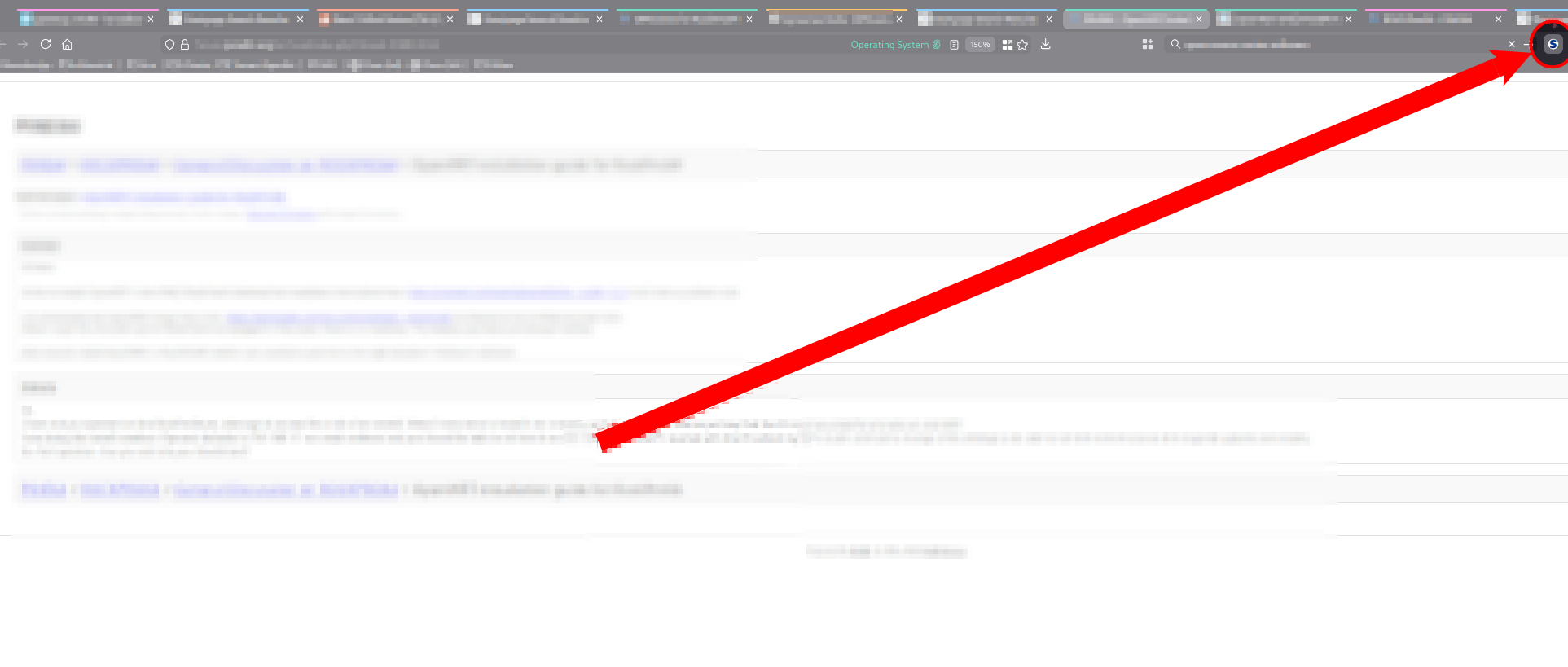
The attached image is taken at the moment before the 'Force Quit' dialogue opens up in Debian 12 Gnome (Wayland) ...
I have Hardware Acceleration on.
I am about to start testing with it off, but I work from the browser, and do not want performance compromises. So that is (at best) a work-around, and certainly is not a fix.
I'm on version 147.0.2 (64-bit) which would appear to be from the Mozilla Firefox Debian Package mozilla-deb - 1.0 install/repo/whatever ... and the PC specs are: Processor: Intel(R) Core(TM) i7-10850H CPU @ 2.70GHz Memory: 32705MB (11893MB used) Resolution: 7680x2358 pixels OpenGL Renderer: Quadro RTX 3000/PCIe/SSE2
These are my media. prefs ... but ... I doubt that it is relevant: media.ffmpeg.allow-openh264 true media.ffmpeg.customized-buffer-allocation true media.ffmpeg.disable-software-fallback false media.ffmpeg.enabled true media.ffmpeg.encoder.cpu-used 7 media.ffmpeg.encoder.enabled true media.ffmpeg.encoder.quantizer-max 35 media.ffmpeg.encoder.quantizer-min 10 media.ffmpeg.vaapi.force-surface-zero-copy 2
Modified by eliot.cole
All Replies (1)
So you're saying that when you click on any of the extensions you have installed the browser goes BOOM? What happens when using X11? Does it happen when Firefox is in Troubleshoot mode? I'm not seeing these issue on my laptops running Leap(1) and Tumbleweed(3). Have you tried using a tarball from Mozilla to see if you have the same issues?
Modified by jonzn4SUSE