


Unable to set up yahoo account on new computer

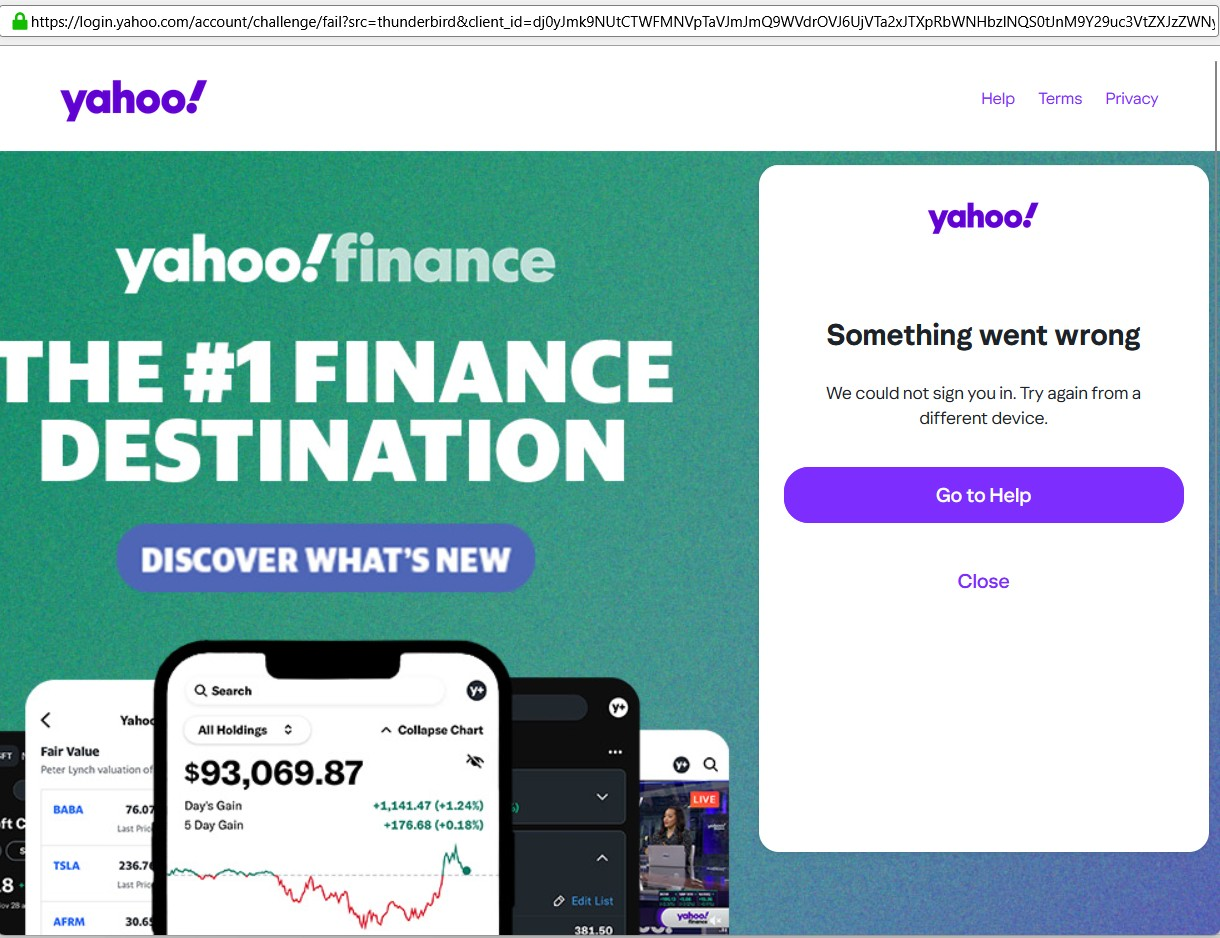
Have been trying to set up some pop3 yahoo mail accounts on a new computer. I have used automatic configuration. I have used manual configuration using the data from my old computer. I have checked the configuration settings on both Yahoo and Thunderbird sites. In all instances Thunderbird verifies the account is valid, but the next window asks for my yahoo username and password. I cannot get passed this stage. I have tried entering my yahoo password and I have also tried the app generated password from Yahoo, all I get is a Yahoo "something went wrong" message. Interestingly I did manage to get one of the accounts to work yesterday, but I must have tried no end of different permutations and I have no idea which one eventually worked.
Chosen solution
Just in case any one else has the same problem I seem to have found the solution. I set up the account through the manual configuration. I used the generated app password and then used all the recommended settings for POP3, except in the server settings I set Authentication method as 'normal password' and not 0Auth2 as recommended. Clicked on Done, logged into Yahoo using username and Yahoo password. I still got the error message but the account was actually set up and downloading mail.
Read this answer in context 👍 0All Replies (9)

For the authentication make sure cookies are allowed in Thunderbird.
Thank you for your advice. I have checked Thunderbird settings and they are set to accept third party cookies. I've checked on cookies and there are 3 logged from Yahoo, so they are not being blocked. As I mentioned I did manage to get one account set up, but because I had made so many attempts using different combinations of settings I have no idea which combination finally worked.
In Settings you need to check the option "Allow cookies from sites". Third-party cookies do not need to be allowed. Beyond that, do not use a VPN when attempting to authenticate. If you run any local service occupying TCP port 80 on localhost, e.g. like a local web server, you'd need to stop it for the authentication. This could also be some sort of anti-virus software.
Sorry I wasn't very precise in my reply. Thunderbird is set to accept cookies from sites. I'm not using a vpn, and being a new computer I am only running windows defender at the moment. Because I was able to set up one account I assume that there is nothing on the computer blocking access to Yahoo, it's just that Yahoo will not accept the request. As a check I've tried setting up an account on a laptop running windows11, and I have exactly the same problem. Is it more a Yahoo issue than a problem with Thunderbird?
If the experimental Account Hub is enabled in General Settings, try to uncheck it. At the top right of the Thunderbird window, click the menu button ≡ > Settings > General > Account Hub Un-check 'Create accounts in the new Account Hub'.
Then use Automatic Account Configuration to set up the Yahoo account. https://support.mozilla.org/kb/automatic-account-configuration
Presumably the wizard defaults to an IMAP account. See if you can create the account. Make sure to use your Yahoo account password, not an app password.
If you have used POP before make sure to understand the differences between the POP and IMAP protocol.
HI, I have just done all the above and I have exactly the same problem. Thunderbird checks the database and says the account is valid, a window opens asking for Yahoo username and then password, these are entered and then the same error message appears. I have managed to set up one of the accounts using Outlook, it set up immediately with no issues. I had wanted to keep all my email accounts under Thunderbird, but I think I may have to admit defeat on this one. I had wanted to use POP3, which I have always used, to keep messages on my computer. Thanks for your help.
Chosen Solution
Just in case any one else has the same problem I seem to have found the solution. I set up the account through the manual configuration. I used the generated app password and then used all the recommended settings for POP3, except in the server settings I set Authentication method as 'normal password' and not 0Auth2 as recommended. Clicked on Done, logged into Yahoo using username and Yahoo password. I still got the error message but the account was actually set up and downloading mail.
Philipa says in her 'solution': "I used the generated app password..." Which app is she referring to? Generated by whom? I use Sky email (=Yahoo mail) and enter my existing email address and the password which I use to log in to my Sky account (which presumably is the one you want to set up my account on my new PC) but it still says it can't contact the server. Any ideas, please? Thanks, David Collins.
In response to your query, if you are using yahoo mail there is a facility within your yahoo account to generate a once only password that will allow third party apps to access your yahoo mail. I don't know whether Sky email has the same facility.