


Cannot login to mozilla from firefox browser

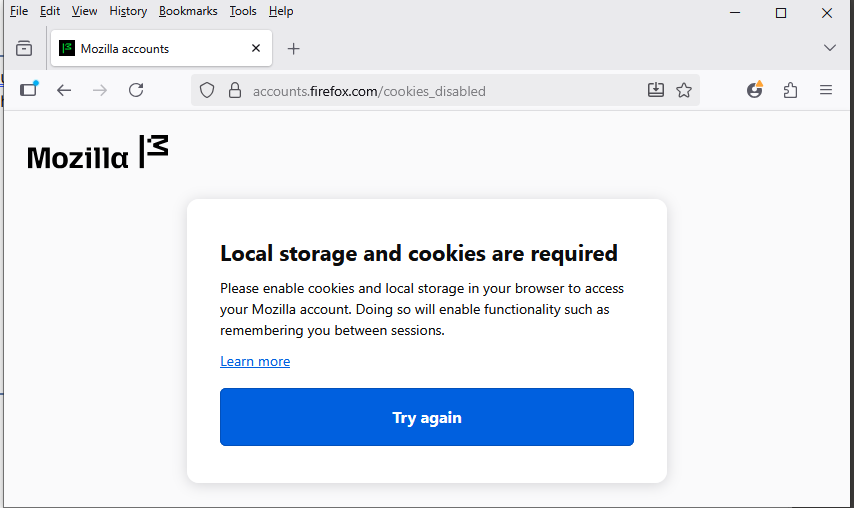
Using my Firefox browser I tried to login to mozilla account and I get the message "Local storage and cookes are required". I unblocked all cookie settings but have the same problem. I am able to log in using my MS Windows Edge browser, which I am presently using for this post.
All Replies (3)

I haven't encountered this myself, but I found an old forum post that says they resolved it by reinstalling Firefox. That's probably not necessary though (refreshing Firefox without uninstalling should be good enough).
If you've already followed all the steps to unblock cookies and it still doesn't work then refreshing Firefox might solve the problem.
I have tried several times to refresh Firefox but I cannot find anything labeled "Refresh..." to click. Where is it?
This issue is resolved: I backed up my bookmarks, then completely erased Firefox Portable app and all its folders, then reinstalled the app and restored my bookmarks. Works OK again.