


After Mozilla update - Apple TV and Canal + pages do not respond/show error

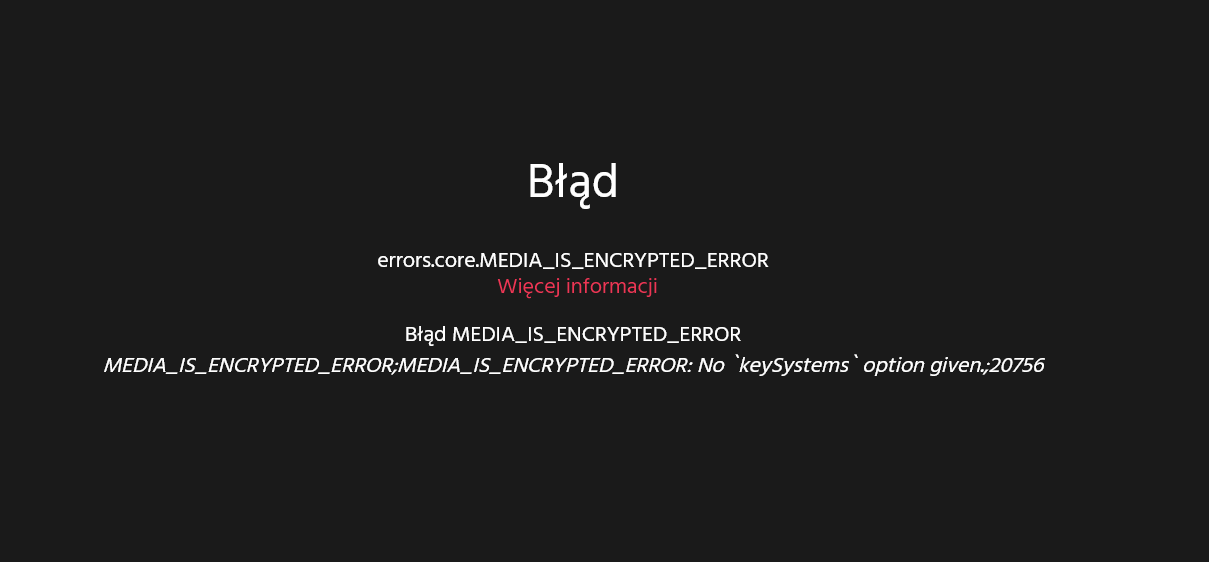
After updating the Mozilla browser, two sites related to watching TV movies stopped opening - Apple TV and Canal +. The Apple TV site does not respond at all, Canal + shows an error. Clearing cookies doesn't help. Another browser, Chrome, opens pages normally.
Chosen solution
Hi
Under certain conditions, copyrighted video served via digital rights management may experience playback issues.
A patch is underway. For an immediate workaround, please complete the following steps:
- Go to about:config in the Awesomebar.
- Search for media.eme.mfcdm.origin-filter.enabled.
- Flip the pref from 1 to 0.
- Select the check mark button.
All Replies (5)
Chosen Solution
Hi
Under certain conditions, copyrighted video served via digital rights management may experience playback issues.
A patch is underway. For an immediate workaround, please complete the following steps:
- Go to about:config in the Awesomebar.
- Search for media.eme.mfcdm.origin-filter.enabled.
- Flip the pref from 1 to 0.
- Select the check mark button.
Hi, thank you for your help. It worked :))
Firefox 129.0.1 is Released and should fix this issue. https://www.mozilla.org/firefox/129.0.1/releasenotes/

Hi I have this problem with appletv and the 129.0.1 don't fix it for me. I also tried the manipulation explained earlier but nothing works
Hi I have the same problem with AppleTV. Updating didn't fix the problem.