


Update to Firefox version 123.0.1 64 bit and now can't browse any website at all

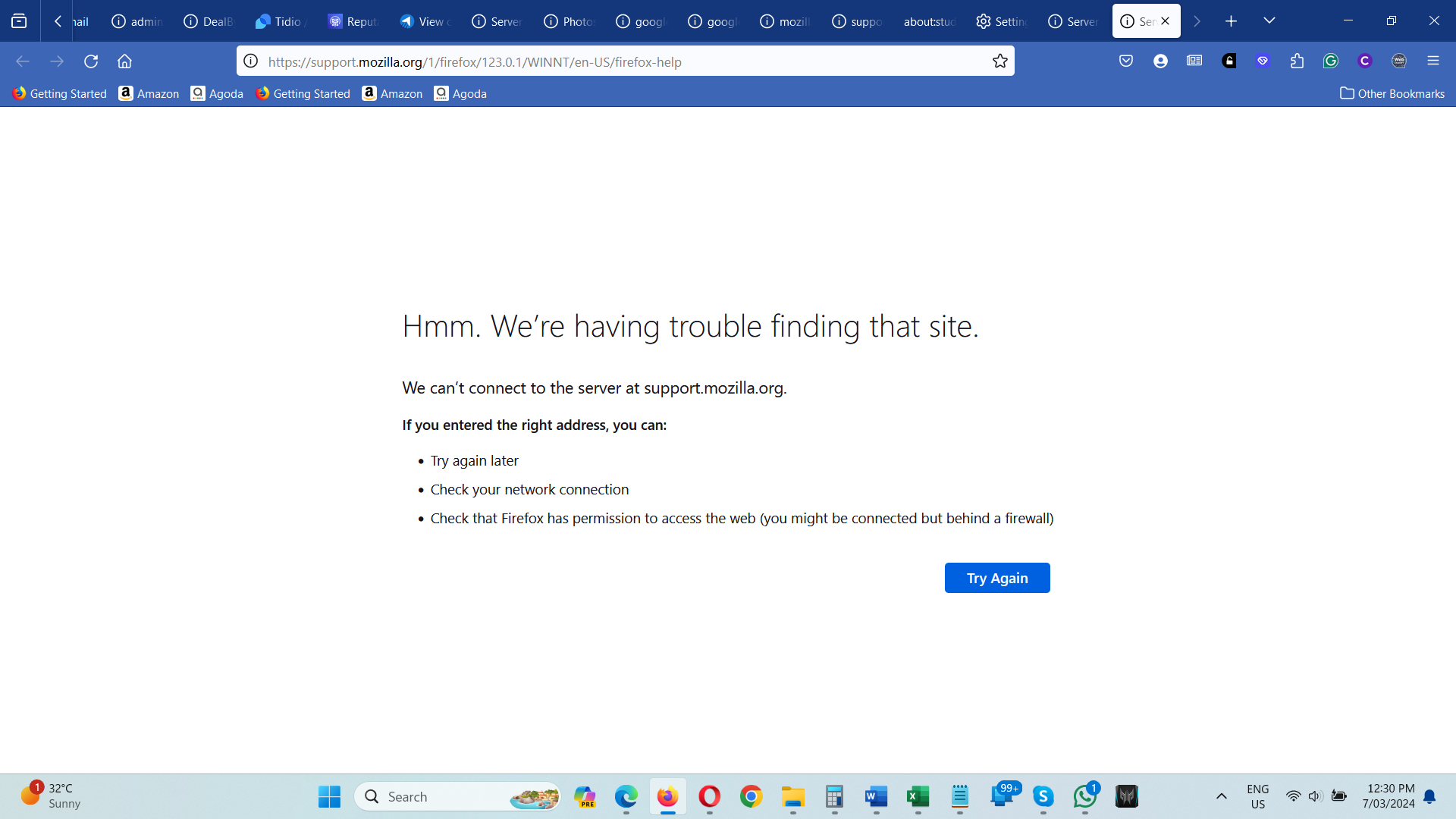
Update to Firefox version 123.0.1 64 bit and now can't browse any website at all. Can't even access mozilla support through firefox as per screenshot.
Update to Firefox version 123.0.1 64 bit and now can't browse any website at all. Can't even access mozilla support through firefox as per screenshot.
All Replies (1)
Try changing DNS over HTTPS (DoH) to "Off" or "Max Protection" and in Connection Settings change "Use system proxy settings" to "No proxy".
Does it still happen in Troubleshoot Mode?