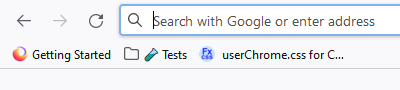
Colored bookmarks

Hi, I'm French and I'd like to know if there is a simple way to give a color to a bookmark in FF 92.0 in the personal bar ? I'd like to give a red color to a folder that I neeed to think of because I have to update it everyday. Thanks.
All Replies (1)
Unfortunately, there is no easy way to do that.
One possible quick way to make an entry stand out is to use one or more emoji's in its name. For example:

You can look up emoji's on https://emojipedia.org/, use the Copy button, right-clicking the bookmark folder on the toolbar, clicking Edit Folder, then pasting into the name.
If you really prefer a text or icon or background color change, you'll need to dive into the world of userChrome.css customization, which is community-supported (not officially supported). Let us know if you want to pursue that further.