


Interactive Elements Disappear from websites
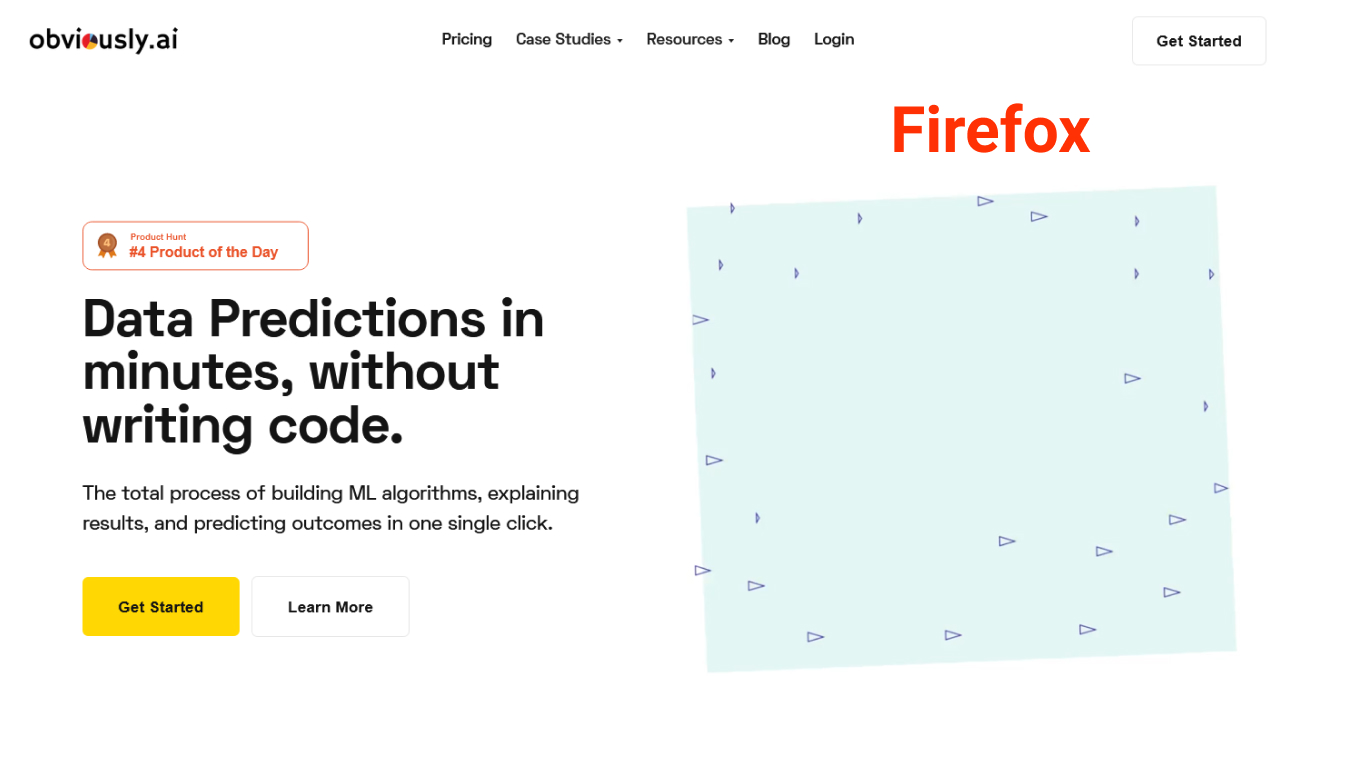
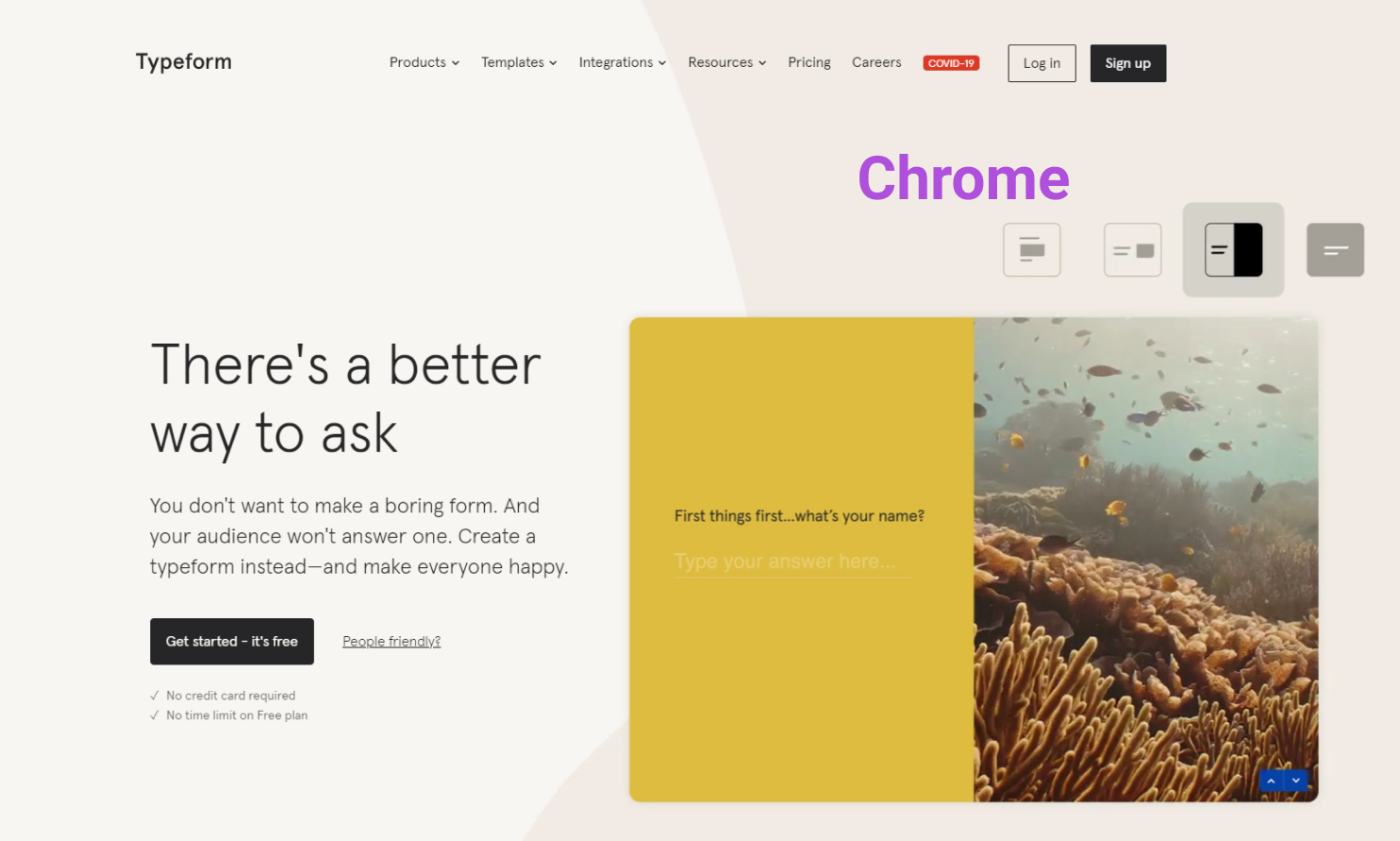
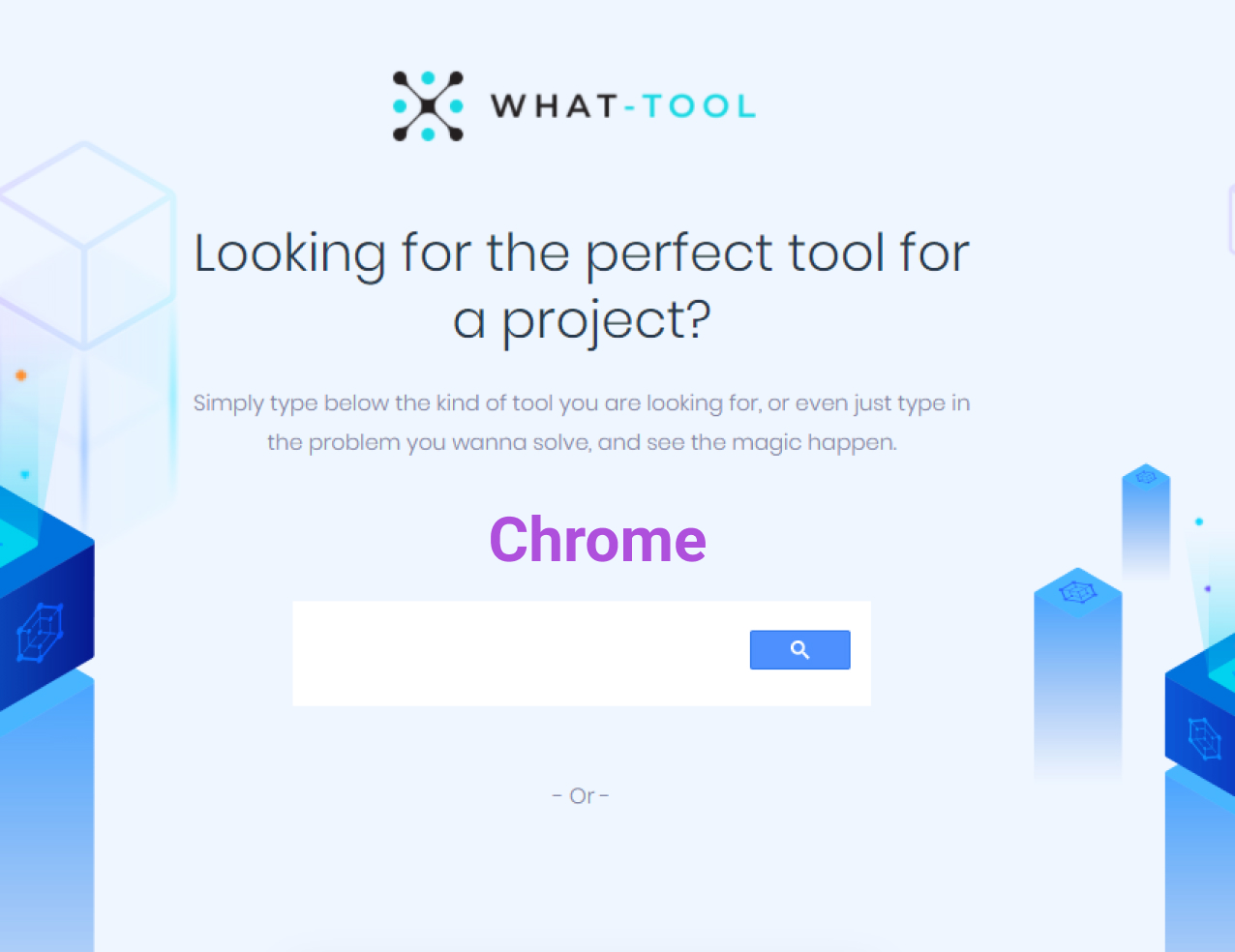
Started noticing that some interactive elements (animation, video, input..) disappear from several websites on FF Example websites: (attached preview comparisons between FF & Chrome) https://www.typeform.com/ https://www.obviously.ai/ https://what-tool.online/ Steps Tried: Safe mode with plugins disabled , turn off enhanced tracking (no fix) Version: FF Developer 86, Windows 10



Chosen solution
The missing elements are background videos. I see the auto-play block icon at the left end of the the location/address bar. If I allow Audio & Video then this content works.
Read this answer in context 👍 0All Replies (2)
Chosen Solution
The missing elements are background videos. I see the auto-play block icon at the left end of the the location/address bar. If I allow Audio & Video then this content works.
thanx, that seems to fix the first 2 websites the last one, input field was not being rendered as "cse.google.com" scripts was getting blocked