


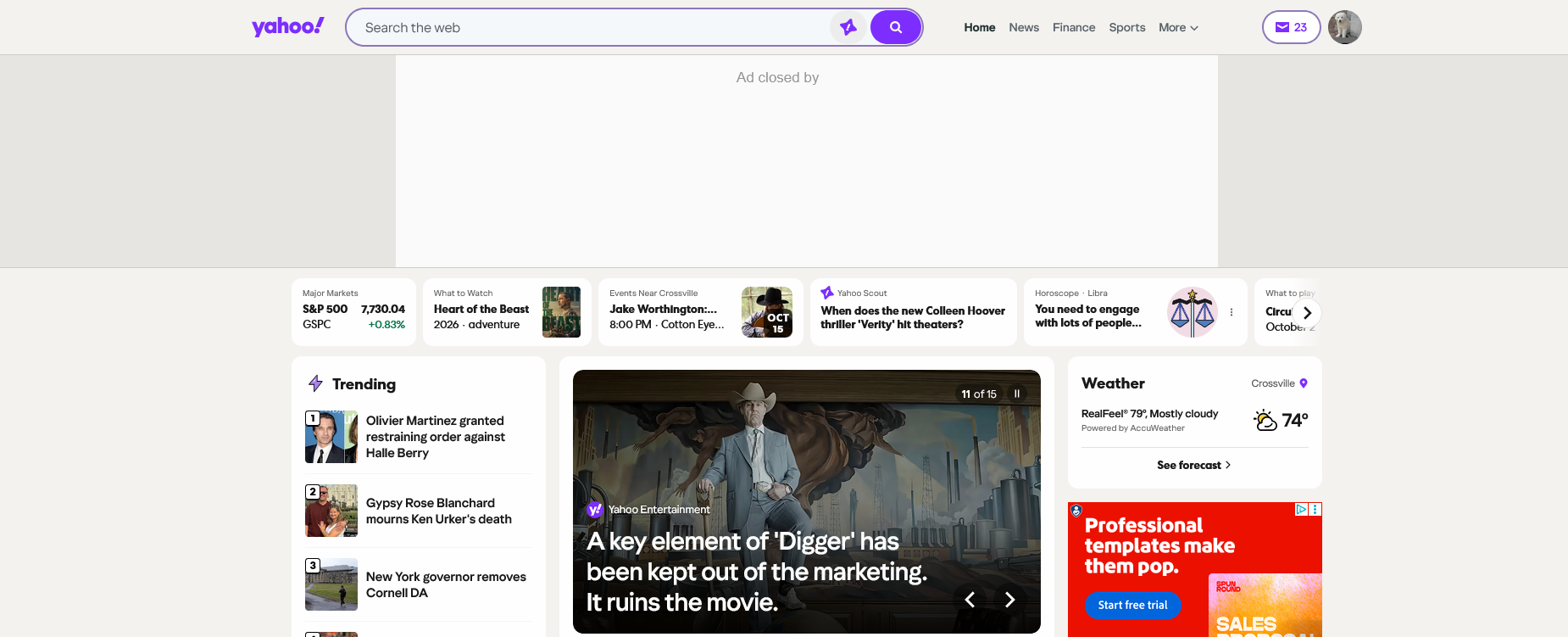
Number of unread emails listed on top of the Firefox browser is incorrect.

I look at my email mostly on my laptop. I use the Firefox browser. At the top of the browser on the right side, it shows the number of unread emails. For some reason, when I have zero unread listed in yahoo, it still shows that I have a number of unread emails on top of the Firefox browser.
All Replies (3)
That sounds like a Firefox extension or tab feature is showing the count, rather than Yahoo itself. I’d check which extension is displaying the unread number and make sure it’s actually syncing with the Yahoo account.
You could also disable the extension temporarily and see whether the number disappears. If Yahoo shows zero unread but Firefox still shows a count, that would narrow it down pretty quickly.
Thanks. I was searching Firefox for extensions and it does not show the email count listed under extensions. I was looking on the Firefox home page and did not see any extension that appeared to be connected with email ?
The whole of the attached image comes from Yahoo page content, not Firefox features. You'd have to check with Yahoo why the mismatch.
(Are you sure they're not counting unreads outside of inbox too, like spam and other folders?)